

TL;DR
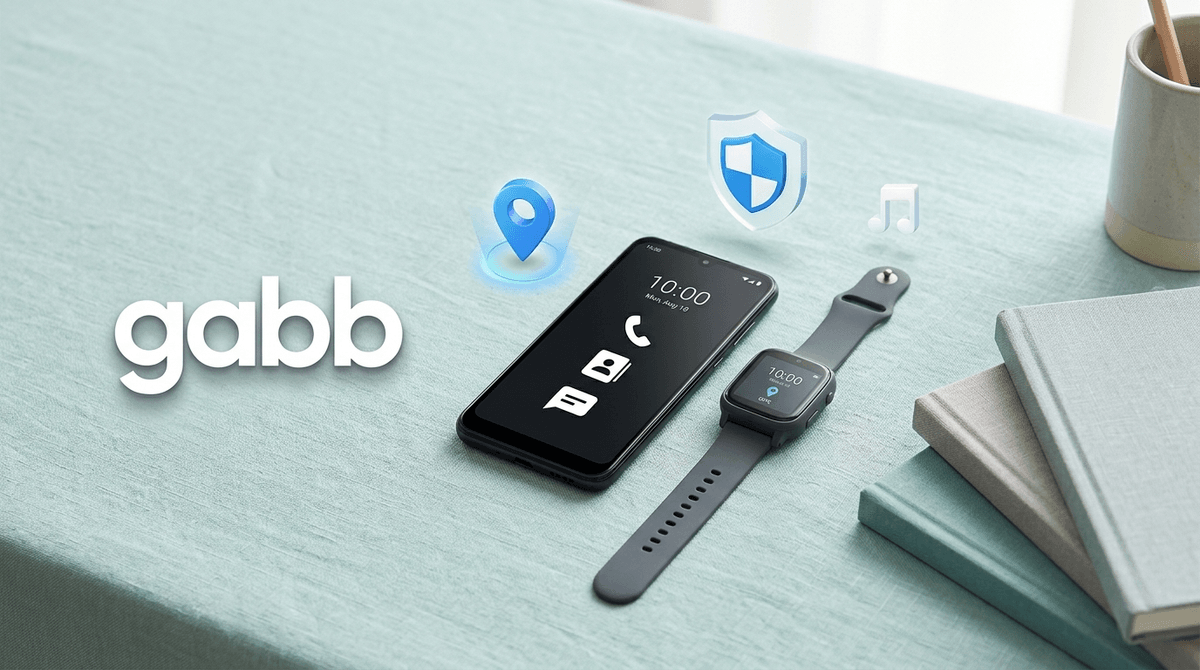
The Gabb Phone is the middle ground between a "dumb" flip phone and a full-blown iPhone. It looks like a modern smartphone but lacks an internet browser, an open app store, and social media. It’s perfect for kids aged 8–13 who need to stay in touch but aren't ready for the "digital firehose" of the open web.
Quick Comparisons:
- For the "Safety First" parent: Gabb Phone
- For the "I want to monitor everything" parent: Bark Phone
- For the "Curated Apps" parent: Pinwheel Phone or Troomi
At first glance, it looks like a standard Samsung or modern Android device. But under the hood, Gabb runs a proprietary operating system that essentially guts the "risky" parts of a smartphone.
There is no [Safari](https://screenwiseapp.com/media/safari-app or [Google Chrome](https://screenwiseapp.com/media/google-chrome-app. There is no TikTok, Instagram, or Snapchat. It’s designed to be a tool, not a toy or a dopamine machine. It handles calls, texts (including images and group chats), and has basic utility apps like a calendar, calculator, and a decent camera.
We’ve all seen the "cliff." A kid goes from having zero digital footprint to getting a hand-me-down iPhone and suddenly they're accidentally seeing things on YouTube that can't be unseen or getting sucked into the infinite scroll of Roblox "tycoon" games.
Gabb provides "training wheels." It allows a child to learn the etiquette of texting—like not blowing up a group chat at 11 PM or understanding that "read receipts" aren't a personal attack—without the existential dread of the open internet. It keeps the focus on communication rather than consumption.
See the best age to give a child their first phone
This is the heart of the device. It uses AI to flag and block "naughty" content. If someone sends your kid a photo that contains nudity or a text that looks like bullying or grooming, the AI intercepts it. It doesn't just block it; it notifies the parent via the Gabb Parent app on your phone. It’s a proactive way to keep the conversation safe without you having to manually scroll through every single text they send.
One of the biggest hurdles for kids getting a "safe" phone is losing access to music. Most kids want Spotify or Apple Music, but those platforms are littered with explicit lyrics and podcasts that might not be age-appropriate. Gabb Music is a subscription service that offers a massive library of "clean" hits. No explicit versions, no "parental advisory" tags—just the music.
GPS Tracking
Forget Life360 for a second. Gabb has built-in GPS that allows you to see where your kid is in real-time. You can set "Safe Zones" (like school or home) so you get a notification when they arrive or leave. It’s reliable and integrated directly into the parent dashboard.
The standard model. It’s basic, sturdy, and does the job. It’s for the kid who just needs to call for a ride after soccer practice and text their friends about homework.
This is where things get interesting for older kids (think 11–13). The Pro version allows for a "curated" list of apps. You, the parent, can choose to enable apps like Duolingo, Chess.com, or various banking and weather apps. It still blocks social media and the browser, but it feels a bit more "grown-up."
If you aren't ready for a phone at all, the watch is a solid alternative to the Apple Watch. It allows for calling and texting to a pre-approved list of contacts. It’s the "Stage 1" of digital independence.
Ages 8-10: Stick with the Gabb Watch 3 or the standard Gabb Phone. At this age, the phone should stay in the kitchen "charging station" at night. They don't need it in their bedroom.
Ages 11-13: The Gabb Phone 3 Pro is the sweet spot. This is when they start needing apps for school or sports. It’s also a great time to discuss why they don't have TikTok yet.
Ages 14+: By high school, most kids will start feeling the social "pinch" of not having an iPhone or Android. If they've proven they can handle a Gabb phone responsibly for a few years, they might be ready for a "real" phone with heavy parental controls like Bark.
Check out our guide on moving from a safe phone to a standard smartphone
Let’s be real: your kid might eventually complain about this phone.
- The "Green Bubble" Factor: If your family uses iMessage, your kid will be a "green bubble" in the group chat. In some middle school circles, this is a weirdly big deal. Be prepared for that conversation.
- The Camera: It’s fine for a 10-year-old, but it’s not going to win any photography awards. If your kid is a budding creator who wants to make high-quality videos for YouTube Kids, they might find the hardware limiting.
- No Games: Unless you get the Pro and enable very specific ones, this isn't a gaming device. If they want to play Minecraft, they’ll need a tablet or a console. (Which, honestly, is probably a good thing for their focus).
When you introduce a Gabb Phone, don't frame it as "I don't trust you." Frame it as "I'm giving you a tool to master before we move to the next level."
Think of it like learning to drive. You don't start a 16-year-old in a Ferrari on the freeway; you start them in a mid-sized sedan in a parking lot. Gabb is the parking lot.
Questions to ask your kid:
- "What are the three most important things you need to be able to do on a phone?" (Usually, it’s texting friends, calling you, and listening to music).
- "How do you think we should handle it if someone sends you something weird or mean?"
- "What apps do you think you'll need for school this year?"
The Gabb Phone is arguably the best "first smartphone" on the market because it removes the temptation of the infinite scroll while maintaining the utility of modern tech. It’s not about "locking them down"—it’s about giving them a safe space to practice digital citizenship.
If you’re tired of hovering over their shoulder every time they pick up a screen, this is the peace of mind you’re looking for.
Next Steps
- Compare Models: Decide if your kid needs the Gabb Watch or the Gabb Phone 3 Pro.
- Set the Ground Rules: Use our Digital Family Agreement guide to set expectations before the box is even opened.
- Download the Parent App: Get familiar with the tracking and messaging alerts on your own device first.