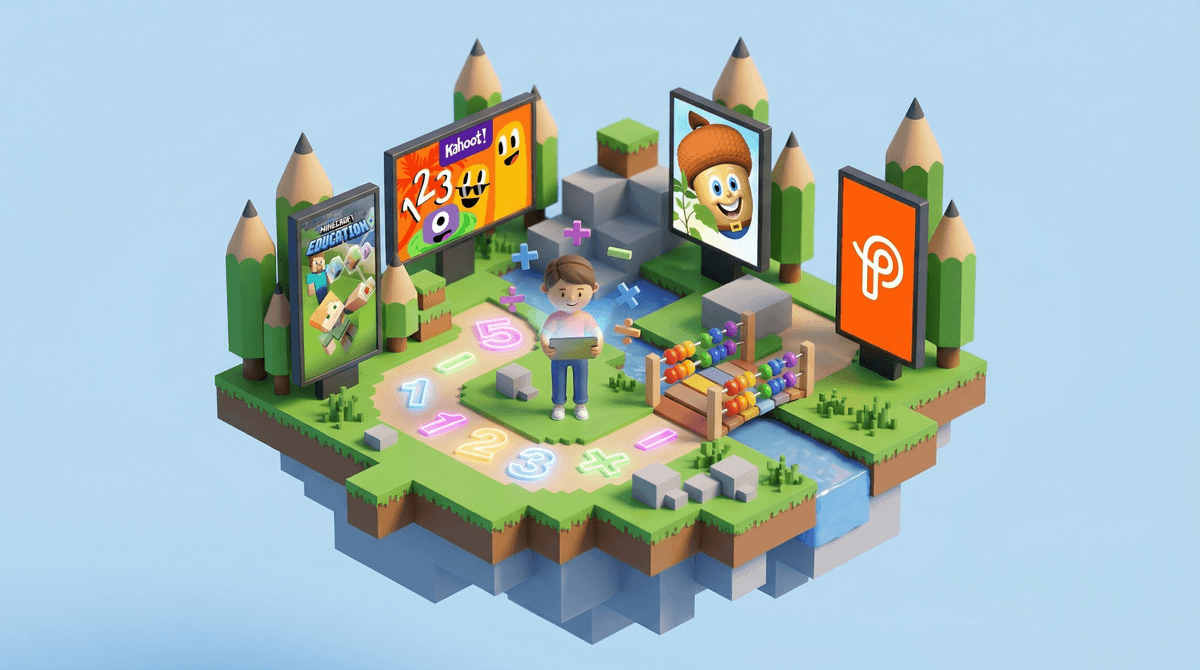
Let's be real: YouTube is simultaneously one of the best and worst things to happen to kids' media. The potential is genuinely incredible—your child can learn to code, speak Mandarin, understand quantum physics, or master the ukulele, all for free. The reality? Most kids end up watching someone else play video games, unbox toys, or react to other people's videos.
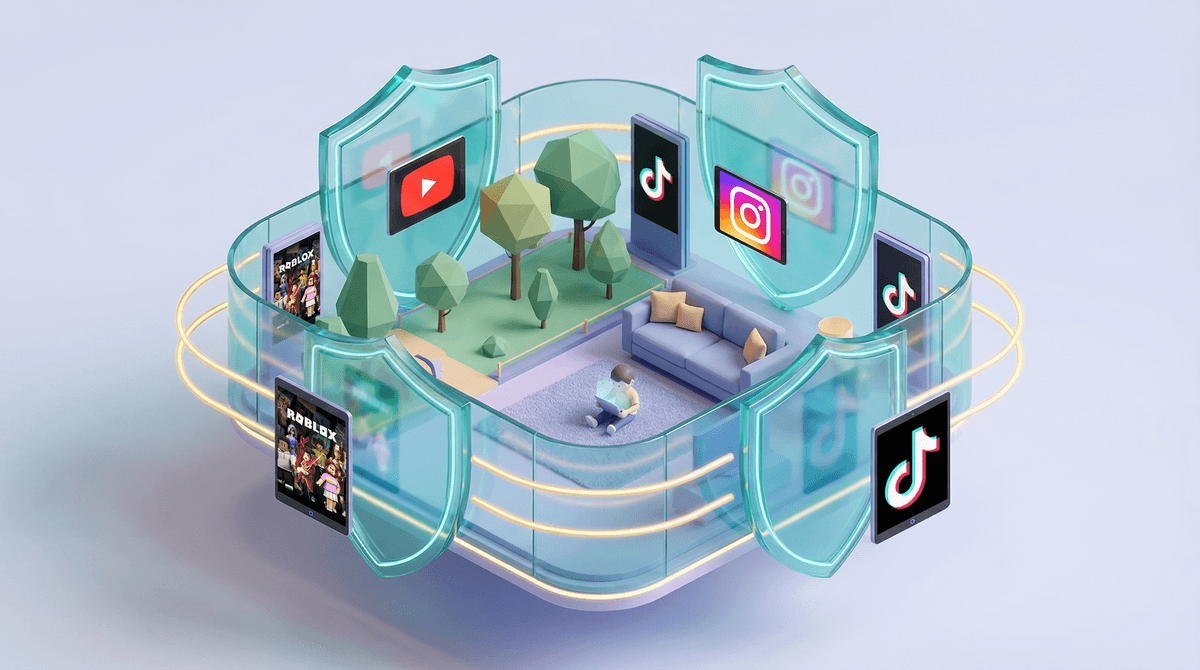
The safety concerns are not hypothetical. The algorithm doesn't care about your child's wellbeing; it cares about watch time. Inappropriate content slips through. Comments are often toxic. The autoplay feature is designed to keep kids glued to screens. Even YouTube Kids, with all its filters, regularly fails to catch problematic content.
If you're going to allow YouTube, treat it like you're handing your kid the remote in a library that also contains a casino, a mall, and some dark alleys. Whitelist specific channels. Turn off autoplay. Disable comments. Watch together. Have ongoing conversations about what they're seeing. Check their watch history regularly. This requires work—real, ongoing work.
The Screenwise take? YouTube isn't inherently evil, but it's a tool that requires active parenting, not passive permission. If you're not prepared to curate and supervise, don't hand it over.