YouTube Kids is a utility, not a destination. It’s the best way to let a young child explore video content without the immediate danger of the 'Wild West' main site, but it’s still designed by Google to maximize watch time.
If you use it as a digital babysitter and leave 'Search' on, you’ll eventually find your kid deep in a hole of weird AI-generated nursery rhymes. If you use the 'Approved Content Only' setting, it becomes a fantastic, curated library. It’s only as good as the guardrails you actually bother to set.
Perfect for the 3–8 crowd. By age 10, most kids find the interface 'babyish' and will lobby for the main YouTube app with 'Supervised Experiences.'
WISE Breakdown
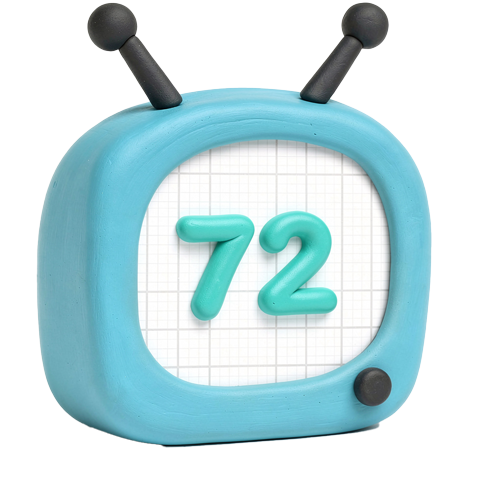
Wholesome
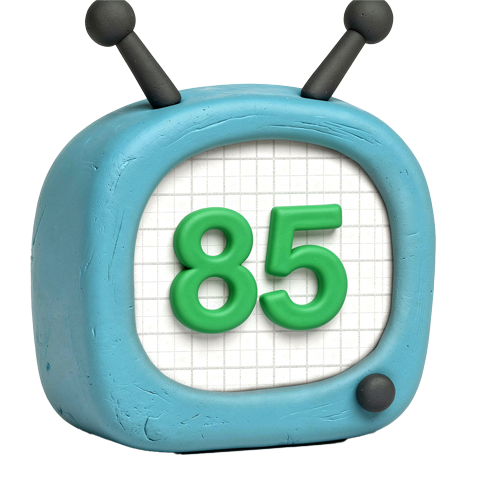
58
While it filters out the truly dark corners of the internet, the pacing is often frantic. It favors high-energy, loud, and repetitive content like toy unboxings and 'challenge' videos that can leave kids overstimulated rather than emotionally grounded.
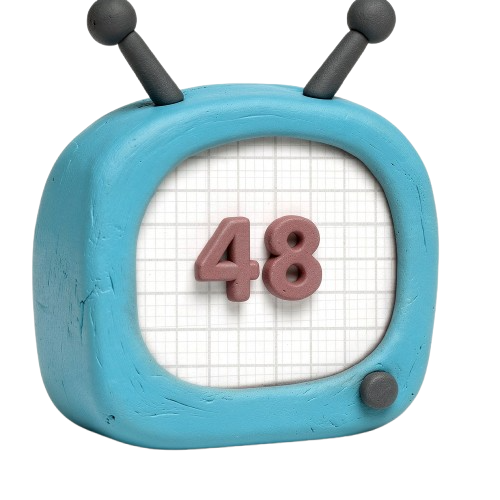
Imaginative
42
It's primarily a consumption engine. While there are great 'how-to' and DIY channels, the algorithm's gravity pulls kids toward passive viewing of 'satisfying' loops and influencer stunts rather than creative play.
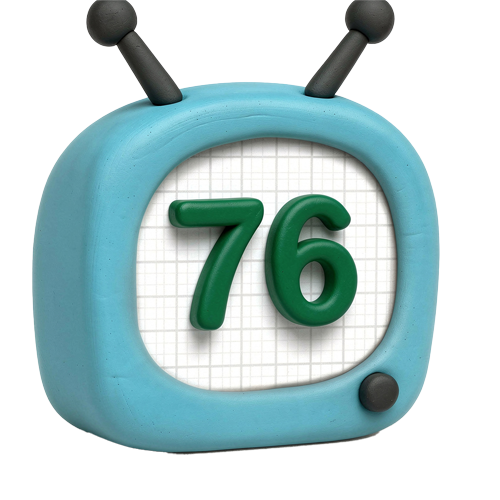
Safe
62
Significantly safer than the main app, especially with 'Approved Content Only' turned on. However, the automated filters aren't perfect; 'Elsagate' style AI-slop and heavy-handed 'stealth' advertising for toys still slip through the cracks.
Enriching
55
The floor is low (brain rot), but the ceiling is high (NASA, PBS Kids, Mark Rober). Its value depends entirely on whether a parent curates it or lets the algorithm take the wheel.
Parent Info
✓
Why It Might Be Great
Approved Content Only mode allows you to hand-pick every single channel your kid is allowed to see, effectively killing the algorithm.
The Timer is a godsend; the app 'falls asleep' when time is up, making you the ally instead of the bad guy who took the tablet.
Age-based tiers (Preschool, Younger, Older) help tailor the experience so your 8-year-old isn't stuck watching nursery rhymes.
It provides a walled garden that removes the social risks of YouTube—no comments, no public profiles, and no easy way to jump to the main site.
⚠
What to Watch For
Toy unboxing videos are basically 10-minute commercials that trigger 'I want that' meltdowns; consider blocking these channels specifically.
The 'Brain Rot' factor: The algorithm loves low-effort, brightly colored, repetitive content because it keeps eyes on the screen, even if it has zero developmental value.
Search is a wild card: If search is enabled, kids can still find 'off-brand' versions of popular characters that might be weird or slightly inappropriate.
Conversation Starters
"Why do you think the app showed you that video next? Does it know what you like?"
"Do you think that person is playing with those toys because they're fun, or because a company paid them to show us?"
"Let's find one video that teaches us how to make something, and then let's go make it in real life."
"How does your brain feel after watching three videos in a row? Does it feel buzzy or calm?"