Look, Safari itself is just a tool—a really well-designed, privacy-respecting tool. But it's also the front door to the entire internet, and Apple's decision to exempt it from age restrictions while blocking other browsers is... a choice.
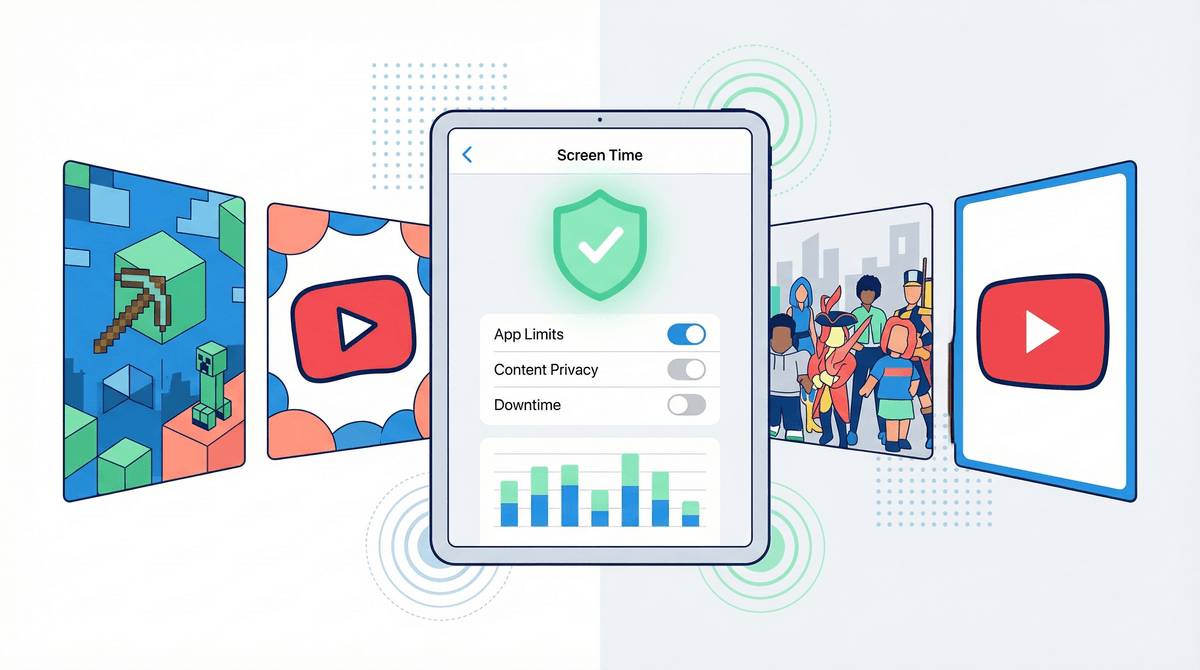
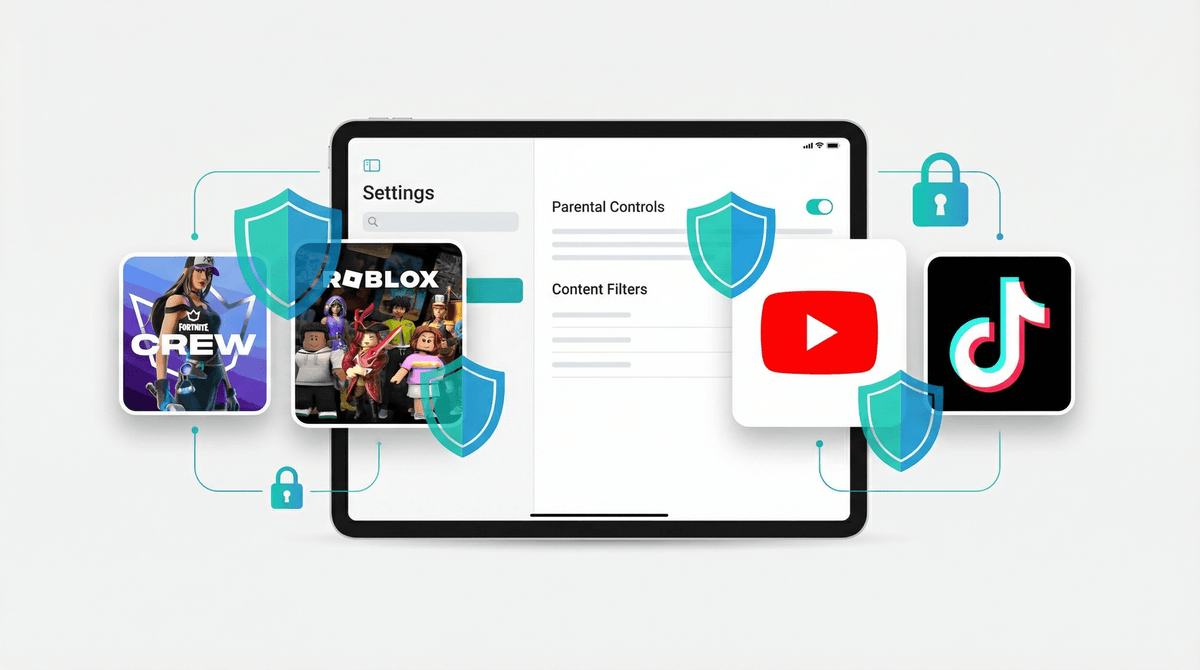
The good news: Apple's parental controls are actually robust if you take 20 minutes to set them up properly. Screen Time's web content filters work, Communication Safety can catch inappropriate images, and the new Child Accounts feature (iOS 26+) auto-applies age-based limits. The bad news: none of this happens automatically. Out of the box, Safari on a kid's device is an unfiltered internet portal.
The real question isn't whether Safari is safe—it's whether you've done the homework to make it safe for your specific kid at their specific age. That means not just flipping on restrictions, but having ongoing conversations about what they're seeing, teaching them to evaluate sources, and periodically checking in on their browsing history together (not as surveillance, but as mentorship).
Bottom line: Safari can be a genuinely valuable learning tool or a chaotic mess, and the difference is entirely in your hands.