

Here's the thing: Chrome is just a browser. It's like asking whether a car is good for kids—depends entirely on who's driving and where they're going.
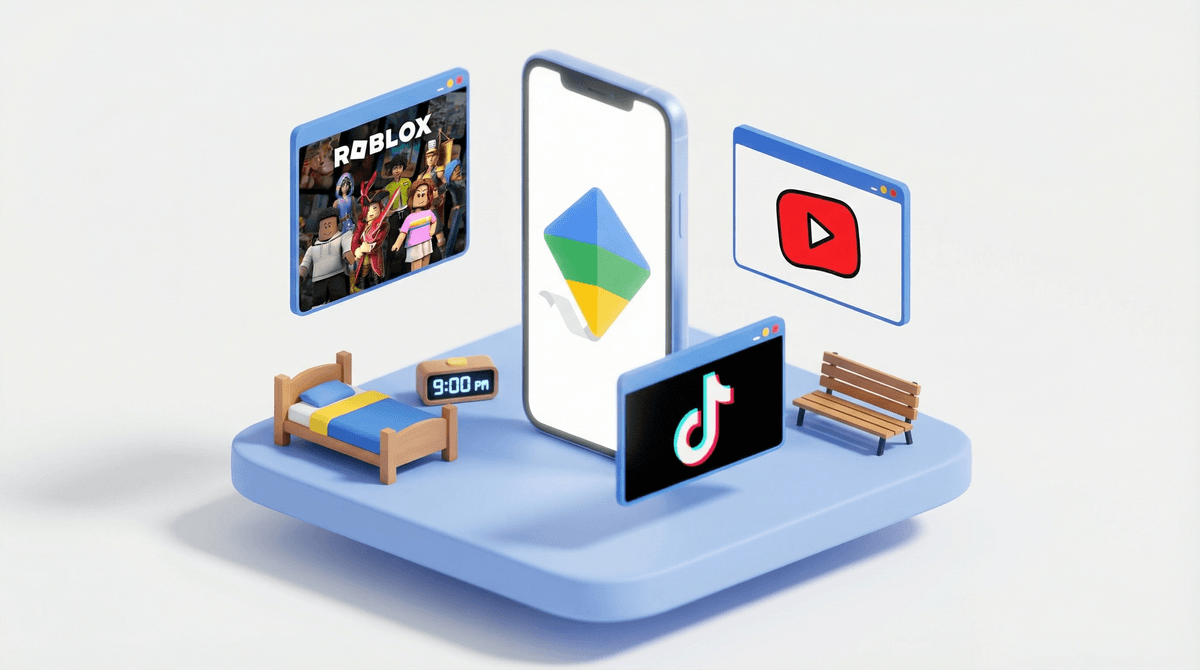
For adults and responsible teens, Chrome is excellent: fast, secure, feature-rich, and syncs seamlessly across devices. For younger kids? It's a tool that absolutely requires parental guardrails. Without Family Link or similar controls, you're handing a child the keys to the entire internet—educational YouTube videos and Khan Academy, sure, but also Reddit rabbit holes, unmoderated comment sections, and content no parent wants their 8-year-old stumbling across.
The security features (Enhanced Protection, Safety Check, Password Manager) are solid for protecting against malware and phishing, but they don't filter content. That's on you to set up. If you're willing to configure Family Link and maintain active oversight, Chrome can be a reasonable choice for older elementary and middle school kids doing homework or research. But if you're looking for a browser that's safe for kids out of the box, this isn't it.