Pinwheel

Pinwheel

app

Everyone, 2021, Parenting

WISE
81%

WISE Score

4.7

App Store

The parental control app for managing kid smartphones—safelisted contacts, curated apps, scheduled permissions, and routines that actually stick.

Screenwise Verdict

Pinwheel is the answer if you've been dreading the 'when do I give my kid a phone' conversation. It's purpose-built to teach healthy tech habits instead of throwing a kid into the deep end with an iPhone and crossed fingers.

The app itself is just the control panel—you're buying into an ecosystem (phone + subscription + cellular). That's pricey, but reviews are consistently positive. Parents love the safelisted contacts, no app store, and scheduled permissions. Kids get independence without the chaos. The routine checklists are a nice bonus for building responsibility beyond just screen time.

The catch? This requires work. You can't just hand over the phone and forget about it. You'll need to set up routines, approve apps, adjust permissions as they grow, and have ongoing conversations about why these boundaries exist. If you're looking for a 'set it and forget it' solution, this isn't it.

But if you're an intentional parent who wants a tool that grows with your kid and actually teaches digital literacy? Pinwheel delivers. It's not perfect—it's expensive, requires active management, and your kid will eventually want a 'real' phone—but for elementary and middle school, it's one of the smartest first-phone options available.
Age Fit

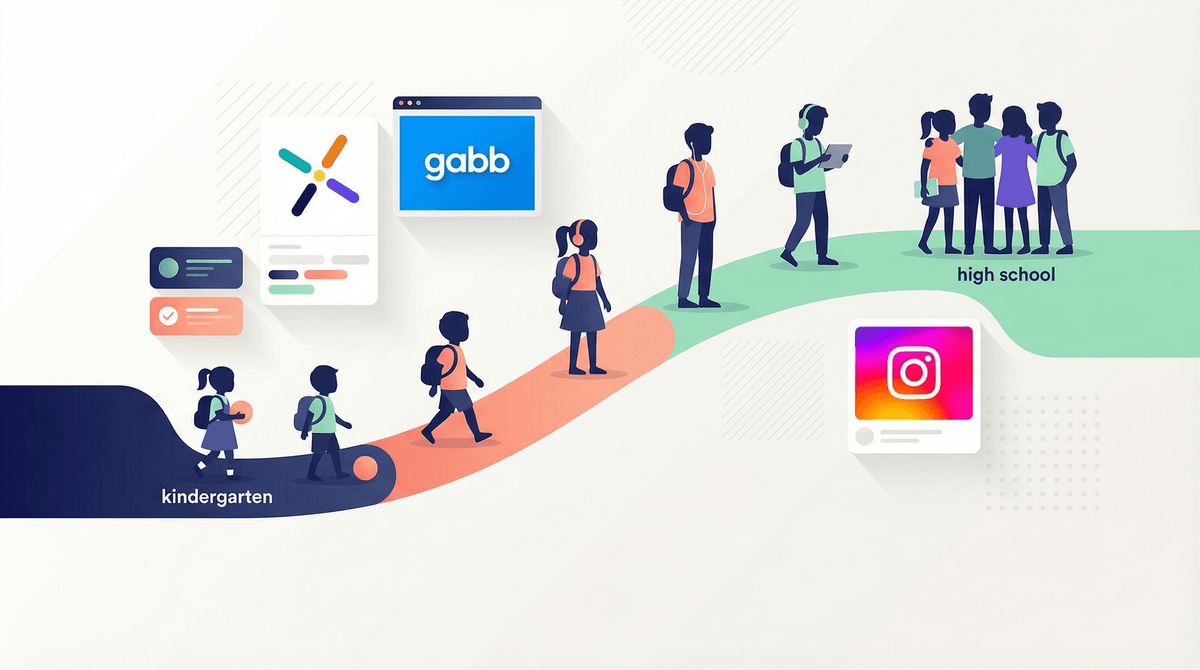
Best for parents of kids ages 6-14 who want a structured first phone experience. Younger kids (6-9) benefit from the simplicity and boundaries; older kids (10-14) can handle more gradual unlocking of features. By high school, most kids will push for a regular smartphone, so this is a bridge solution, not a forever phone.

WISE Breakdown
Wholesome
88

Pinwheel is fundamentally designed to promote healthy tech boundaries and family communication. The app enables parents to create structure around device use—scheduled permissions, contact safelisting, routine-building checklists—without constant nagging. Reviews highlight that it helps kids develop responsibility and independence while maintaining parental oversight. The approach is collaborative rather than punitive, using positive reinforcement (gold stars, confetti) to celebrate wins. This models healthy boundaries and self-regulation rather than just imposing restrictions.

Imaginative
45

This is a parental control app, not creative media. It doesn't invite exploration, building, or creative expression in the traditional sense. The customizable checklists and routines offer some flexibility for families to design their own systems, but the core function is management and restriction. The curated app boutique explicitly avoids 'mindless consumption' and filters what kids can access, which is the point—but it means the app itself isn't fostering imagination, it's gatekeeping it. It's a tool for parents, not a canvas for kids.

Safe
92

Pinwheel is built specifically to be safe—no app store access, safelisted contacts only, no social media, no addictive games, text monitoring via Bark integration, location tracking. Reviews consistently praise its safety features (4.7 stars, parents noting it 'keeps your child safe'). The modified OS prevents kids from bypassing restrictions. No ads, no unmoderated content, no surprise inappropriate material. The only minor concern is the inherent surveillance aspect (text history, location tracking), which some families may find intrusive, but that's a feature, not a bug, for the target audience.

Enriching
78

Pinwheel teaches digital literacy and self-regulation in a structured way. Kids learn to navigate boundaries, manage their time, and build healthy tech habits from the start. The routine/checklist system promotes responsibility and independence—morning prep, bedtime, chores, practice—without constant parental reminders. This is genuine skill-building for modern life. However, it's not enriching in the traditional sense (no educational content, no new knowledge), it's more about habit formation and executive function. The value is in what it prevents (tech addiction, inappropriate content) and what it scaffolds (autonomy, responsibility).

Parent Info
✓

Why It Might Be Great

  • Solves the 'first phone' problem with a system designed for gradual responsibility instead of hoping you configured an iPhone correctly
  • No app store means no TikTok downloads at 2am, no Snapchat, no social media rabbit holes—you control what gets added
  • Scheduled permissions and customizable routines teach boundaries without daily battles ('No, you can't text during school' becomes automatic)
  • Grows with your kid—parents report it works from elementary through middle school as you unlock more features
  • Location tracking and text monitoring (via Bark) give you oversight without being overbearing, if you use it wisely
⚠

What to Watch For

  • This is not cheap—$14.99/month subscription plus phone purchase plus cellular plan adds up quickly
  • Setup takes effort; Reddit parents note the routine-building is 'a bit faffy' and requires real engagement
  • You're still monitoring your kid's texts and location, which some families find intrusive (though that's literally the product)
  • Only works with Pinwheel phones purchased from the company—can't just install on any device
  • Not a magic solution; still requires parenting, conversations, and adjusting settings as your kid matures

Conversation Starters

  • "How does it feel having a phone with these boundaries? What would you change if you could?"
  • "Which apps are you most excited to unlock as you get older?"
  • "Let's look at your routine checklist together—are these goals still realistic or do we need to adjust?"
  • "Why do you think we're using safelisted contacts instead of letting you text anyone?"
  • "What do your friends with regular phones do that you wish you could do? Let's talk about when that might make sense."

Ask Anything

Get a personalized guide on any topic