

TL;DR
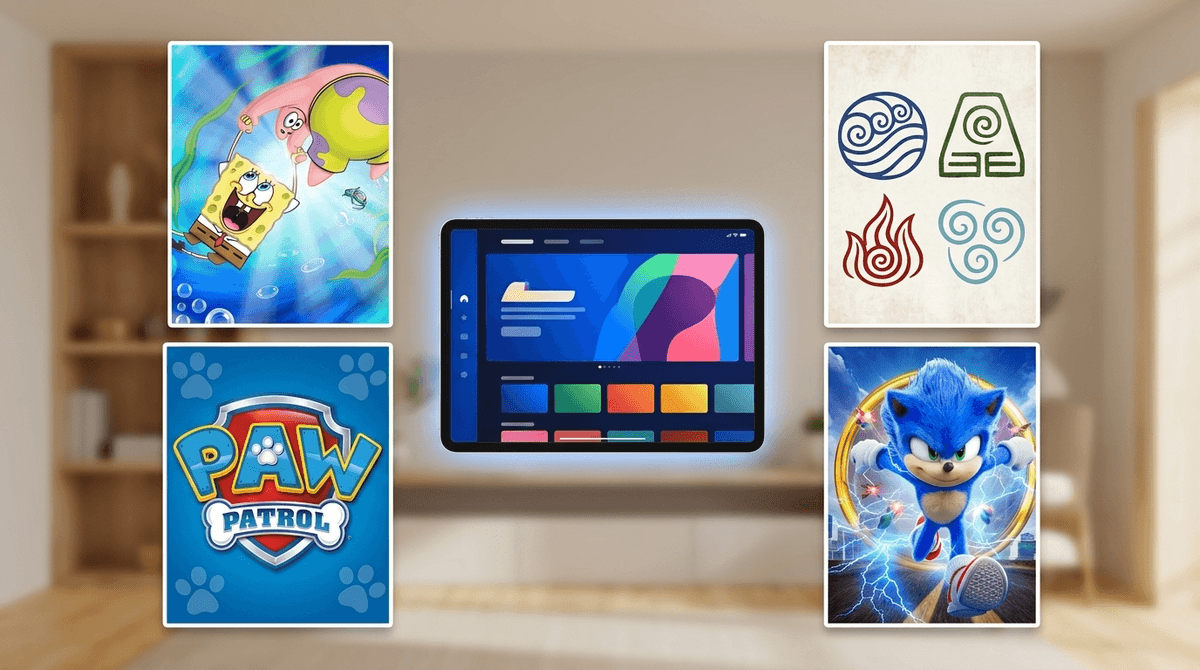
If you have kids under 10, Paramount Plus is basically the "Nickelodeon Tax." You’re likely paying for it so your toddler can watch PAW Patrol for the 400th time or so your middle-schooler can catch up on SpongeBob SquarePants.
The Quick Wins:
- Best for Preschoolers: Blue's Clues & You! and Bubble Guppies.
- Best for Big Kids: Avatar: The Last Airbender and The Loud House.
- Best for Family Movie Night: Sonic the Hedgehog 2 and Teenage Mutant Ninja Turtles: Mutant Mayhem.
- Parental Control Must-Do: Set a Profile PIN immediately. "Kids Mode" is fine, but without a PIN, your seven-year-old is three clicks away from the "Yellowstone" universe.
Learn how to set up Paramount Plus parental controls
Think of Paramount Plus as the digital home for everything that used to be on cable TV. It’s the vault for CBS, Nickelodeon, MTV, Comedy Central, and Paramount Pictures.
While Disney+ owns the "wholesome" corner and Netflix owns the "everything for everyone" corner, Paramount Plus owns the "I need to distract my kid with something they actually recognize" corner. It’s heavy on franchises. If your kid is into Transformers or Dora the Explorer, this is where those live.
It’s the Nickelodeon factor. For kids, Nickelodeon is a brand that still carries a lot of weight. Even if they spend most of their time watching "Ohio" memes or Skibidi Toilet clones on YouTube, they come back to Paramount Plus for the "prestige" versions of their favorite characters.
There’s also a high "comfort watch" factor here. Shows like iCarly (the original and the reboot) or Victorious are the digital equivalent of mac and cheese—predictable, easy to digest, and great for when their brains are fried after a long day of school.
Let’s talk about content quality, because not all Nick shows are created equal.
The Gold Standard (Ages 7+)
If you want your kids to watch something that actually has a plot, character development, and emotional stakes, Avatar: The Last Airbender is arguably the best animated series ever made. It’s the "anti-brain rot." It deals with war, forgiveness, and responsibility in a way that respects a kid’s intelligence. Its sequel, The Legend of Korra, is also excellent for slightly older kids (10+).
The "Fine, I Guess" Category
SpongeBob SquarePants is a polarizing one. Some parents find it chaotic and loud (valid), but it’s a cultural touchstone. If your kid is saying things are "cringe" or "sus," they probably got a bit of that snarky DNA from SpongeBob. It’s mostly harmless, though some later seasons lean heavily into "gross-out" humor that might make you want to leave the room.
The "Skip It" Category
There are a lot of live-action "tween" sitcoms on here that are, frankly, painful to watch. Shows like Henry Danger or Game Shakers often feature kids being incredibly disrespectful to adults for cheap laughs. If you’re trying to model kindness and emotional regulation in your house, these shows are basically working against you. They aren't "dangerous," they're just... loud and kind of obnoxious.
Check out our guide on finding high-quality alternatives to loud kid shows
Preschool (Ages 2-5)
This is the strongest part of the app. The Nick Jr. library is massive.
- PAW Patrol: It’s the juggernaut. It’s fine. It’s formulaic. It’s basically a toy commercial, but it’s safe.
- Blue's Clues & You!: Excellent for development. It’s slow-paced, interactive, and doesn’t overstimulate.
- Peppa Pig: A classic, though some parents find Peppa a bit "sassy."
Elementary (Ages 6-11)
- The Loud House: A frantic but often sweet look at a big family. Good for sibling dynamics.
- Rugrats (2021): The reboot is actually pretty decent, though nothing beats the 90s original (which is also on the app).
- Star Trek: Prodigy: This is a hidden gem. It’s an entry-level Star Trek show designed specifically for kids. It’s smart, visually stunning, and teaches teamwork.
Middle School & Teens (Ages 12+)
- Survivor: If you want a show to watch with your teen, this is it. It’s a masterclass in social dynamics, strategy, and "reading the room."
- The Amazing Race: Great for geography and seeing different cultures.
- Transformers: EarthSpark: A more modern, inclusive take on the robots-in-disguise.
Here is the "No-BS" part: Paramount Plus’s default parental controls are a bit lazy.
When you create a "Kids Profile," you can choose between "Younger Kids" (TV-Y) and "Older Kids" (TV-Y7, TV-G). That’s great, but it’s incredibly easy for a kid to just click "Switch Profile" and hop into your adult account where they can watch "South Park" or "Tulsa King."
You must set a Parental Lock PIN.
- Go to your Account settings on a web browser (it’s easier than doing it on the TV).
- Find the "Parental Controls" section and turn it ON.
- Create a 4-digit PIN.
- Toggle the "PIN for Purchases" and "PIN for Profile Switching."
Without this PIN, the "Kids Mode" is just a suggestion, not a boundary.
Get step-by-step instructions for locking down streaming apps
If you are on the "Essential" plan, your kids are going to see ads. While Paramount is generally good about keeping the ads age-appropriate on the Nick Jr. shows, you’re still exposing them to constant "buy this" messaging.
If you have a kid who struggles with "I want that" every time they see a toy commercial, the extra few dollars a month for the "Paramount+ with SHOWTIME" (ad-free) plan is a massive sanity-saver. It also allows you to download shows for those "iPad-only" car rides where the Wi-Fi is non-existent.
Paramount Plus is a great place to start conversations about nostalgia and media evolution.
You can show your kids the shows you watched—like the original Teenage Mutant Ninja Turtles or Double Dare—and talk about how animation and storytelling have changed. It sounds nerdy, but it helps kids realize that media is created by people, not just something that exists in a vacuum.
If they’re watching reality TV like Survivor, use it to talk about social engineering. "Why did that person lie?" "Was that a good move for their team?" It turns a passive watching experience into a mini-lesson in emotional intelligence.
Paramount Plus isn't the most "prestige" app, but it’s a workhorse for families. It’s got enough high-quality stuff (Avatar, Star Trek, Survivor) to balance out the louder, more "brain-rot" adjacent content.
Next Steps:
- Audit the "Continue Watching" list: See what your kids are actually gravitating toward.
- Set that PIN: Don't rely on the "Kids Mode" icon to do the parenting for you.
- Try a "Throwback Night": Watch an old 90s Nick show with them and see if it holds up (Spoiler: Hey Arnold! still hits deep).
Check out our full breakdown of the best streaming services for kids in 2026