

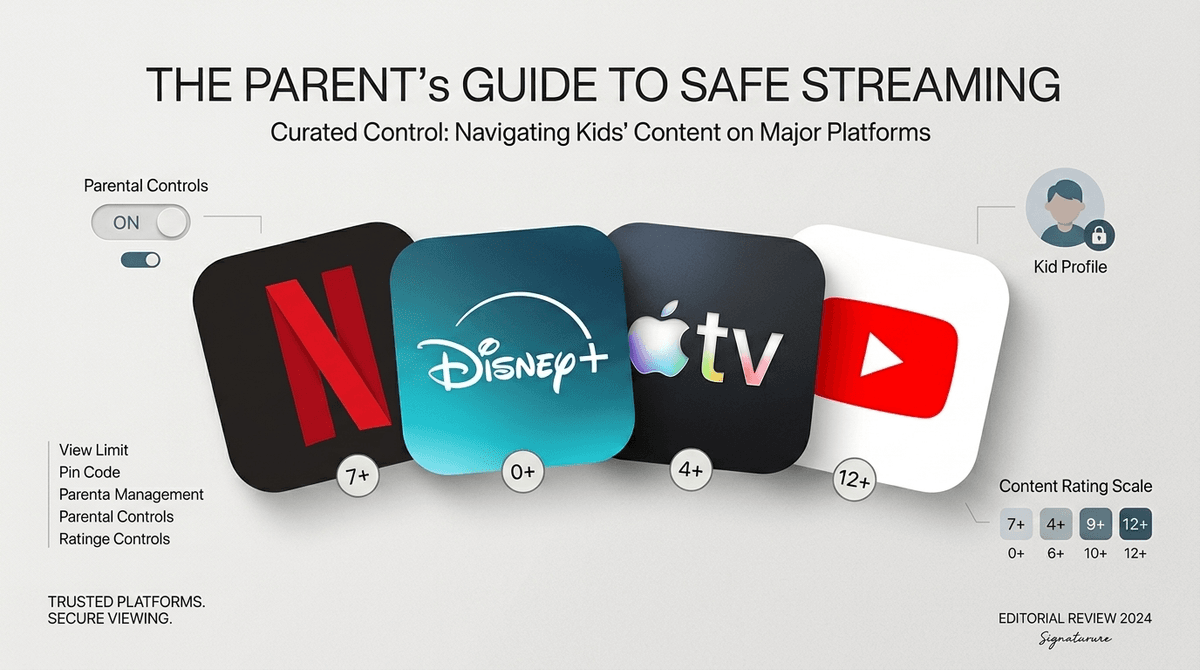
TL;DR: The 2026 Streaming Cheat Sheet If you’re staring at a $180 monthly "subscription stack" and wondering where it all went wrong, here is the quick-and-dirty verdict:
- Best Overall for Quality: Apple TV+ (High budget, zero "brain rot," actually watchable for adults).
- Best for Safety/Peace of Mind: PBS Kids (Free, zero ads, non-addictive).
- The "Necessary Evil": Disney+ (Essential for Bluey and Marvel, but getting messier with Hulu integration).
- The Algorithm Trap: Netflix (Great originals, but the "auto-play" loop is designed to keep your kid in a trance).
- The Wild West: YouTube (Proceed with extreme caution; even "educational" content can spiral into Skibidi Toilet memes in three clicks).
We’ve officially hit the "Streaming Fatigue" wall. In 2026, every service has three different ad tiers, a "family" plan that costs as much as a car payment, and an algorithm that’s trying harder than ever to keep your kid’s eyeballs glued to the screen.
As intentional parents, we aren't just looking for "distraction." We’re looking for content that doesn't turn our kids into dopamine-fried zombies. We want shows that spark a conversation, not just a "Main Character" meltdown when the iPad is taken away.
Here is the breakdown of the streaming landscape right now and how to navigate the "Great Swap"—knowing when to subscribe, when to cancel, and when to just let them watch the same episode of Bluey for the 40th time.
Apple TV+ is the "quiet luxury" of kids' streaming. They don't have ten thousand titles, but they also don't have the low-budget, AI-generated-looking garbage that plagues other platforms.
Why it’s worth it: Everything on Apple TV+ feels like it was made by people who actually like children. The pacing is slower, the colors aren't neon-saturated, and the stories are genuinely sweet. If your kid is into space, Snoopy in Space is a masterpiece. If they like nature, Jane is fantastic.
The "Sanity" Factor: Apple doesn’t use the same aggressive "Watch Next" tactics as Netflix. It feels more like a library and less like a casino. Plus, Wolfboy and the Everything Factory is some of the most creative animation we’ve seen in years.
Disney+ used to be the easy "yes," but in 2026, it’s gotten complicated. With the full integration of Hulu content, the "home screen" can sometimes feel a bit "Ohio" (that's kid-speak for weird/cringe/out of place) if you haven't locked down the profile ratings.
The Strategy: You’re probably here for Bluey. Let’s be real, Bluey is basically a parenting masterclass disguised as a cartoon. But beyond the pups, Disney+ is the gatekeeper for Star Wars and Marvel.
What to watch out for: The "ad-supported" tier is a trap. Seeing a high-energy toy commercial in the middle of a movie creates an immediate "I want that" cycle that we’re all trying to avoid. If you can swing it, pay for the ad-free version. It’s better for their developing brains (and your wallet in the long run).
Learn more about the psychological impact of targeted ads on kids
Netflix is the king of "Brain Rot" if you aren't careful. For every incredible show like Hilda or The Dragon Prince, there are fifty "Surprise Egg Unboxing" style shows that are designed to be addictive and nothing else.
The Good: The Sea Beast and Orion and the Dark are top-tier films. Netflix also has a great selection of interactive "choose your own adventure" shows that can actually be a fun, shared family experience.
The Bad: The algorithm is relentless. If your kid watches one episode of a loud, fast-paced show, their entire feed will be "skibidified" with similar content within minutes. You have to be the curator here. Use the "Remove from Watch History" tool to keep the junk out of the recommendations.
If you are currently feeling guilty about screen time, go to PBS Kids. It is the gold standard of educational media.
Why it wins: It’s free. It’s research-backed. It’s slow-paced. Shows like Daniel Tiger's Neighborhood teach emotional intelligence in a way that actually sticks. For older kids, Wild Kratts is basically a biology degree in 22-minute increments.
The "Catch": The app interface isn't as slick as the big paid streamers, but that’s actually a feature, not a bug. It doesn't encourage "binging."
We need to have a real talk about YouTube. In 2026, YouTube is where "Brain Rot" lives. Even YouTube Kids isn't a "set it and forget it" zone.
The Reality: Your kids are going to want to watch MrBeast or Mark Rober. Some of this is fine—Mark Rober is genuinely great for STEM interest. But the sidebar is a slippery slope. One minute they’re learning about engineering, the next they’re watching a "Sigma Male" edit or some weird Roblox drama.
Pro-Tip: Don't let them "browse." If they want to watch something on YouTube, search for the specific creator or video, watch it together, and then turn it off. Better yet, use a tool to strip the comments and recommendations.
Modern streaming services are designed by attention engineers. They want your child to stay in the "loop." When a show ends and the next one starts in 5 seconds, it bypasses the child's ability to make a choice. They aren't choosing to watch more; they are just failing to choose to stop.
When we pick "Slower" media—think The Wild Robot by Peter Brown (read the book, then watch the movie!) or Puffin Rock—we are giving their nervous systems a break.
Ages 2-5
Ages 6-9
- Stick to: Apple TV+ and curated Netflix picks.
- The Transition: This is when they start asking for "Gaming YouTubers." Instead of unrestricted YouTube, try Minecraft tutorials on Khan Academy or specific, parent-vetted channels.
- Top Pick: Hilda (Netflix). It’s whimsical, adventurous, and beautifully written.
Ages 10-13
- Stick to: Documentaries and "Co-watching" big series.
- The Challenge: They want what their friends are watching, which is often PG-13 or TV-MA. This is the time for "The Great Negotiation."
- Top Pick: The Toys That Made Us (Netflix) or The Imagineering Story (Disney+).
In 2026, most "Basic" plans now include ads. For adults, it’s an annoyance. For kids, it’s a psychological hijack. Kids under 8 often can't distinguish between the "show" and the "commercial." They see a character they love using a product, and they internalize that product as part of the story.
If you're trying to save money, it’s better to rotate your subscriptions. Subscribe to Disney+ for a month, watch the new Star Wars series, then cancel it and move to Apple TV+. Don't pay for five "Ad" tiers at once. Pay for one "Premium" tier and swap it every few months.
There is no "perfect" streaming service, but there is a "perfect for right now" service.
- Audit your apps: Look at your bank statement. If you haven't watched anything on Paramount+ in three months, kill it.
- Curate, don't just supervise: Spend 10 minutes looking at the "Kids" profile on your Netflix account. Delete the weird "toy review" shows from the history.
- Prioritize "Slow" Media: If the show has a laugh track or constant screaming, it’s probably "brain rot." If it has silence, nature sounds, or complex dialogue, it’s probably a winner.
Screen time isn't the enemy—passive, low-quality consumption is. By being the "Chief Content Officer" of your home, you're teaching your kids that their attention is valuable.
- Check your settings: Go into your Netflix and Disney+ settings tonight and ensure "Auto-play" is turned OFF.
- Explore the Library: See if your local library gives you access to Kanopy Kids or Hoopla. These are free, high-quality, and ad-free.
- Talk about it: Next time a "Watch Next" countdown starts, ask your kid: "Do you actually want to watch another one, or is the computer just telling you to?" It’s a small question that builds huge digital literacy.