

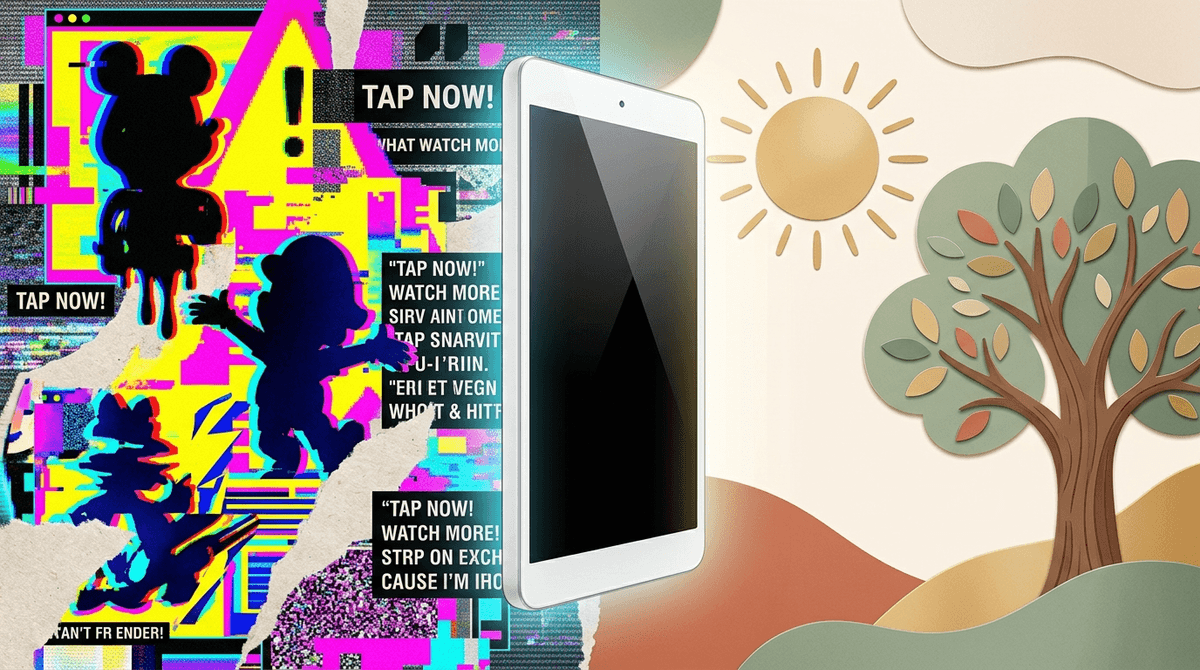
TL;DR: Elsagate 2.0 is the new wave of AI-generated "slop"—disturbing, weird, or nonsensical videos featuring familiar characters like Elsa, Spider-Man, or the Minions. It’s designed to hack the YouTube algorithm, not to entertain your kids. If you want to skip the nightmare fuel, stick to curated platforms like YouTube Kids (with strict settings), PBS Kids, or Khan Academy Kids.
Find safe YouTube channels for toddlers
You know that 15-minute window when you’re trying to get dinner on the table and the tablet is basically your co-parent? We’ve all been there. You put on something that looks like Frozen or Spider-Man, and five minutes later, you glance over and Elsa is suddenly having dental surgery performed by a giant syringe while the Joker watches.
It’s jarring, it’s weird, and it’s officially back in a big way. Welcome to Elsagate 2.0.
A few years ago, "Elsagate" referred to thousands of live-action and poorly animated videos that used popular characters to bypass filters and show kids disturbing content—think violence, bathroom humor, or suggestive themes.
Elsagate 2.0 is the AI-powered upgrade. Because generative AI can now pump out animation at the speed of light, "content farms" are flooding YouTube with what we call "slop." These are videos that aren't necessarily "evil" in a planned way, but they are generated by algorithms to keep kids clicking.
The result? Bizarre, fever-dream loops where Peppa Pig cries for ten minutes, or characters from Roblox and Minecraft are put in increasingly stressful or gross situations. It’s "brain rot" in its purest form—content that has no educational value, no narrative, and often leaves kids feeling overstimulated or anxious.
If the content is so weird, why do kids stay glued?
- Familiar Faces: They see a thumbnail of Bluey or a Minion and think it’s the show they love.
- Sensory Overload: These videos use high-pitched noises, bright neon colors, and constant movement. It’s basically digital candy—all sugar, no substance, and highly addictive to a developing brain.
- The "Skibidi" Effect: We’re living in the era of Skibidi Toilet. Kids are already conditioned to find "weird and slightly creepy" funny. Content farms lean into this, mixing the "Ohio" meme energy with traditional kids' characters to create a cocktail of confusion.
You don't have to ban the tablet entirely, but you do need to be the gatekeeper. Here are some high-quality, human-made alternatives that won't give your kid (or you) a panic attack.
Ages 2-7. It’s the gold standard. It’s funny, it’s emotional, and the parents actually act like real parents. No weird AI tooth extractions here.
Ages 3-6. This is stop-motion animation at its finest. It’s gentle, educational, and focuses on "figuring things out." It’s the literal opposite of the frantic energy of Elsagate slop.
Ages 3-7. If you want your kid to actually learn something while they’re staring at a screen, this is it. It makes math visual and fun.
Ages 3-10. This is a fantastic website where celebrated actors read children's books. It’s high-quality, calm, and literacy-focused.
Ages 5-12. If you want to kill the "zombie stare" entirely, try a podcast. This one is a science podcast for curious kids that is way more engaging than a weird AI loop of Mickey Mouse.
The YouTube algorithm is a beast that wants one thing: watch time. It doesn't care if your kid is learning their ABCs or watching a character get hit by a bus.
Here is how you actually protect them:
- Whitelisting Only: On the YouTube Kids app, go into settings and select "Approved Content Only." This allows you to hand-pick the channels they can see (like Sesame Street or Cosmic Kids Yoga) and hides the rest of the search results.
- Turn Off Autoplay: This is the biggest trap. Autoplay is how a kid goes from a LEGO tutorial to a weird "Elsa is pregnant" video in three clicks.
- Use "Guided Access": If your kid is on an iPad, use Guided Access to lock them into a specific, safe app like PBS Kids so they can't wander over to the open web.
The hardest part about Elsagate 2.0 is that it looks like the stuff your kids like. These creators use "keyword stuffing"—they put words like "nursery rhymes," "surprise eggs," and "superheroes" in the title to trick the filters.
The Vibe Check: If you hear a video that has constant screaming, repetitive sound effects (like the "oh no" TikTok sound), or looks like it was made by someone who has never actually seen a human move, it’s probably AI slop.
The Impact: Research shows that high-intensity, fast-paced media can lead to shorter attention spans and difficulty with executive function in young kids. It’s not just about the "scary" content; it’s about the quality of the stimulation.
If your kid accidentally sees something weird, don't freak out. (Easier said than done when you see a Peppa Pig horror parody, I know.)
Instead, use it as a teaching moment about Digital Literacy:
- "That video looked a little bit like Frozen, but did it feel like the real Elsa? It felt a little bit 'off' to me, too."
- "Sometimes people make videos just to trick us into watching them. We want to find videos made by people who actually care about telling a good story."
We’re in a weird era where the internet is basically a giant vending machine that occasionally spits out a rock instead of a candy bar. You don't have to be a "no screens ever" parent to want to avoid Elsagate.
The goal isn't perfection; it's deliberate choices. By moving away from the "open" algorithm and toward curated, trusted apps, you’re reclaiming that 15-minute dinner prep window for your own sanity.
- Audit the tablet: Open YouTube Kids and check the "Watch It Again" history. If you see anything with weird thumbnails, block the channel immediately.
- Switch to a "Safe" App: Download PBS Kids or Khan Academy Kids and make those the "default" for a week.
- Talk to your village: Ask other parents what channels they trust. If you find a gem, share it!
Check out our list of the best educational websites for kids