

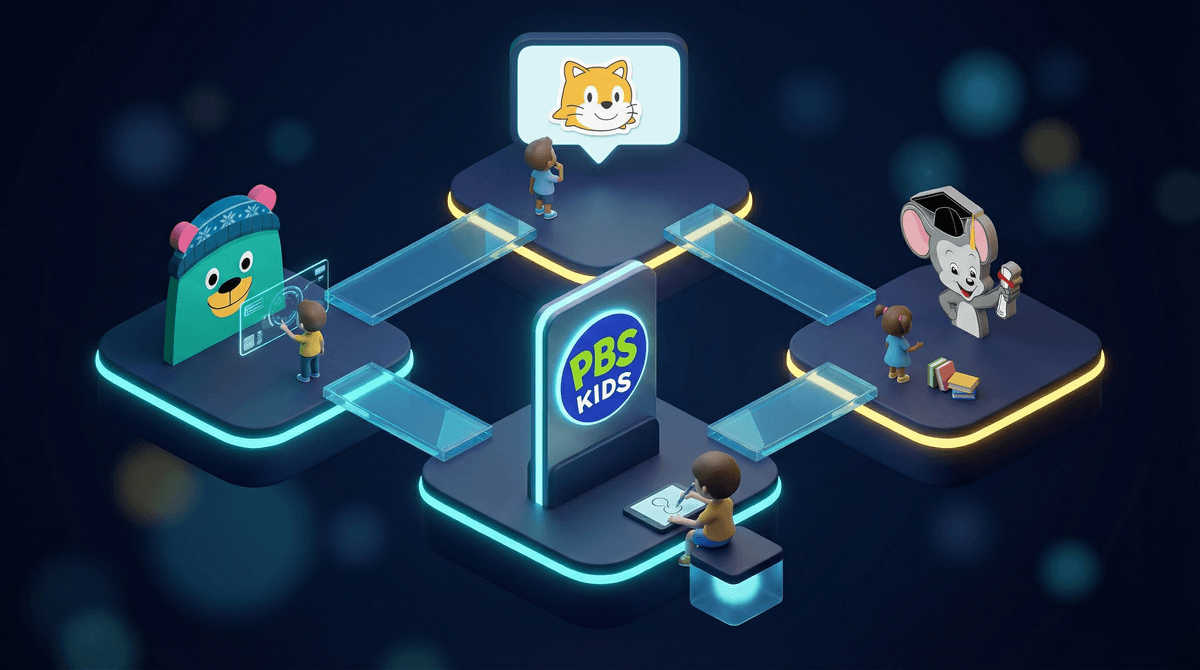
Look, we all know the guilt spiral. Your kid asks for screen time, you cave, and suddenly they're watching some YouTuber scream about Among Us for the 47th time while you wonder if their brain is actively melting. But here's the thing: not all screen time is created equal.
Educational websites are digital platforms specifically designed to teach kids stuff—math, reading, science, coding, you name it—through games, videos, and interactive activities. The good ones make learning feel like playing. The mediocre ones feel like digital worksheets with sound effects. And the bad ones? Well, they're basically ads with a thin veneer of "education" slapped on top.
The tricky part isn't finding educational sites (Google "kids learning websites" and you'll get 10 million results). The tricky part is finding ones that are actually educational, actually engaging, and not just data-harvesting nightmares disguised as learning tools.
Here's what parents are dealing with: schools are increasingly using digital platforms for homework and practice, kids are online anyway, and you're trying to figure out if 30 minutes on ABCmouse "counts" as screen time the same way Fortnite does.
The answer? It's complicated. Educational screen time is generally better than passive consumption, but it's not a magic bullet. A kid who spends three hours on Khan Academy is still sitting still, staring at a screen, not running around outside or building stuff with their hands.
That said, quality educational websites can be genuinely useful—especially for:
- Kids who need extra practice in specific subjects
- Supplementing what they're learning in school
- Rainy days when you need something better than YouTube
- Building skills that schools don't always teach (like coding or typing)
Let's be real about what you're going to find out there:
The legitimately good sites are usually subscription-based, ad-free, aligned with actual educational standards, and designed by people who understand child development. Think Khan Academy Kids, PBS Kids, or Prodigy Math.
The mediocre sites aren't harmful, but they're not particularly effective either. They're often free, ad-supported, and feel more like time-killers than actual learning tools.
The sketchy sites are the ones that claim to be educational but are really just trying to collect your kid's data, serve them ads, or get them hooked on in-app purchases. If a site is free, covered in ads, and asking for your kid's birthday and email address? Hard pass.
Ages 3-6 (Preschool/Kindergarten)
At this age, you want sites that focus on foundational skills—letters, numbers, shapes, colors—with lots of visual and audio feedback. Starfall is a classic for early reading. ABCmouse covers a ton of subjects but can feel overwhelming. PBS Kids is free, trustworthy, and features characters your kid already loves from TV.
Keep sessions short (15-20 minutes max) and sit with them when you can. At this age, they're still learning how to navigate digital interfaces, and having you there to help makes the experience way more valuable.
Ages 6-9 (Early Elementary)
This is prime territory for math and reading practice sites. Khan Academy Kids is excellent and free. Prodigy Math turns math practice into an RPG-style game (though watch out for the in-game purchases that try to get kids to upgrade). Epic! is basically Netflix for kids' books.
This is also a good age to introduce typing practice (TypingClub is solid and free) and basic coding concepts (Scratch Jr. is designed specifically for this age group).
Ages 9-13 (Upper Elementary/Middle School)
Older kids can handle more complex platforms. Regular Khan Academy is fantastic for pretty much every subject. Scratch (the full version, not Jr.) teaches actual coding through making games and animations. Duolingo works well for language learning, though the gamification can get a bit much.
For kids who are into specific subjects, sites like National Geographic Kids (science and nature) or History for Kids can be great for deep dives.
Free doesn't always mean good (or safe). Some free sites are genuinely awesome (Khan Academy, PBS Kids). Others are free because they're selling ads or data. Before letting your kid loose on a site, poke around yourself. Are there ads? What kind? Does it require creating an account? What information does it collect?
Subscription sites aren't automatically better, but they often are. If you're paying for it, the business model is "keep customers happy" instead of "maximize ad impressions." That usually means better content, no ads, and more privacy protection.
"Educational" is not regulated. Anyone can slap that label on anything. A site that claims to teach math but is really just timed drills with cartoon characters isn't teaching critical thinking or problem-solving—it's just digital flashcards.
Watch for the upsell. Some sites (looking at you, Prodigy) are free to use but constantly push kids to ask parents to pay for premium features. This can create tension and make kids feel like they're missing out. Read more about how free-to-play educational games handle monetization .
.
Balance is key. Even the best educational site shouldn't replace books, hands-on activities, outdoor play, or just talking with your kid. Think of these sites as one tool in your parenting toolkit, not the whole toolbox.
Educational websites can be a genuinely useful part of your kid's learning—if you're choosy about which ones you use and intentional about how you use them.
The best approach? Pick one or two high-quality sites that align with what your kid is learning or struggling with, set clear time limits, and check in periodically to see if they're actually engaging with the content or just clicking through mindlessly.
And remember: if your kid is on Khan Academy for 20 minutes and then wants to play Minecraft for 30, that's not a moral failing. It's just... being a kid.
If you're just starting out: Try PBS Kids (free, ages 2-8) or Khan Academy Kids (free, ages 2-8). Both are trustworthy, well-designed, and won't bombard your kid with ads.
If your kid needs help with a specific subject: Khan Academy (free, ages 5+) covers pretty much everything from kindergarten through high school. Prodigy Math makes math practice feel like a game, though be aware of the premium upsells.
If you want to explore more options: Check out our guide to screen time alternatives or Find recommendations based on your kid's age and interests based on your kid's age and interests.
And if you're trying to figure out how educational screen time fits into your overall screen time rules? Yeah, that's a whole other conversation. But you're thinking about it, which means you're doing it right.