

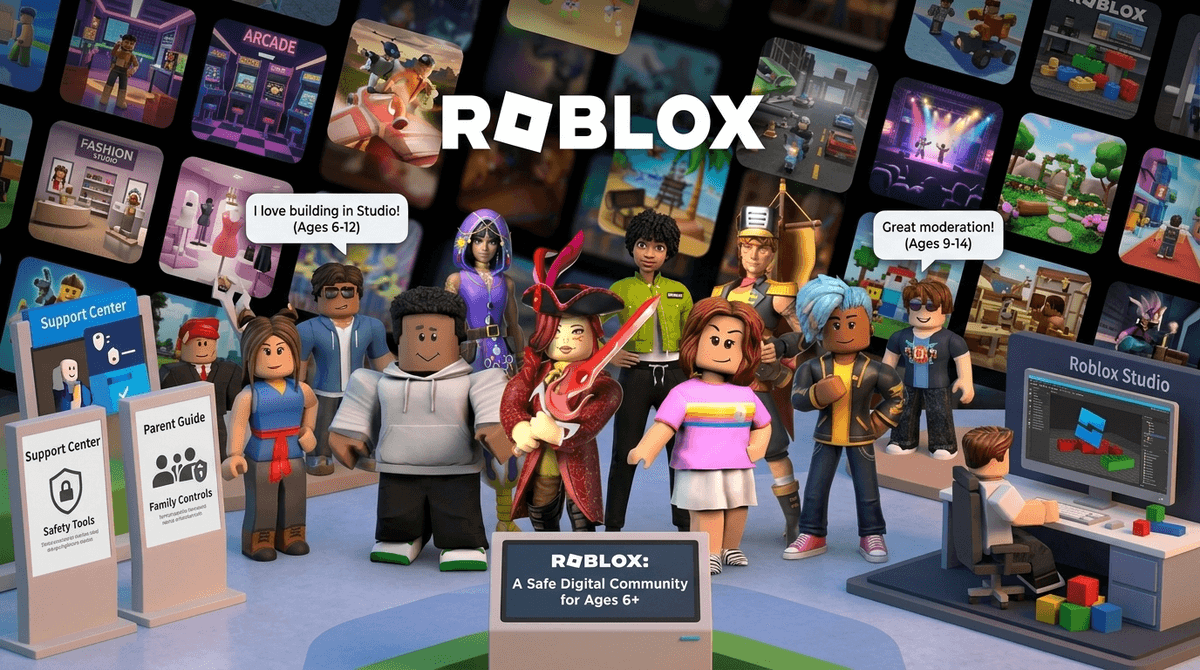
TL;DR: Roblox has evolved from a simple block-building game into a massive social ecosystem. If your kid is spending hours there, they aren't just "gaming"—they’re hanging out at a digital mall. To keep it safe and fun, you need to understand the new Proximity Voice Chat, the 2025 Trusted Connections update, and whether those Robux are actually teaching them business skills.
Quick Links for Context:
- Roblox (The Platform)
- Minecraft (The Creative Alternative)
- Fortnite (The Other Social Giant)
- Discord (Where the "Big Kids" talk)
- Skibidi Toilet (The meme-fest found in many Roblox rooms)
If you grew up in the 90s or early 2000s, you remember the mall. It was where you went to see people, get a Cinnabon, and maybe—if you were lucky—actually buy something. Roblox is that, but for the Alpha and Gen Z generations, and it's open 24/7.
It isn't a single game. It’s a platform hosting millions of "experiences." Some are high-quality simulators, some are weird "brain rot" obstacle courses (called Obbys), and many are just places to sit around and talk. Because it’s a social square first and a game second, the community features are actually the most important part of the app to understand.
The primary way kids interact is through text chat. If you’ve ever looked over your kid’s shoulder and seen a bunch of hashtags (####), that’s the Roblox filter in action. It’s aggressive—sometimes too aggressive—blocking everything from swear words to phone numbers and addresses.
But text chat is "old school" now. The real action is happening in two specific areas:
This is a game-changer. Proximity chat means that if your child’s avatar is standing near another player’s avatar, they can hear each other speaking through their microphones. As they walk away, the voice gets quieter.
The No-BS Take: It makes the game feel incredibly alive, but it’s also where the most "wild west" behavior happens. While Roblox uses AI to monitor voice chat for bullying or inappropriate content, it’s not perfect. It’s generally restricted to users who have verified they are 13+ with an ID, but let’s be real: kids find ways around age gates.
Groups are like mini-subreddits or clubs. Kids join them to get special items in games, to "work" at a virtual pizza place, or to follow their favorite creators. Groups have their own message boards (walls) which are often less moderated than the in-game chat.
See how to monitor Roblox Group walls
Roblox recently rolled out Trusted Connections, a feature designed to give parents a bit more sleep at night. Essentially, it allows for a "tiered" friendship system.
Instead of just "Friends" and "Strangers," kids can now designate certain accounts as Trusted Connections. This usually requires a mutual confirmation (and sometimes parental approval depending on your settings).
- What it changes: You can set the account so that only Trusted Connections can send direct messages or invite your child to private servers.
- Why it matters: It stops the "random add" culture where kids feel pressured to have 200 friends they don’t actually know just to look popular.
Is your kid "working" on Roblox? If they are using Roblox Studio, they are actually learning the basics of game design, 3D modeling, and Lua scripting. This is legit. Some teenagers make six-figure incomes creating "skins" or games on the platform.
However, for 95% of kids, the "entrepreneurship" is just a gateway to spending your money. They want Robux to buy a digital pet or a "Skibidi" hat to look cool in front of their friends.
The Screenwise Stance: If your kid is just clicking "buy" on items, it's a mall. If they are opening Roblox Studio on a laptop to build something, it's a classroom. Encourage the latter.
Check out our guide on teaching kids about digital economies
Roblox uses "Age Recommendations" for its games, which is a huge step up from the old days.
- All Ages: Generally safe, minimal violence (think Adopt Me!).
- 9+: May contain mild violence or heavy "slapstick" humor.
- 13+: Can include more realistic blood, "crude" humor, and more open social features.
- 17+: These are restricted and often include "dating" style hangouts or more intense horror. Screenwise recommendation: Keep your kids out of the 17+ zones entirely.
While Roblox is generally safe for an intentional family, there are three things that should trigger an immediate "we need to talk" moment:
- "Let’s move to Discord": If someone your child met on Roblox asks to move the conversation to Discord or Snapchat, that is a massive red flag. These platforms don't have the same filters.
- Free Robux Scams: There is no such thing as free Robux. Any game promising them is trying to steal an account or get personal info.
- "Ohio" and "Skibidi" Overload: While mostly harmless memes, some YouTube creators who focus on these topics use "edgy" humor that isn't great for younger kids.
Don't be the parent who just says "Roblox is banned." You'll just become the person they hide things from. Instead, try being the "Informed Consultant."
Try these conversation starters:
- "I heard about the new Trusted Connections update. Who are the three friends you’d actually put on that list?"
- "I saw a video about Roblox Studio. Do you think you could actually build a level, or is it too hard?" (Challenge their ego a bit—it works wonders).
- "If someone starts being weird in proximity chat, do you know how to mute just that one person without leaving the game?"
Learn more about how to set up Roblox parental controls
Roblox is the world's biggest playground, and like any playground, it has bullies, cool kids, and the occasional sketchy person hanging out by the fence.
The goal isn't to lock the gates; it's to give your kid the "digital street smarts" to navigate it. Use the Trusted Connections feature, keep the computer in a common area if they're using voice chat, and occasionally sit down and let them show you their "drip" (their avatar's outfit).
If they're spending all their time in Brookhaven roleplaying as a doctor, they’re fine. If they’re trying to figure out how to script a moving car in Roblox Studio, they’re doing great.
- Check their settings: Ensure their "Account Restrictions" are toggled on if they are under 10.
- Verify their age: If they are over 13 and you trust them, help them verify their ID to access the safer, monitored version of voice chat.
- Take the Screenwise Survey: To see how your family’s Roblox habits compare to other families in your community, take our 5-minute digital habits survey.