

TL;DR: The Roblox Safety Overhaul
If you’ve been ignoring those Roblox update emails, it’s time to pay attention. As of early 2025, the platform has completely changed how parental controls work. You can now manage your kid’s settings from your own phone, chat is significantly more restricted for kids under 13, and the old age-rating system has been replaced with "Content Labels."
Quick Links for the "I have 5 minutes" Parent:
Roblox isn't actually a game. It’s a platform—think of it like a digital mall or an App Store where millions of individual games (called "experiences") live. Some are amazing, like Adopt Me!, where kids raise pets, and some are basically "brain rot" simulators where you click a button to watch a toilet with a head sing.
It’s the ultimate digital playground. About 45% of U.S. kids under 13 play Roblox at least once a week. They love it because it’s where their friends are, it’s infinitely creative, and it’s one of the first places they get to exercise "digital agency"—making choices, spending (your) money, and customizing an avatar to look "preppy" or like a "sigma."
For years, if you wanted to change your kid’s Roblox settings, you had to physically grab their iPad, log in as them, and navigate a menu that felt like it was designed by a chaotic neutral programmer.
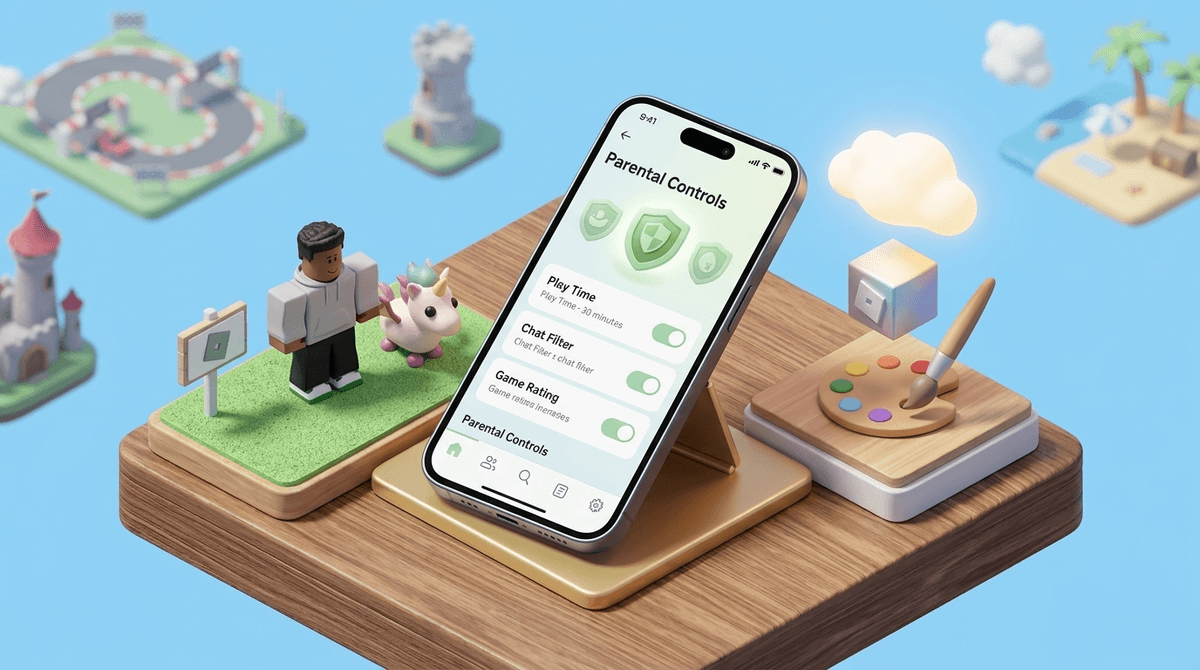
That’s over. Roblox finally introduced Linked Parental Accounts. You can now create your own Roblox account, link it to your child’s, and manage everything from your own device. You can see their friend list, set daily screen time limits (and yes, it actually kicks them off), and monitor their spending.
Learn how to link your parent account to your child's Roblox account
Roblox used to use age ratings (like 9+ or 13+), but they were notoriously unreliable because a "9+" game could still have some pretty weird social vibes. In 2026, they’ve moved to Content Labels:
- Minimal: Think Bluey vibes. Very little conflict, no gore, very safe.
- Mild: Frequent but low-impact violence (think Minecraft style) or some "crude" humor.
- Moderate: This is where things get "Ohio." Expect more realistic blood, some suggestive themes, and more intense action.
- Restricted: Only for ages 17+ with ID verification. This includes strong violence and some gambling-adjacent themes.
The Screenwise Take: Most parents of elementary kids should cap their kids at "Mild." If your middle schooler is begging for "Moderate," check the specific game first.
The biggest safety risk on Roblox has always been the "Social Hangouts"—games designed just for talking—and the direct messaging (DM) system. Predators don't usually hang out in the middle of a high-speed racing game; they hang out in the "vibe rooms."
As of the latest update:
- Under 13s cannot DM people outside of a specific game unless you explicitly toggle that permission on in your parent dashboard.
- Social Hangouts and "free-form drawing" games are now blocked by default for kids under 13. This is a massive win for sanity.
- Built-in filtering has gotten much more aggressive. If your kid tries to type their phone number or address, it usually turns into "####."
Let’s talk about Robux. Roblox fans will tell you it teaches kids about the economy. And sure, if your kid is actually building games using Roblox Studio and earning Robux from other players, they are learning valuable coding and business skills.
But for 99% of kids, Robux is just a way to buy a virtual hat or a "legendary" pet that does nothing. It is designed to be addictive. The "limited edition" drops create a sense of FOMO (fear of missing out) that can lead to some very "not-so-sigma" meltdowns when you say no to the $20 pack.
Pro-tip: Use the new parental controls to set a monthly spending limit. If you set it to $0, they can’t even look at the checkout screen without your permission.
Settings are a floor, not a ceiling. Even with the best parental controls, Roblox is a window into the wider internet.
- The "Facial Age Check": Roblox now offers facial age verification to unlock certain features. While it’s great for keeping kids out of 17+ areas, be aware that you are giving biometric data to a massive gaming company. Most parents find the trade-off worth it for the extra layer of security, but it's worth a "No-BS" mention.
- YouTube Crossover: Kids don’t just play Roblox; they watch people play it on YouTube. Be careful with "Roblox Creepypasta" or "hack" videos that can be genuinely scary or lead to phishing sites.
- Grooming: It’s the "Voldemort" of parenting topics, but it happens. Most grooming starts on Roblox and moves to Discord. If your kid says, "Let’s talk on Discord," that’s a red flag.
Don't just lock down the account and walk away. Talk to them about why these rules exist. You can say:
- "I’m linking our accounts so I can help you if someone is being a jerk in the chat."
- "We’re keeping the 'Moderate' games off for now because some of those creators put stuff in there that’s just weird and not for kids."
- "If anyone ever asks you to move the conversation to another app or asks for a photo, that’s an immediate 'Game Over' and you need to tell me."
Roblox in 2026 is significantly safer than it was two years ago, thanks to the new Remote Parental Controls and the under-13 chat restrictions. It is no longer a "set it and forget it" nightmare.
However, it is still a platform built on "user-generated content," which means it's only as safe as the latest game someone uploaded. Use the tools, link your accounts, and keep the iPad in the living room.
- Download the Roblox app on your own phone and create your own account.
- Link your account to your child's via the "Parental Controls" menu in their settings.
- Set a "Maturity Level" (we recommend "Mild" for kids under 10).
- Turn off "Direct Messaging" for anyone under 13.
- Sit down and play for 20 minutes. Let them show you their favorite "obby" (obstacle course). You’ll learn more in those 20 minutes than in any manual.