ScratchJr

ScratchJr

game

2014

WISE
97%

WISE Score

The ultimate training wheels for coding that turns kids from passive screen-watchers into creative directors.

Where to Play

Platform availability info not available. Search for "ScratchJr" on your preferred gaming platform.

Screenwise Verdict

ScratchJr is the gold standard for 'virtuous' screen time. It is one of the few apps that actually lives up to the promise of being an educational tool rather than just a digital babysitter. By stripping away the text and the social noise of the main Scratch platform, it focuses entirely on the logic of 'if this, then that.'

It’s a closed loop, which is a parent’s dream. No chat, no trolls, no 'buy more gems' pop-ups. It just sits there, waiting for your kid to tell a story. If you’re going to let a five-year-old use an iPad, this is what should be on the home screen.

Age Fit

Perfect for the 5-7 crowd. If they're 8 or older, they'll likely find the limited block set frustrating and should probably jump to the full version of Scratch.

WISE Breakdown
Wholesome
95

It is a purely creative sandbox with a gentle, bright aesthetic and zero competitive pressure or toxic loops.

Imaginative
98

The entire point is to build from scratch. Kids create their own characters, record their own voices, and choreograph scenes.

Safe
99

No ads, no in-app purchases, and no social features that allow contact with strangers. It's a closed, local environment.

Enriching
96

Teaches fundamental computational thinking and sequencing without requiring the child to be a fluent reader.

Parent Info
✓

Why It Might Be Great

  • Zero reading required because the coding blocks use symbols and colors, making it accessible to preschoolers.
  • Creative autonomy allows kids to paint their own characters and record their own audio, making the 'code' feel personal.
  • Academic pedigree coming from MIT and Tufts, ensuring the logic builds real-world computational thinking skills.
  • Completely free with no hidden 'pro' versions, ads, or data harvesting to worry about.
⚠

What to Watch For

  • The interface is tablet-only for the most part; trying to use it on a phone is a recipe for frustration and tiny-button clicking.
  • It doesn't save to the cloud, so if you delete the app or lose the tablet, those masterpieces are gone forever.

Conversation Starters

  • "How did you make that cat jump? Can you show me the blocks you used?"
  • "If we wanted to make a story about a dragon, what would the first thing it does be?"
  • "What happens if you put that loop block around the dance move?"
  • "Can you record a funny sound for the character to make when I tap it?"

Deep Dive

From Consumer to Creator

Most apps for kids are designed to keep them tapping and swiping in a state of passive flow. ScratchJr does the opposite: it requires focus and intent. It’s based on the Constructionist learning theory, which basically says kids learn best when they are making things.

The 'Junior' Difference

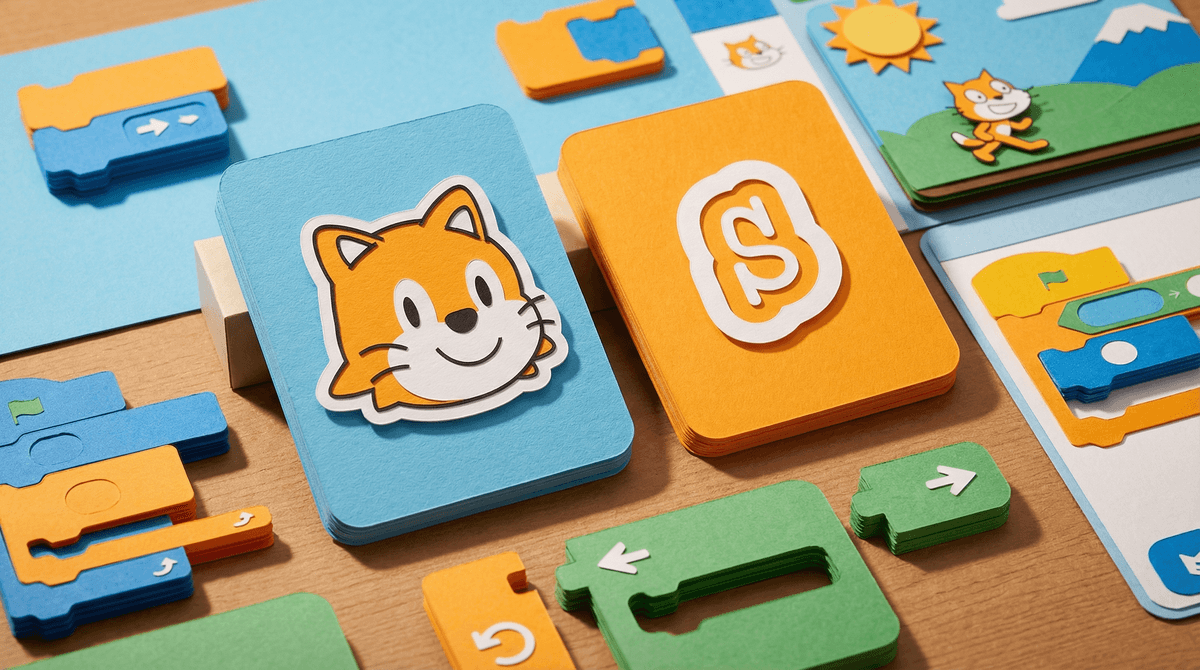
While the full version of Scratch is a massive social network with complex scripts, ScratchJr is a local sandbox. The blocks snap together horizontally (like a sentence) rather than vertically, which matches how young kids are beginning to process information.

How to Use It Well

Don't just hand it over and walk away. The biggest hurdle for kids is often the 'blank canvas' syndrome. Give them a prompt: 'Make the cat go to the moon' or 'Create a birthday card for Grandma.' Once they see that their actions on the screen result in a predictable outcome, the 'magic' of coding clicks.

Also, be aware that the app hasn't changed much since 2014. That's actually a strength—it's stable and simple—but it means it won't have the flashy animations or AI-assisted features of newer, more manipulative apps. It's a tool, not a toy.

What Parents Ask

Ask Anything

Get a personalized guide on any topic