

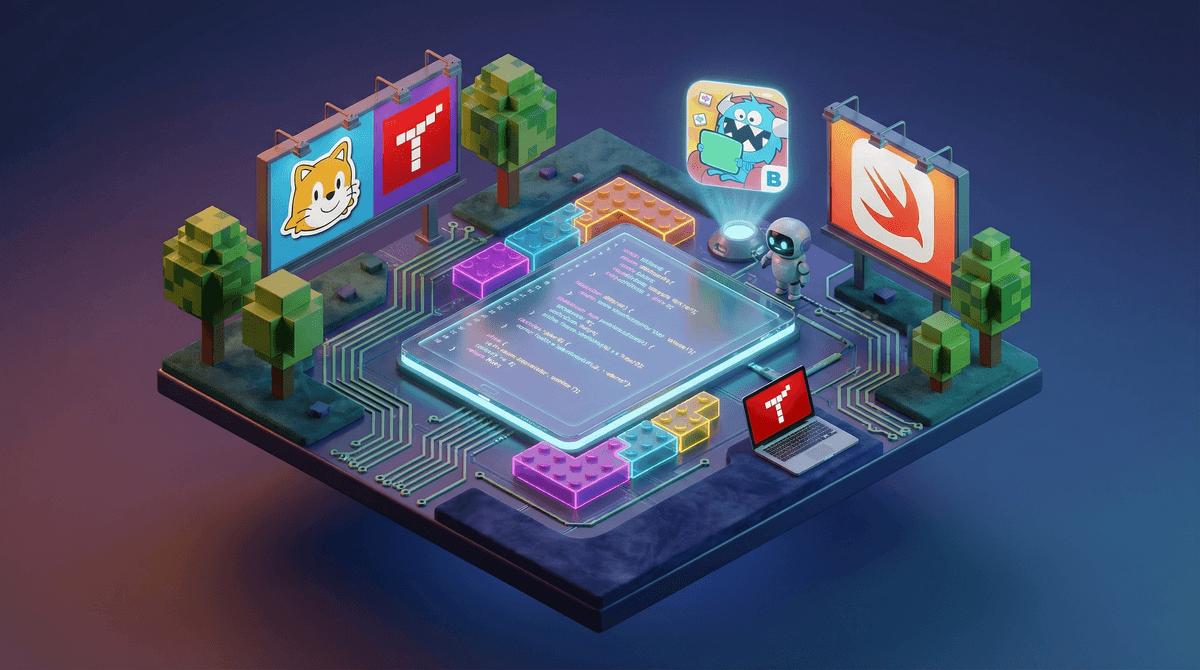
Let's be real: when you hear "my kid wants to learn coding," you might picture a teenager hunched over a black screen typing incomprehensible commands. But coding apps for kids today? They're colorful, game-like, and honestly kind of brilliant at teaching computational thinking without making it feel like homework.
These apps range from visual block-based programming (think digital LEGO instructions) to text-based languages like Python and JavaScript. The best ones turn coding into puzzle-solving, storytelling, or game creation—which means your kid might actually stick with it longer than that $200 keyboard gathering dust in the closet.
The question isn't really "should my kid learn to code?" anymore. It's more like: which app won't feel like pulling teeth, and which ones are actually teaching useful skills vs. just being glorified screen time?
Here's the thing: some kids absolutely geek out over coding apps. They love the immediate feedback loop—change the code, see what happens, fix it, try again. It's creative problem-solving with instant gratification, which is basically catnip for certain personality types.
But let's not pretend every kid is going to be obsessed. Some will find it tedious. Some will love it for two weeks and then move on. And that's fine! The goal isn't to raise an army of software engineers—it's to give kids exposure to logical thinking, troubleshooting, and the satisfaction of making something work.
The apps that kids actually stick with usually have one thing in common: they let kids create something they care about. Whether that's a game, an animation, or a robot that does a silly dance.
Ages 4-7: The "This Doesn't Even Feel Like Coding" Stage
ScratchJr is the gold standard here. Kids snap together visual blocks to make characters move, jump, and interact. It's basically animated storytelling with a side of sequencing logic. Zero reading required, which is clutch for pre-readers.
Kodable turns coding into a maze game with fuzzy creatures. Kids learn fundamental concepts like loops and conditionals without realizing they're learning. The free version is solid; the paid version ($7/month or $60/year) unlocks more content but isn't strictly necessary.
Ages 8-12: The Sweet Spot
Scratch (the big sibling of ScratchJr) is where things get real. It's completely free, has a massive community of kid creators, and lets kids build actual games and animations. The only downside? The community aspect can be a rabbit hole of browsing other people's projects instead of making your own. Learn more about managing Scratch's social features.
Tynker is like Scratch's more structured cousin. It has guided lessons, which some kids prefer over Scratch's "figure it out yourself" vibe. Pricing is steep though—$10-20/month depending on the plan. There's a free tier, but it's pretty limited.
Code.org isn't technically an app (it's web-based), but it deserves a mention because it's completely free and has partnerships with Minecraft, Star Wars, and Frozen. Kids work through themed coding challenges that actually teach real concepts. The Hour of Code activities are perfect for testing whether your kid even likes this stuff before you commit to a paid app.
Ages 12+: Actual Programming Languages
Swift Playgrounds (iPad/Mac only) teaches Apple's Swift language through interactive puzzles. It's genuinely impressive how they've gamified real code. And if your kid sticks with it, they're learning a language used for actual iOS app development.
Mimo and Grasshopper teach JavaScript, Python, and web development through bite-sized lessons. These feel more like Duolingo for coding—great for older kids or teens who want to learn "real" programming but need the structure of a guided curriculum.
Replit is where things get serious. It's a full coding environment in the browser where kids can write Python, JavaScript, HTML/CSS, and more. There's a social community aspect (other users can see and remix projects), so worth checking out their safety settings if your kid is under 13.
Here's where it gets interesting. Roblox and Minecraft aren't technically "coding apps," but they both have built-in coding environments that some kids find more motivating than traditional coding apps.
Roblox Studio uses Lua (a real programming language) and lets kids create actual games that other players can enjoy. The learning curve is steep, but the motivation factor is high because there's a real audience and even potential to earn Robux .
.
Minecraft Education Edition and various Minecraft coding mods teach Python and block-based coding. If your kid is already obsessed with Minecraft, this might be the path of least resistance.
Coding apps range from completely free (Scratch, Code.org) to surprisingly expensive (Tynker at $240/year). Here's the honest breakdown:
Start with free. There's literally no reason to pay until you know your kid is actually into this. Scratch and Code.org are legitimately excellent and cost nothing.
If they're hooked, consider a paid option for more structure or advanced features. But even then, you can get really far with free resources. YouTube has thousands of Scratch tutorials. Check out kid-friendly coding YouTube channels.
Physical coding toys (like the Sphero robot or LEGO Mindstorms) can be great but are a bigger upfront investment ($100-300). Only go this route if your kid specifically wants to code something tangible.
Screen time guilt: Yes, coding is screen time. But it's also creative, educational, and teaches resilience (because code breaks constantly and you have to debug it). If you're going to have screen time, this is pretty high on the quality scale.
Frustration levels: Coding involves a lot of trial and error. Some kids find this exhilarating; others find it maddening. Watch for signs your kid is getting genuinely frustrated vs. productively challenged. Here's how to help kids develop frustration tolerance.
The community features: Many coding apps have social components where kids can share projects and comment on others' work. This can be inspiring or it can be a distraction/safety concern. Most apps have decent moderation, but worth understanding how to manage these features.
The best coding app is the one your kid will actually use. Start with free options like Scratch or Code.org and see if it clicks. If your kid is already deep into Roblox or Minecraft, leverage that obsession with Roblox Studio or Minecraft coding mods.
Don't overthink it. You're not trying to raise the next Mark Zuckerberg (honestly, maybe aim higher). You're exposing your kid to logical thinking, problem-solving, and the satisfaction of making something work through persistence.
And if they try it and hate it? That's valuable information too. Not every kid needs to code, and that's perfectly fine.
-
Try Scratch or Code.org this weekend. Seriously, just pull it up and see what happens. 20 minutes will tell you if there's any interest.
-
Set realistic expectations. Your kid probably won't build the next Fortnite. But they might make a simple game or animation they're proud of, and that's enough.
-
Consider a structured class or camp if your kid loves it but needs more guidance than an app provides. Many libraries offer free coding clubs, and online options like Juni Learning or CodeWizardsHQ exist if you want live instruction (though they're pricey at $100-200/month).
-
Use Screenwise to track what's working. If coding apps become part of your screen time routine, it's worth understanding how they fit into your family's overall digital habits. Take the Screenwise survey to see how your approach compares to other families in your community.