
The biggest hurdle for a five-year-old who wants to play video games isn't the controller—it’s the text. Most "kids' games" are actually built for kids who can already read dialogue boxes and menu prompts, leaving the younger crowd stuck asking for help every thirty seconds. The best first games for a new reader are the ones that replace text with symbols, colors, and intuitive physics, giving them a real sense of "I did that" without needing a translator sitting on the couch next to them.
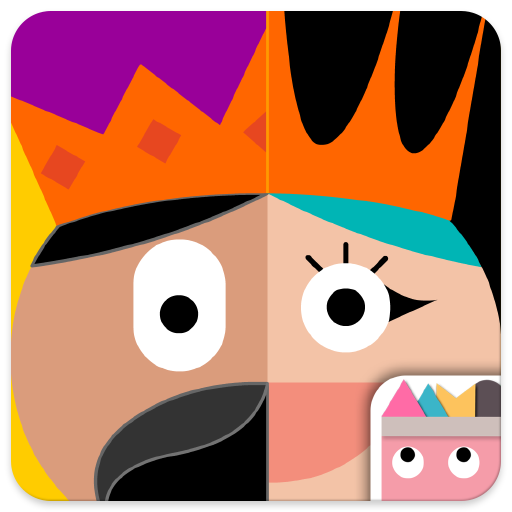
The best games for the 4–7 crowd prioritize wordless interfaces and creative autonomy. If you want them to build something, start with ScratchJr; if you want them to solve puzzles, go with Thinkrolls. These games don't just "entertain"—they turn kids into creators and logic-thinkers before they've even mastered their sight words.
For kids in this age bracket, the most empowering thing a screen can do is stop being a passive "movie box" and start being a tool. When a kid realizes they can make a character move by dragging a blue block instead of just watching a YouTube video of someone else doing it, something clicks.
This is the gold standard for training wheels. It’s entirely icon-based, so your kid is essentially learning the logic of "if this, then that" using colors and symbols. They can draw their own characters and—this is the part they’ll love most—record their own voices to make the characters talk.
The real talk: It’s a tablet-only experience. Don’t even try to put this on your phone unless you want to watch your kid get frustrated by tiny buttons. Also, it doesn't save to the cloud. If that iPad goes into a boot loop or the app gets deleted, their "masterpieces" are gone. Treat it like a digital LEGO set—it’s about the build, not the permanent storage.
If ScratchJr feels a bit too "open-ended" for your kid, CodeSpark is the move. It’s a wordless interface that feels much more like a "game" with puzzles and levels, but it’s secretly teaching them to design their own levels that other kids can play.
The catch: It’s a subscription model. You get a week for free, but then you’re paying for the content updates. The value is there because it grows with them—a 4-year-old can do the basic puzzles, while a 7-year-old can dive into the actual game design tools. It’s a solid bridge for kids who aren't quite ready for the social complexity of Roblox but want that "build and share" energy.
Sometimes the best way to understand what’s happening on a screen is to have something in your actual hands. For a new reader, tactile feedback is a massive shortcut to comprehension.
This is a clever pivot from "coding to move a robot" to "coding to make a beat." Kids use physical blocks in front of an iPad to trigger different musical loops. It’s brilliant because it teaches sequences and loops—core programming concepts—through music production.
The budget check: You have to buy the Osmo base and the physical blocks. This isn't just a $5 app download. It’s an investment in a hardware ecosystem. If your kid is 6 or 7 and loves music, it’s a home run. If they’re 4, they might just want to chew on the blocks or scatter them under the couch, so maybe wait a year.
Not every game needs to be a "learning to code" manifesto. Sometimes the goal is just building spatial awareness and persistence.
Think of this as a physics lab disguised as a fairytale castle. Your kid controls a little rolling character and has to navigate through levels using gears, levers, and gravity. There are zero ads, zero in-app purchases, and—most importantly—zero timers.
Why it works: The dual difficulty mode is a lifesaver. You can set it to "Easy" for a 5-year-old, and they’ll feel like a genius. When they get older, the "Hard" mode actually introduces some legitimate physics puzzles that might make you pause for a second. It’s one of those rare apps that actually respects a kid’s intelligence.
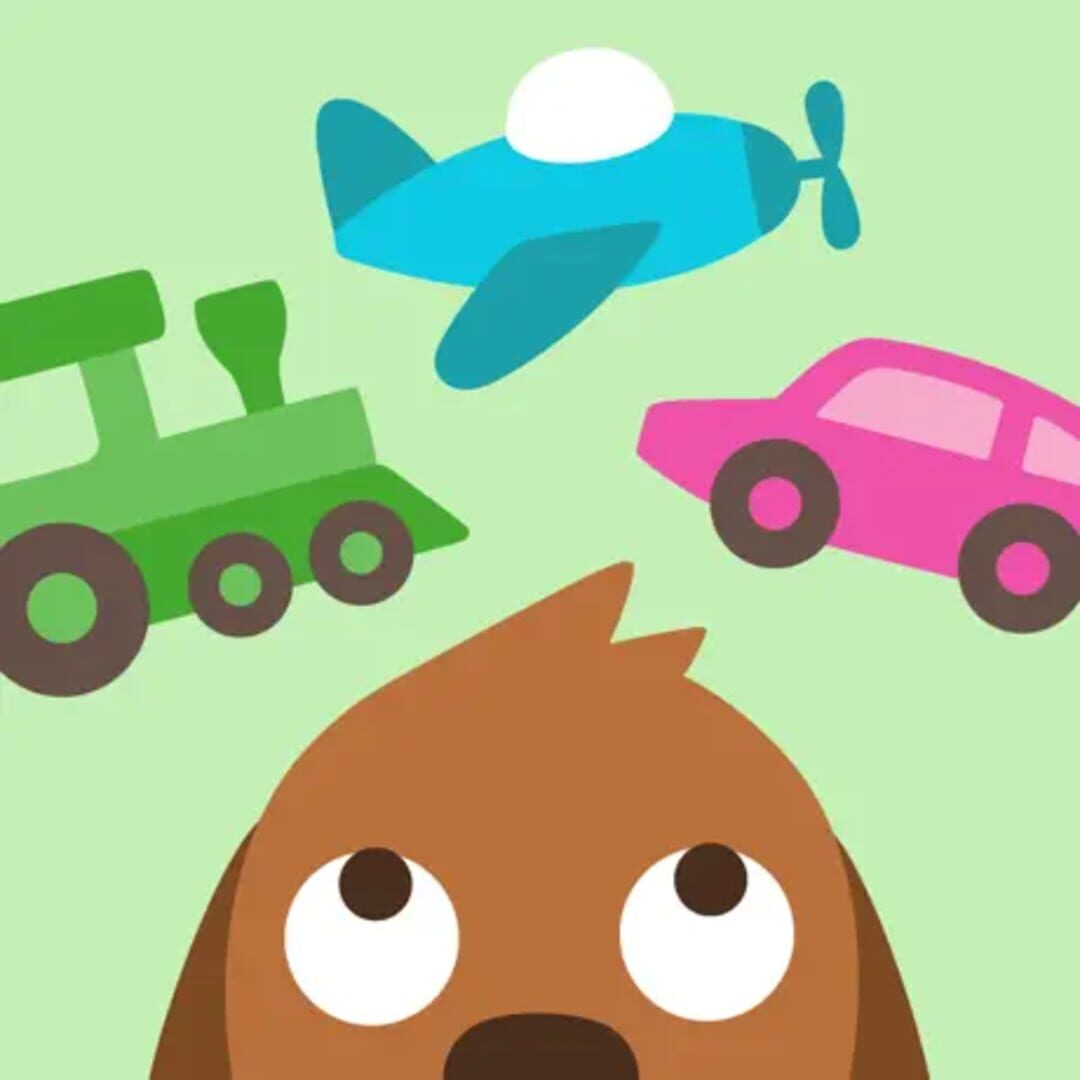
This is the "gentle" option on the list. It’s a bundle of four games (Road Trip, Boats, Planes, and Trains) that are basically digital play-sets. There’s no winning or losing, just exploration.
The context: This is laser-focused on the younger end of the 4–7 range. A 4-year-old will be obsessed with packing the suitcase and picking the car; a 7-year-old will probably find it boring within ten minutes. It’s an Apple Arcade title, which means no ads and no hidden costs, making it the perfect "I need you to be quiet in the doctor’s waiting room" tool.
The "I did that" feeling is the whole point here, but you can amplify it with a few quick moves:
- Narrate the logic. When they’re playing Thinkrolls, don't tell them what to do. Ask, "What do you think happens if you move that blue block?" Let them fail and try again.
- Show off the work. When they finish a project in ScratchJr, have them give you a "premiere." Let them explain how they made the cat jump or why they chose that specific sound effect.
- Bridge to books. These games build the "language comprehension" strands of the reading rope. If they love the music in Osmo Coding Jam, find a book about how instruments work.
The biggest friction point with these games isn't the content—it's the subscription creep. Apps like CodeSpark and the Sago Mini ecosystem have moved toward monthly fees. Before you let your kid fall in love with one, check if it’s a one-time buy or a recurring bill. For a one-time purchase that delivers massive value, Thinkrolls is the winner.
Q: Can a 4-year-old really learn to code? They aren't typing C++ or Python, but they are learning "computational thinking"—the ability to break a problem into steps and use symbols to solve it. Apps like ScratchJr make this as intuitive as playing with blocks.
Q: Are these games better on a tablet or a computer? For this age group, the tablet is king. The direct touch-to-screen interaction is much more intuitive than learning how to use a mouse or a trackpad while also trying to solve a puzzle.
Q: Is there any "stranger danger" in these games? CodeSpark allows kids to play levels made by others, but it’s heavily moderated and there’s no open chat. The others on this list are entirely self-contained, making them very safe "walled gardens" for new gamers.
You don't need to wait for your kid to master phonics before they can start building, solving, and creating. By picking games that prioritize symbols over text, you’re giving them a playground where they can be the boss. Start with Thinkrolls for logic or ScratchJr for creativity, and watch their confidence take off.
- Check out our digital guide for preschoolers for more age-appropriate picks.
- Looking for more challenge? See our best games for kids list.
- Find game recommendations for a 6-year-old who loves puzzles