

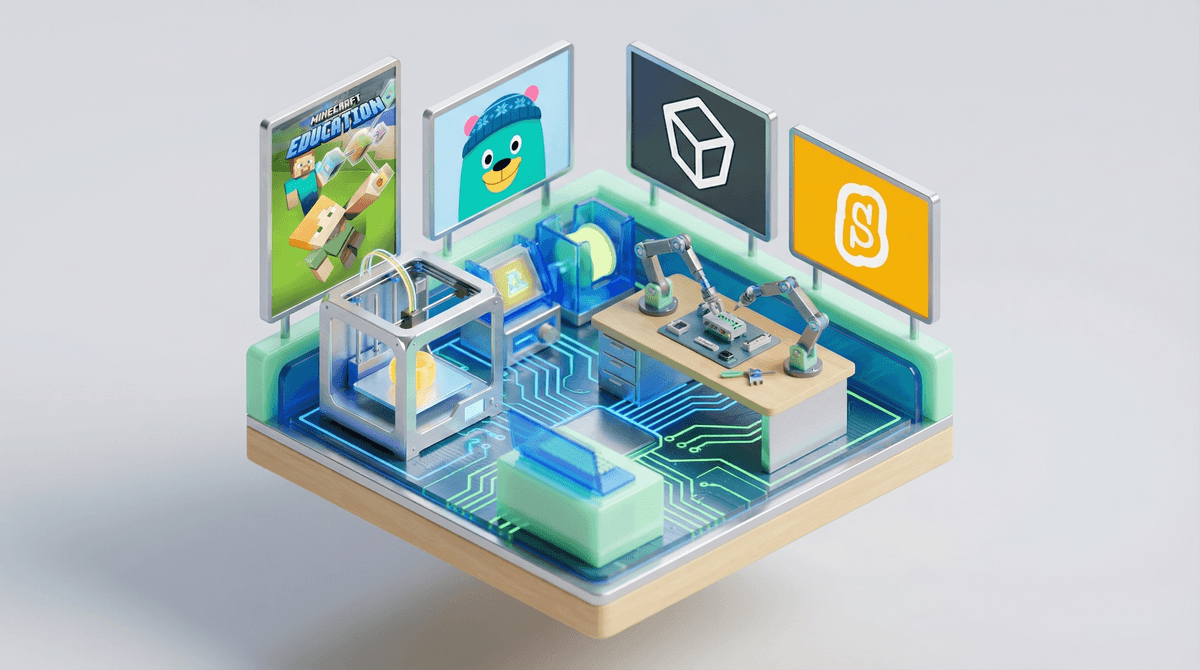
STEM education apps promise to turn your kid's screen time into learning time—teaching coding, engineering, math, and science through games, puzzles, and interactive challenges. They range from free coding platforms like Scratch to premium subscription services like Osmo that blend physical manipulatives with digital gameplay.
The pitch is irresistible: instead of watching YouTube shorts or begging for more Roblox time, your kid could be learning Python or building virtual circuits. But here's the thing—not all STEM apps are created equal. Some are genuinely brilliant educational tools. Others are glorified worksheets with cartoon characters. And plenty fall somewhere in the frustrating middle: good content buried under paywalls, ads, or gamification so aggressive it defeats the actual learning.
Let's be real: most kids aren't opening Khan Academy Kids by choice on a Saturday morning. The apps that stick tend to have one thing in common—they feel like games first, education second.
Minecraft Education Edition works because kids already love Minecraft. Prodigy Math hooks kids with the RPG battle system, then sneaks in multiplication practice. Tynker and CodeSpark use game design and character customization to make coding feel less like homework.
The apps kids abandon? Usually the ones that feel like digital textbooks. Or worse—the ones that gate all the good content behind a parent's credit card, training kids to constantly ask "can you subscribe to the premium version?"
Speaking of subscriptions: this is where STEM apps get messy. Many offer a "free" version that's essentially a demo—just enough to get your kid hooked before hitting you with $10-15/month, or $80-120/year.
ABCmouse and its older sibling Adventure Academy are classic examples—tons of content, but only if you pay. Duolingo has a genuinely usable free tier, but the ads and heart system are designed to frustrate you into Duolingo Plus.
Before subscribing, ask yourself:
- Will my kid actually use this consistently? Most families use a new app heavily for 2-3 weeks, then it collects digital dust.
- Is there a free alternative that's 80% as good? Often, yes.
- Can multiple kids share one account? Some apps charge per child, which adds up fast.
Ages 4-7: Playful Exploration At this age, the best STEM apps focus on logic, patterns, and problem-solving without requiring reading skills:
- ScratchJr - Visual coding with zero reading required
- Kodable - Programming concepts through mazes
- Lightbot - Puzzle game that teaches sequencing
- PBS Kids Games - Free, no ads, actually educational
Ages 8-11: Building Real Skills This is the sweet spot for STEM apps. Kids can read instructions, handle more complexity, and start creating actual projects:
- Scratch - The gold standard for beginner coding (and it's free)
- Tinkercad - 3D design and circuits (also free, from Autodesk)
- DragonBox series - Makes algebra and geometry feel like puzzle games
- Kerbal Space Program - Physics and orbital mechanics through rocket building (technically a game, genuinely educational)
Ages 12+: Real Tools At this point, kids can start using actual professional tools in beginner-friendly ways:
Here's what research and teacher feedback consistently show:
What works:
- Open-ended creation tools (Scratch, Minecraft, Tinkercad) beat closed-loop quiz apps
- Real projects beat endless progression systems with fake rewards
- Frustration tolerance matters more than the specific app—coding requires debugging, which means dealing with failure
- Parent involvement (even just asking "show me what you made") dramatically increases learning
What's mostly marketing:
- Apps claiming to teach "real coding" to 3-year-olds (they're teaching sequencing, which is fine, but it's not coding)
- "Adaptive AI learning" that's really just branching logic
- Celebrity-endorsed apps that are just rebranded versions of existing platforms
- Claims that 20 minutes a day will turn your kid into a software engineer
Since we're talking STEM learning, we have to address the elephant in the room: is Roblox educational ?
?
Roblox Studio—the tool for creating Roblox games—uses Lua scripting and teaches genuine programming concepts. Some kids have learned real coding through Roblox and gone on to computer science careers. But let's be honest: 99% of kids playing Roblox are not learning to code. They're playing obstacle courses and spending Robux on cosmetics.
If your kid wants to create in Roblox, that's legitimately educational. If they just want to play, it's entertainment—which is fine! Just don't let the "but it teaches coding" argument justify unlimited playtime.
The best STEM education app is the one your kid will actually use consistently—and that often means it needs to be fun first, educational second.
Free options like Scratch, Tinkercad, and Khan Academy are genuinely excellent and often better than paid alternatives. Before subscribing to anything, try the free version for at least two weeks.
And remember: STEM learning happens offline too. Building with LEGO, taking apart old electronics, cooking (hello, fractions and chemistry), and even playing board games like Prime Climb all build the same problem-solving skills as apps—without the screen time.
- Try before you buy - Most apps offer free trials. Use them.
- Set a project goal - "Make a game in Scratch" is more motivating than "do coding practice"
- Join the creation - Kids stick with STEM apps longer when parents show genuine interest
- Check your local library - Many offer free subscriptions to premium learning platforms
- Balance with offline - A coding app plus a hands-on robotics kit beats either one alone
Want personalized recommendations based on your kid's age and interests? Screenwise's list maker can help you sort through the noise.