

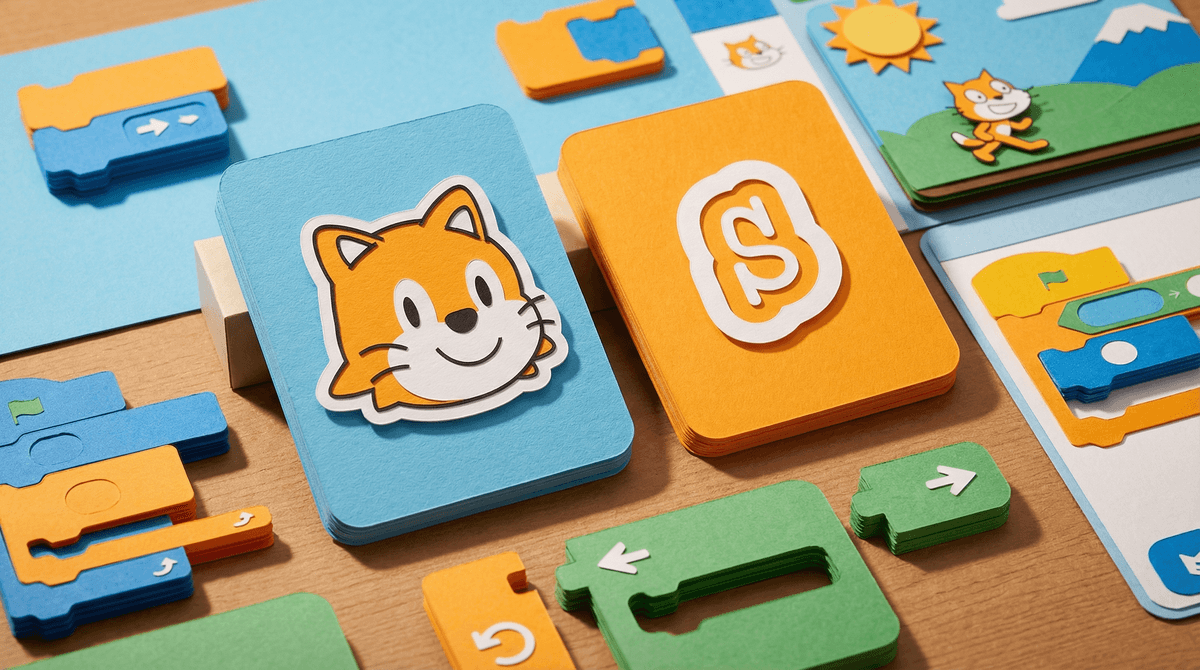
ScratchJr is a free coding app designed specifically for kids ages 5-7, though plenty of 4-year-olds and 8-year-olds use it too. Created by MIT's Lifelong Kindergarten Group (the same folks behind the wildly popular Scratch platform for older kids), ScratchJr simplifies programming concepts into something preschoolers can actually grasp.
Instead of typing code, kids drag and snap together colorful blocks to make characters move, jump, dance, and interact. They're creating their own interactive stories and games—and learning foundational coding logic without realizing they're "learning."
Here's the thing: ScratchJr isn't trying to turn your kindergartener into a software engineer. It's teaching sequencing, problem-solving, and creative expression through a medium that feels native to this generation.
The app gives kids something they crave at this age: control and creation. They're not just consuming content—they're making it. Want the cat to meow three times and then disappear? You can do that. Want to create a story where a dinosaur dances across a cityscape? Go for it.
The interface is genuinely intuitive. Kids who can barely read can understand that the orange block with a right arrow makes things move right. The green flag starts the action. The red stop sign ends it. It's visual, immediate, and forgiving—there's no "wrong" way to experiment.
Plus, there's no in-app advertising, no social features, and no way to accidentally stumble into inappropriate content. In a world where YouTube Kids can still serve up questionable videos and Roblox requires constant monitoring, ScratchJr is refreshingly self-contained.
Let's be real about tablet usage for a second. According to our community data, only 15% of families report no tablet usage for their young kids, while 50% say their kids have unsupervised access. The average screen time across families is hovering around 4.2 hours daily.
If your kid is going to be on a tablet—and statistically, they probably are—ScratchJr represents genuinely constructive screen time. It's not passive consumption. It's active creation that builds computational thinking skills.
That said, it's still screen time. A 5-year-old probably shouldn't spend an hour straight on any app, no matter how educational. But 20-30 minutes of building a project in ScratchJr? That's a pretty solid use of digital time, especially compared to mindlessly watching Blippi for the 47th time.
The Good Stuff
It actually teaches coding fundamentals. Sequencing (do this, then this, then this), loops (repeat this action), event handling (when I tap this character, make it jump)—these are real programming concepts, just dressed up in kid-friendly packaging.
It builds resilience. Kids have to debug their own projects. When the character doesn't do what they expected, they learn to go back, look at their code blocks, and figure out what went wrong. That's a genuinely valuable life skill.
It's truly offline-capable. Once downloaded, ScratchJr works without internet. No streaming, no updates required mid-project, no surprise data usage on road trips.
It's free and ad-free. Seriously. No premium version, no in-app purchases, no "upgrade to unlock more characters." MIT made this as an educational resource, and it shows.
The Challenges
It requires actual engagement at first. You can't just hand a 5-year-old a tablet with ScratchJr and expect them to figure it out independently. Most kids need 15-20 minutes of guided exploration to understand the basic mechanics. Check out some starter tutorials if you're not sure where to begin.
The interface can feel limiting to older kids. Once kids hit 7-8, they often outgrow ScratchJr and need to transition to regular Scratch, which has a steeper learning curve but way more capabilities.
It's not a babysitter. Unlike PBS Kids games that can occupy a kid for extended periods, ScratchJr projects tend to be shorter. Kids build something, show it off, and then they're done. That's actually a feature, not a bug—but it means you shouldn't expect it to buy you an hour of uninterrupted work time.
Ages 4-5: Expect to sit with them for most projects. Focus on making characters move and exploring the different backgrounds and characters. Don't worry about complex logic yet.
Ages 6-7: They can work more independently, especially once they grasp the basics. Encourage them to plan out a story first, then code it. This is where the real learning happens.
Ages 8+: If they're still interested, introduce them to regular Scratch or other beginner coding platforms like Tynker or Code.org. ScratchJr has probably served its purpose.
ScratchJr is one of those rare apps that actually delivers on its educational promise without feeling like digital vegetables. It's not going to replace outdoor play, hands-on building with LEGO, or reading actual books. But as far as screen time goes, this is about as constructive as it gets for the preschool and early elementary crowd.
The real question isn't whether ScratchJr is "good" for kids—it clearly is. The question is whether your family has room for another digital tool, and whether you're willing to invest the initial time to help your kid learn how to use it effectively.
If you're curious about ScratchJr, download it and spend 20 minutes exploring together. Build a simple project—maybe make a character walk across the screen and say "hello." See if your kid lights up or loses interest.
Want to understand how coding apps fit into your family's broader digital ecosystem? Take the Screenwise survey to see how your screen time habits compare to other families in your community, and get personalized recommendations for age-appropriate educational content.
And if you're wondering whether coding is actually important for young kids to learn, or what other creative apps might work for your family, Screenwise's list maker can help you think through those questions in the context of your specific situation.