

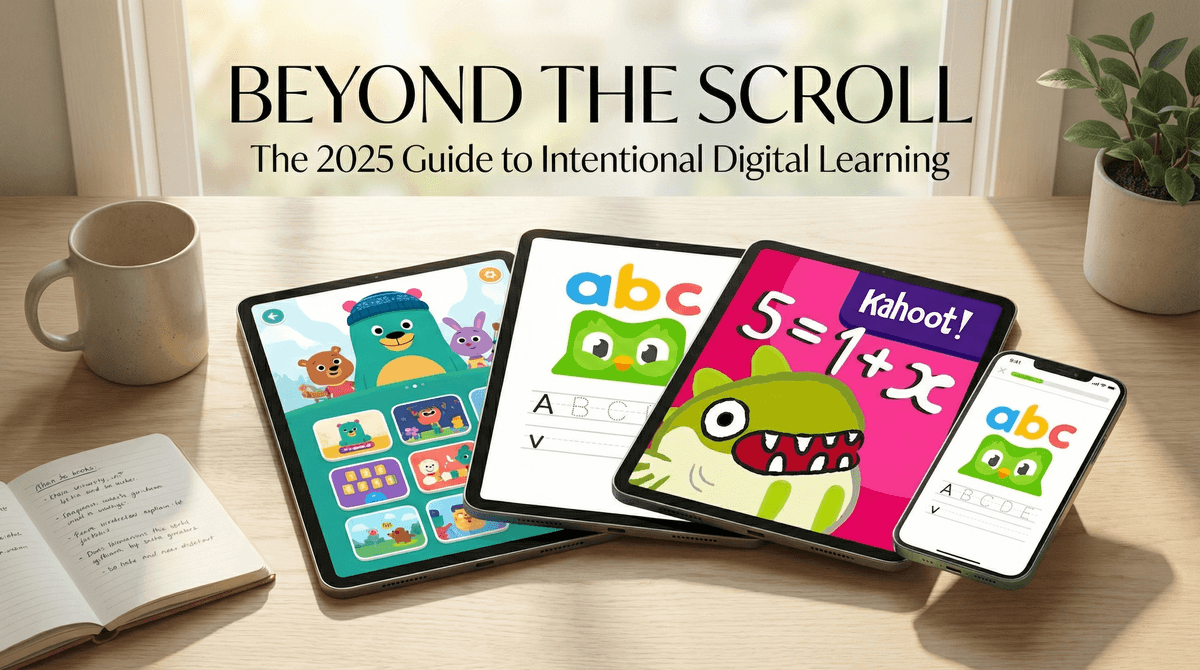
TL;DR: The Quick List If you only have time to download three things before your toddler starts a "Skibidi" chant in the grocery store, make it these:
- The Best All-Rounder (Free): Khan Academy Kids
- The Best "I Can't Believe It's Math" Game: Prodigy Math
- The Best for Early Reading: Duolingo ABC
We’ve all been there. It’s 5:00 PM, you’re trying to get dinner on the table without burning the house down, and the kids are currently vibrating at a frequency that suggests a localized earthquake. You hand over the iPad.
But then the guilt kicks in. Are they just watching a 20-minute unboxing video of a toy they already own? Is this "brain rot"?
In 2026, the "educational" category in the App Store is a bit of a minefield. Half of the apps are just digital worksheets with loud sound effects, and the other half are "free" games that will eventually ask you for $99.99 to buy a virtual hat for a penguin.
At Screenwise, we’re about being intentional. Screen time isn't the enemy; low-quality, passive consumption is. If they’re going to be on a screen, let’s make sure it’s actually doing something for their upstairs hardware.
Math is usually the first place parents look for "educational" content because it’s so easy to gamify. But there’s a big difference between a game that teaches math and a game that just makes you do a math problem to get back to the fun.
Ages 6-12 If your kid likes Pokemon or Roblox, they will probably love Prodigy. It’s essentially a fantasy RPG where you cast spells by solving math problems. The No-BS Take: It is incredibly effective at getting kids to do math they would otherwise complain about. However, the "Premium" upsell is aggressive. Your kid will see other players with cool pets and capes and ask you for the subscription. You don't need it for the educational value, but be prepared for the conversation. Check out our guide on whether Prodigy Premium is actually worth the money
Ages 5-9 This is the "secret weapon" of math apps. It doesn't look like math. It looks like a puzzle game with weird little monsters. By the time your kid finishes the first chapter, they are literally solving basic algebraic equations without even knowing what the word "algebra" means. It’s brilliant, it’s paid (no ads!), and it’s one of the few apps that actually respects a child’s intelligence.
Ages 6-11 Technically a website, but many schools use it. If your child is struggling with the "New Math" (Common Core) that looks like hieroglyphics to those of us born in the 90s, Zearn is a lifesaver. It breaks down concepts visually. It’s not "fun" in the way a video game is, but it’s the best tool for actual curriculum support.
With the "Science of Reading" being the big buzzword in 2026, we’re seeing a shift away from "guessing" games and back toward phonics.
Ages 3-7 From the same people who made the green owl that guilt-trips you about your Spanish lessons, Duolingo ABC is 100% free and surprisingly high quality. It’s tactile—kids trace letters, tap sounds, and get immediate feedback. No ads, no "gems" to buy, just solid early literacy.
Ages 4-12 Think of Epic! as the Netflix of children’s books. It has a massive library of real books (not just "app books") like The Bad Guys and National Geographic Kids. The Parent Tip: Use the "Read to Me" feature for kids who are still building stamina, but keep an eye on the "videos" section of the app. It can quickly devolve from "learning about space" to "watching a toy review" if you don't set boundaries. Learn how to set up parental controls on the Epic! app
This year, AI has moved from "creepy chatbot" to "actually useful tutor." The best example of this is Khanmigo by Khan Academy.
Unlike ChatGPT, which will just do your kid's homework for them (bad), Khanmigo acts like a Socratic tutor. If a kid says "I don't know the answer," the AI says, "That's okay! Let's look at the first step. What happens if we subtract 5 from both sides?" It’s the first time I’ve seen technology actually mimic the way a human teacher works. It’s currently integrated into the Khan Academy website.
Ask our chatbot about how to safely introduce AI tutors to your middle schooler
We love Minecraft, but if you want to move from playing games to making them, these are the winners.
Ages 5-7 Created by the MIT Media Lab, ScratchJr is the gold standard for intro coding. It uses blocks of code that snap together. No typing required. It’s pure logic and creativity. If your kid can use a tablet, they can use this.
Ages 10+ If you have an iPad and a tween who wants to "make an app," this is where they start. It teaches Swift, which is the actual language real developers use to make real apps. It’s challenging, but the puzzles are genuinely engaging.
| Age Group | Focus | Recommended App/Site |
|---|---|---|
| Preschool (3-5) | Letter sounds, shapes, social-emotional learning | Khan Academy Kids |
| Early Elementary (6-8) | Phonics, addition/subtraction, basic logic | Duolingo ABC & DragonBox |
| Upper Elementary (9-11) | Reading comprehension, multiplication, coding | Epic! & Scratch |
| Middle School (12+) | Algebra, foreign language, essay structure | Duolingo & Khanmigo |
- "Educational" is a marketing term. Just because an app has letters and numbers doesn't mean it's good. If the app is constantly interrupting your child with "Great job!" and flashy animations every 5 seconds, it's likely a "dopamine loop" app designed to keep them on the screen, not a learning app.
- Data Privacy. In 2026, your kid's data is the product. Stick to trusted names like Khan Academy, PBS Kids, and Toca Boca. Avoid the generic "Math Games for Kids 2025" apps that have 4,000 ads and questionable privacy policies.
- The "Co-Play" Factor. The most educational thing about an app is often the conversation you have about it. Ask them, "How did you solve that puzzle?" or "What happened in the story?"
If you’re feeling overwhelmed by the sheer volume of choices, remember that less is more. You don’t need twenty learning apps. You need two or three high-quality ones that your child actually enjoys.
Start with Khan Academy Kids. It’s free, it’s comprehensive, and it’s the closest thing to a "perfect" app we have right now. If they want something more "game-y," give Prodigy Math a shot.
- Audit the iPad: Delete the "junk" apps that haven't been opened in a month.
- Set a "Learning First" rule: 20 minutes of a "Wise" app before they can jump into YouTube or Fortnite.
- Check your community: Use Screenwise to see what other parents in your school district are using. Are they all on Prodigy? Is there a Roblox coding club you don't know about?
Learn more about how to balance educational apps with pure play