

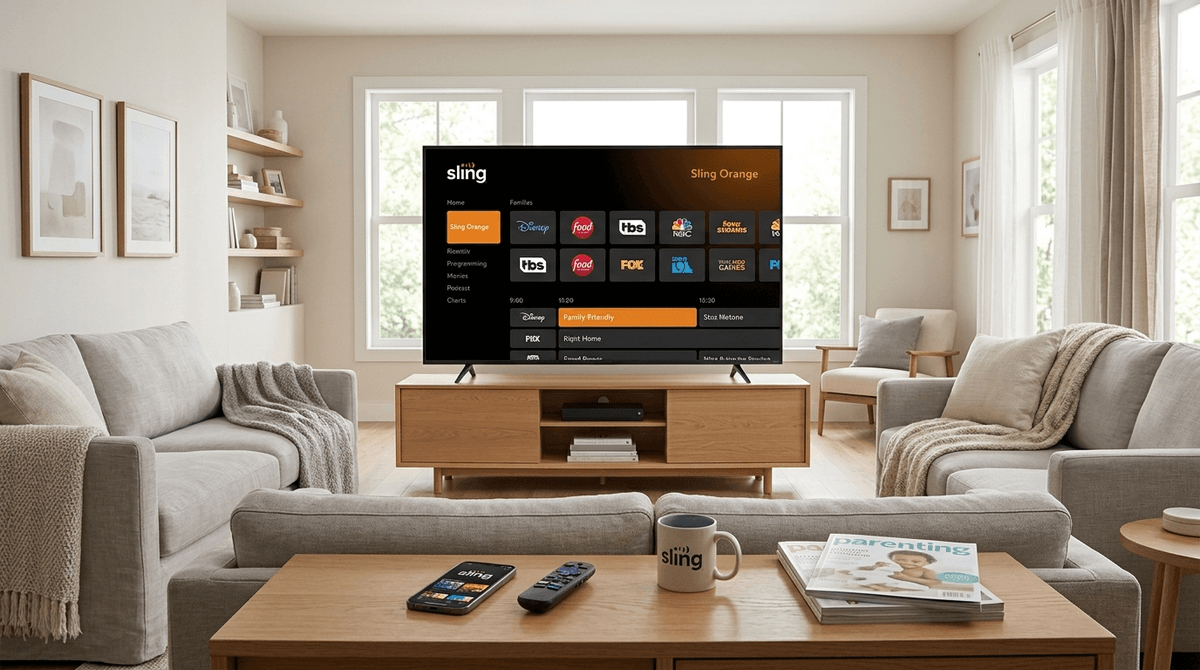
TL;DR: Sling TV is the "budget-friendly" veteran of the cord-cutting world, but in 2026, it still feels a bit like the Wild West for parents. Unlike Netflix or Disney+, Sling does not have separate user profiles. This means your 6-year-old is looking at the same "Recently Watched" tray as you. If you want a safe experience, you’ll need to master the PIN-based parental controls and likely spring for the "Kids Extra" add-on.
Quick Links for the Sling-Curious:
Sling TV is a "skinny bundle" streaming service. Instead of paying $150 a month for 400 channels you never watch, Sling lets you pick a smaller base package (Orange or Blue) and add "Extras" based on your interests.
In the 2026 landscape, Sling remains one of the few ways to get live sports and news without a massive cable bill. However, because it’s trying to be "cable-lite," it inherits some of cable’s old-school problems—namely, a user interface that isn't built from the ground up for families with toddlers.
Check out our guide on the best streaming services for kids in 2026
We’ve been spoiled by Netflix. We’re used to clicking the "Kids" icon and knowing that the algorithm won't suggest Squid Game right next to Paw Patrol.
Sling doesn’t do that. When you open the app, you’re in the main account. If you were up late watching a gritty TV-MA true crime documentary on Investigation Discovery, that show is going to be sitting right there on the home screen when your kid turns on the TV at 6:30 AM.
This is the primary reason some parents find Sling "unsafe" or at least "annoying." It requires active management rather than passive trust in an algorithm.
See a comparison of Sling TV vs. YouTube TV parental controls
Sling’s base packages (Orange and Blue) have some kids' content, but the real meat is in the $6/month "Kids Extra" add-on. Here’s what you’re actually getting:
Perfect for the preschool set. This is where you find the heavy hitters that aren't "brain rot"—shows that actually have some educational or emotional intelligence value.
The home of Paw Patrol and Peppa Pig. It’s reliable, but be prepared for your kid to ask for every toy they see during the commercial breaks (yes, Sling still has commercials).
This is for the parents who want to show their kids the "classics" like Looney Tunes or Scooby-Doo. Just a heads up: some of those 1950s cartoons haven't aged perfectly, so you might want to watch with them.
Ages 10-14. This is where the live-action "tween" sitcoms live. It’s mostly harmless, though the "Ohio" energy and "main character syndrome" in some of these shows can be a bit much for parents to stomach.
Since there are no profiles, your only line of defense is the Parental Controls PIN. You can find this in the Settings menu of the Sling TV app.
Here is how you should actually set it up if you want to keep your sanity:
- Restrict by Rating: You can lock content based on TV ratings (TV-MA, TV-14, etc.) or Movie ratings (R, PG-13). I recommend locking anything above TV-PG if you have kids under 10.
- Lock Unsubscribed Channels: This prevents kids from accidentally clicking on a "Free Preview" of a premium channel like Showtime or Starz.
- Purchase Protection: Crucial. Sling makes it very easy to "Rent" movies for $5.99. Without a PIN, your kid can rack up a bill faster than they can spend your money in Roblox.
Learn more about how to set up a digital "family contract" for TV time
If you’re going to use Sling, here are the shows that are actually worth the screen time.
Ages 3-99. Honestly, if you aren't watching Bluey, what are you even doing? It’s the gold standard for co-viewing. It teaches parents how to play and kids how to navigate big feelings. It’s available via the Disney channels on Sling Orange.
Ages 8-12. This show is chaotic, brilliant, and genuinely funny for adults. It uses a mix of 2D, 3D, and live-action. It’s a bit snarky, but it’s high-quality animation that doesn't feel like "brain rot."
Ages 6-12. It’s the SpongeBob we all know. It’s loud, it’s yellow, and it’s a staple. If you have Sling Blue or the Kids Extra, this will be on 24/7.
Ages 5+. If you have a kid who is obsessed with how things work, this is the ultimate "quiet time" show. It’s mesmerizing and educational without being "preachy."
The biggest difference between Sling TV and something like YouTube Kids is the commercials.
In 2026, many kids have literally never seen a commercial. They don't understand that they can't "skip" the ad for the latest sugary cereal or the newest Lego set. This can lead to more "I want that" conversations than you might be used to.
Also, "Live TV" means you can't always pause or rewind unless you’ve set the show to record on your Cloud DVR. This can be a major pain point during "five more minutes" negotiations.
Check out our guide on how to talk to kids about advertising and consumerism
If you’re switching to Sling to save money, be honest with your kids (if they’re old enough).
"Hey, we're using this new TV app. It’s a little different because we all share one screen. That means you might see some of Mommy’s shows on the list, but you know those aren't for you. If a scary commercial comes on, just look away or tell me."
It’s also a great time to discuss the difference between "On Demand" (I want it now) and "Live" (I wait for it) content—a rare opportunity for a patience lesson in 2026.
Is Sling TV safe? Yes, if you are willing to spend 10 minutes in the settings menu setting up a PIN.
Is it the best for kids? Probably not. If your household is 90% kids' programming, you’re better off with Disney+ or PBS Kids.
Who is it for? It’s for the family that wants the best of both worlds: Dad wants the NBA on ESPN, Mom wants her HGTV fix, and the kids need a steady stream of Teen Titans Go! to survive a rainy Saturday.
- Check the Channel List: Make sure you know if you need Sling Orange (Disney/ESPN) or Sling Blue (Discovery/Fox/NBC). They are different!
- Set the PIN immediately: Don't wait for them to find your Yellowjackets recordings.
- Explore the DVR: Teach your kids how to find their recorded shows so they aren't wandering through the "Live" guide where the "grown-up" shows live.