

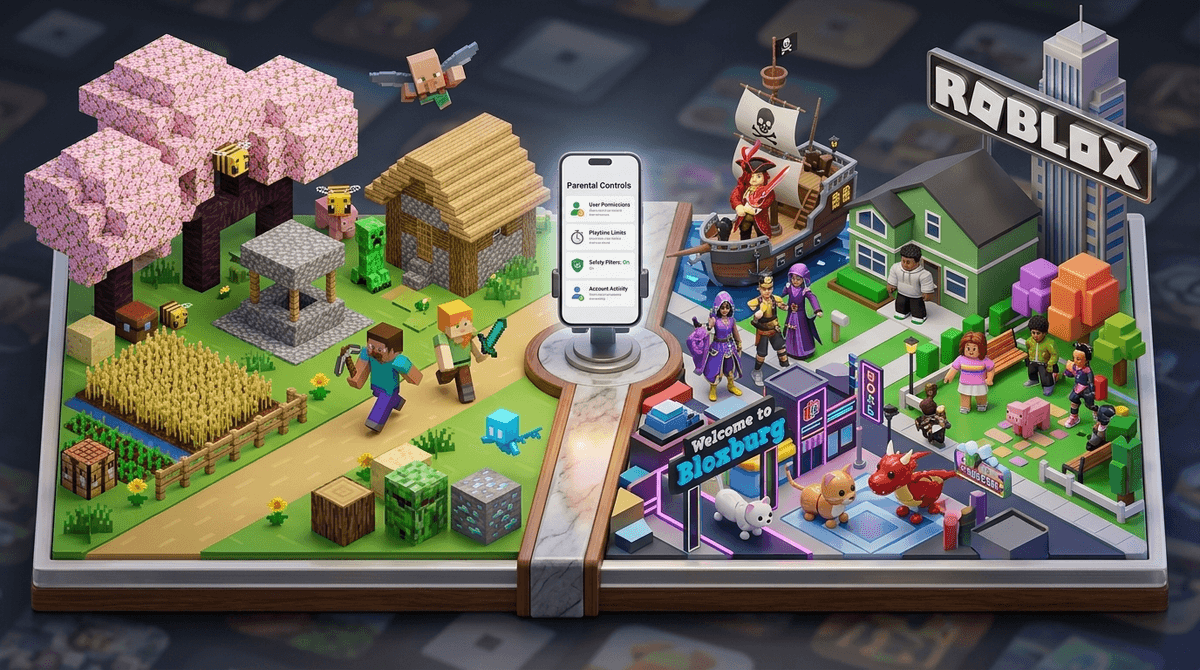
TL;DR: If you want a "set it and forget it" safety experience, Minecraft (specifically in Creative or Single-player mode) wins every time. If your kid wants a social hub and a variety of mini-games, Roblox is the choice, but it requires significantly more "digital parenting" and active monitoring.
Quick Links:
To understand the safety profiles of these two giants, we have to stop thinking of them as the same thing.
Minecraft is a game. It’s a digital box of LEGOs. You can play it entirely alone, sitting on a couch, with zero internet connection. The risks only show up when you choose to go "online" to join public servers.
Roblox is a platform. It’s more like a digital mall or a social media site that happens to have games inside it. You cannot play Roblox "offline." It is inherently social, inherently connected, and inherently unpredictable because every "experience" (what they call games) is built by different people—some are professional studios, others are 14-year-olds in their bedrooms.
For kids under 10, Minecraft is generally the gold standard. In Single-player mode, the only "danger" is a Creeper blowing up a house they spent three hours building (which, admittedly, can feel like a life-altering tragedy to a seven-year-old).
Why Minecraft is Safer:
- Controlled Environments: You can set up a Minecraft Realm, which is a private server where only invited friends can play. It’s a walled garden.
- Predictable Content: Whether they are playing Minecraft Survival or Creative, the "vibe" stays the same. There are no surprise jumpscares or "adult" themes tucked away in the code.
- Moderation: On large public servers like Hypixel, there are usually strict chat filters and active moderators.
The Downside: The "YouTube Pipeline." While the game itself is safe, kids often go to YouTube to learn how to build things. This is where they encounter "brain rot" content, loud influencers, or inappropriate mods they might try to download.
Roblox is where things get complicated. In 2026, Roblox has made massive strides in safety, including a new "Parental Remote" feature that lets you manage your kid’s settings from your own phone. But the platform's nature makes it harder to police.
The Real Risks in Roblox:
- User-Generated Content (UGC): Because anyone can make a game, "condo games" (inappropriate, adult-themed rooms) occasionally pop up. Roblox deletes them quickly, but they exist for minutes or hours before they’re caught.
- Predatory Behavior: Since Roblox is a social network, "grooming" is a legitimate concern. Bad actors often try to move kids from Roblox chat to unmoderated platforms like Discord.
- The "Gambling" Factor: Many popular games like Adopt Me! or Pet Simulator 99 use "loot box" mechanics. It’s not technically gambling, but it triggers the same dopamine hits and can drain a bank account faster than you can say "Ohio."
The 2025 Safety Updates:
Roblox recently implemented a major change: Kids under 13 can no longer send direct messages to anyone outside of a game. They also introduced "Content Maturity" labels (All Ages, 9+, 13+, 17+), which are much more reliable than they used to be.
We can’t just talk about safety without talking about why your kid is begging for these games.
- Minecraft is about mastery. It’s about learning redstone (which is basically basic electrical engineering) and showing off a massive castle. It’s a quiet, focused kind of fun.
- Roblox is about connection. It’s the digital playground. If all the kids at school are playing Dress To Impress or talking about their "preppy" avatars, your kid wants to be part of that conversation.
Is Roblox teaching entrepreneurship? Sometimes. Some kids learn to code in Lua and make real money. But for 95% of kids, it’s just a place to hang out and spend your money.
Ages 5-8
- Minecraft: Stick to Creative mode or a private Minecraft Realm. Turn off chat entirely.
- Roblox: Not recommended, but if you do, use the "Restricted" setting which only allows access to curated, developer-vetted games. Turn off chat.
Ages 9-12
- Minecraft: Survival mode is great. Public servers like Hypixel are generally okay but requires a talk about "griefing" (people breaking your stuff).
- Roblox: This is the peak age. Use the new Parental Remote to monitor who they are talking to. Set a monthly Robux allowance so they learn the value of digital currency.
Ages 13+
- Both: At this point, it's about open communication. They will see weird stuff. They will hear "Skibidi Toilet" jokes and worse. The goal is to make sure they come to you when someone asks for their Snapchat handle.
Check out our guide on how to talk to your teen about online predators
Regardless of which game they choose, watch for these behaviors:
- The "Hiding" Hunch: If they quickly close the laptop or tilt the tablet away when you walk by, they’re likely doing something they know is off-limits (or talking to someone they shouldn't).
- The "Free Robux" Scam: If your kid starts talking about a website that gives away free Robux or Minecraft skins, stop them immediately. These are almost always phishing scams designed to steal accounts.
- The Emotional Rollercoaster: If Roblox is making them genuinely angry or anxious (often due to "trading" items or social exclusion), it's time for a break.
You’re going to hear a lot of weird slang. "Ohio," "Rizz," "Sigma," and yes, the ubiquitous Skibidi Toilet.
Most of this is harmless—it’s just the 2026 version of "Wazzup" or "Talk to the hand." However, Roblox is a major vector for this kind of hyper-stimulating, low-substance content. If you feel like your kid’s brain is turning to mush, Minecraft is the "slow food" alternative. It requires planning, patience, and logic. Roblox is the digital equivalent of eating a bag of Flamin' Hot Cheetos for dinner.
Choose Minecraft if: You want a peaceful, creative experience with minimal supervision required. It is the "safer" game by design.
Choose Roblox if: Your kid is looking for the "social" aspect of gaming and you are willing to spend 20 minutes a week checking their settings and talking about digital boundaries.
Neither game is "evil," and neither is a substitute for a babysitter. The "safest" game is the one where you actually know what your kid is doing.
- Audit the settings: Open Roblox right now and check the "Privacy" tab. If "Who can message me?" is set to "Everyone," change it to "Friends" or "No one."
- Play with them: Spend 15 minutes playing Dress To Impress or building a dirt hut in Minecraft. You’ll learn more in those 15 minutes than in any blog post.
- Set a "Money Talk": If they play Roblox, explain that Robux is real money that you worked for.
Get a script on how to talk to your kid about Robux spending