

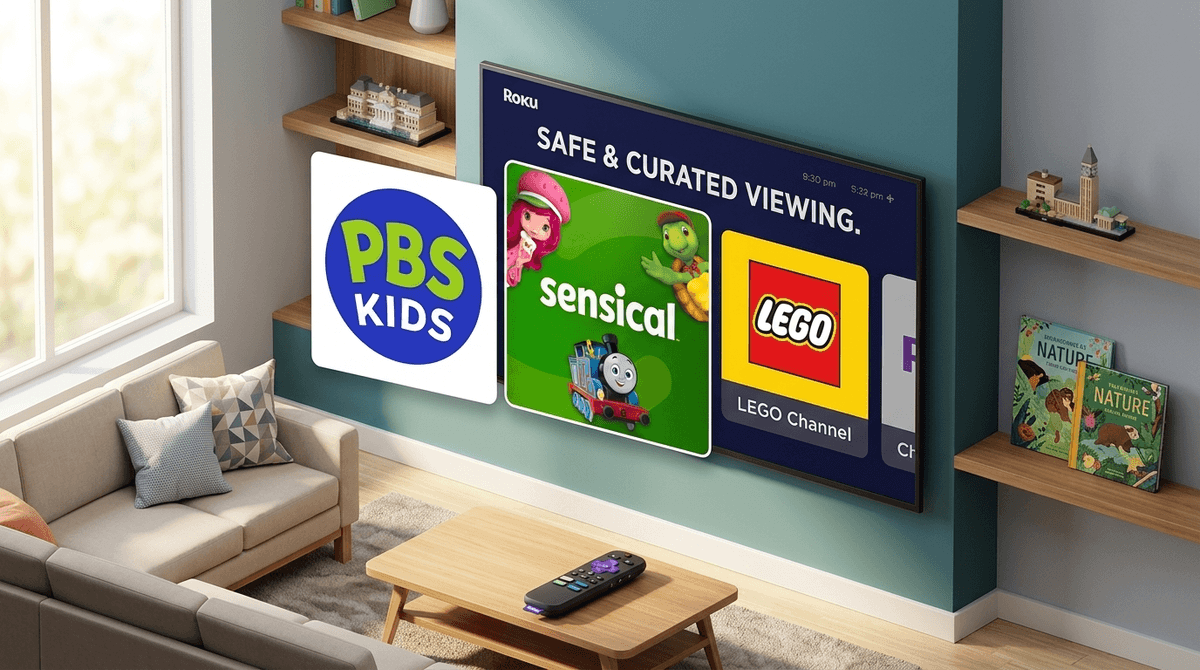
TL;DR: You don't need a dozen paid subscriptions to keep the kids entertained. The best free Roku channels for 2026 are PBS Kids (the undisputed GOAT), Sensical (the safest vetted option), and the LEGO Channel. To keep things safe, set up a Roku PIN immediately to prevent accidental "Skibidi Toilet" deep-dives on unvetted apps.
Let’s be real: the "streaming wars" have officially exhausted our wallets. It’s 2026, and between the price hikes on the big-name platforms and the fact that half of them are now just 40% ads anyway, looking for free options on Roku isn't just being thrifty—it’s being smart.
But the Roku Channel Store is a bit of a Wild West. For every high-quality educational show, there are five "channels" that are basically just low-res YouTube rips of people unboxing plastic eggs or screaming over Roblox gameplay.
If you’re trying to avoid the "brain rot" and the "Ohio" energy of unvetted content, here is your guide to navigating Roku’s free kids' offerings without losing your mind—or your security settings.
If you only install three apps for your kids, make it these. They have the highest "intentionality" scores and won't leave your kid looking like a zombie after twenty minutes.
Look, it’s the gold standard for a reason. In a world of over-stimulating neon colors and high-pitched screaming, PBS Kids remains the calmest port in the storm. It’s 100% free, has zero commercial interruptions (just those short "funded by" clips), and the content is actually designed by child development experts. Whether it’s Daniel Tiger’s Neighborhood for the toddlers or Wild Kratts for the elementary crew, you can breathe easy here.
This is the "hidden gem" of 2026. Sensical is owned by Common Sense Media, which means every single frame of video on this app has been vetted by an actual human being. They categorize content by very specific age buckets (2-4, 5-7, 8-10), which is great because a "kid" show for a 9-year-old is usually a nightmare for a 3-year-old. It’s free, ad-supported, but the ads are strictly regulated for kids.
If your kid is obsessed with building, this is a solid win. It’s mostly LEGO Ninjago and LEGO City content. While it is technically a giant commercial for toys, the production quality is high, the storytelling is surprisingly decent, and it lacks the predatory "influencer" vibe found on other free apps.
Kids are naturally drawn to the "junk food" of the digital world. You’ll see apps like HappyKids, Kidoodle.TV, and Ameba in the top charts.
The appeal for them is the sheer variety. These apps aggregate thousands of episodes of things like Blippi or Cocomelon. To a kid, it’s a buffet. To a parent, it can feel like "brain rot"—that specific brand of high-frequency, low-substance content that makes kids act a little "Ohio" (weird/cringe) after they've watched too much of it.
Learn more about the effects of high-stimulation media on kids
The biggest risk on Roku isn't necessarily the content inside a good app; it's the ease with which a kid can install a new app. You don't want them wandering into a "Free Horror Movies" channel because the thumbnail looked like a cartoon.
1. The Roku PIN (The Must-Do)
Go to your Roku account settings on a computer or phone. Set a PIN for all purchases AND for adding any new channels. This is the "Secret PIN." Without it, your seven-year-old can (and will) download every random app with a bright thumbnail, many of which have zero parental controls and sketchy ads.
2. Hide the "Movie Store" and "TV Store"
You can actually clean up the Roku home screen so your kids don't see the "Buy" or "Rent" options. Go to Settings > Home Screen and set the "Movie Store and TV Store" to Hide. This keeps the interface focused on the free apps you’ve already approved.
3. Use the "Roku Channel" Kids Zone
The Roku Channel itself has a dedicated "Kids & Family" section. It’s actually pretty well-curated. You can lock the entire Roku experience into this "Kids Zone" using the parental control settings so they can't wander out into the "Live TV" section where they might see a local news report on something definitely not age-appropriate.
Let's talk about the ads. "Free" always has a price.
On apps like HappyKids or Kidoodle.TV, the ads are usually for toys, sugary cereals, or other apps. In 2026, we're seeing more interactive ads that ask kids to "click the remote" to see more.
The No-BS Take: These ads are designed to trigger "pester power." If your kid is particularly sensitive to marketing or you’re trying to avoid the "I want that" every five minutes, you might find that PBS Kids is the only truly "safe" free space.
Check out our guide on how to talk to kids about advertising
Ages 2-5
Stick to PBS Kids and the "Ages 2-4" section of Sensical. Avoid the general "Roku Channel" search because the thumbnails for older kids' shows can be overstimulating or scary.
Ages 6-9
LEGO Channel and National Geographic Kids are winners here. This is also the age where they’ll start asking for "Gaming Channels." Be wary—most "free" gaming channels on Roku are just recorded YouTube streams. If they want gaming content, you're better off letting them watch Minecraft tutorials on a vetted platform than a random Roku app.
Ages 10-12
At this age, they might find the "Kids" channels "cringe." Look into HappyKids for their tween-specific content, or better yet, use the Roku to access Khan Academy if you want to swap "brain rot" for actual learning.
Roku is a fantastic tool for intentional parents if you treat it like a curated library rather than an open playground.
You don't need to pay $15.99 a month to give your kids a decent Saturday morning cartoon experience. You just need about ten minutes to lock down the settings and find the gems hidden in the rough.