

The Ultimate Roblox Parent's Guide: Safety, Spending, and Social Smarts
TL;DR: Roblox isn't a game—it's a platform with millions of user-created games. Your kid can build, socialize, and yes, spend real money. Here's how to set up parental controls, manage Robux spending, and keep them safe while they're building their virtual empire.
Quick Links:
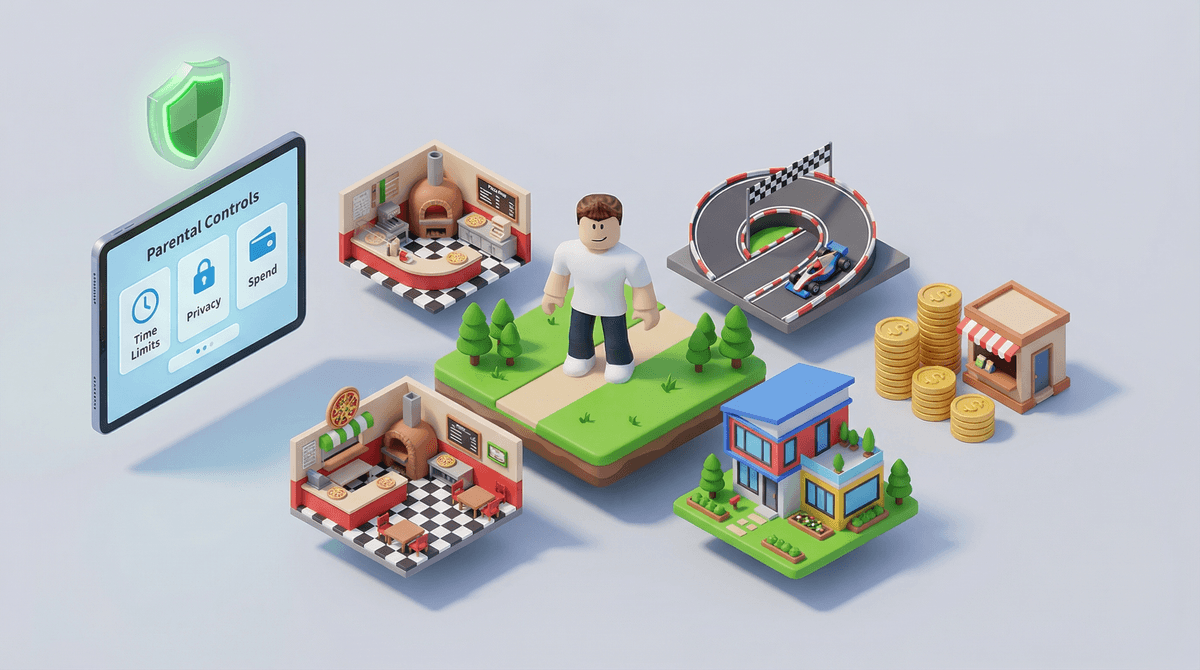
If your kid says they're "playing Roblox," they could be doing literally anything. Racing cars, running a pizza shop, surviving a natural disaster, role-playing as a family, building an obstacle course—Roblox is less like Minecraft and more like the App Store itself. It's a platform where users create and play millions of different games (called "experiences" in Roblox-speak).
Think of it as a massive digital playground where kids can jump between activities, hang out with friends, and create their own content. The platform has over 70 million daily active users, and if your kid is between 9-14, there's a very good chance they're one of them.
Roblox hits the sweet spot of creativity, social connection, and autonomy. Kids aren't just passive players—they're creators, entrepreneurs, and community members. They can:
- Design their own games using Roblox Studio (which actually teaches basic coding and game design)
- Customize their avatar with an endless array of outfits, accessories, and animations
- Hang out with friends in real-time, even if they live across the country
- Earn Robux by creating popular games (yes, some kids are making real money)
- Jump between experiences without ever leaving the platform
The variety is genuinely impressive. One minute they're playing a horror game like Doors, the next they're running a virtual Starbucks in Brookhaven. It's like having every board game, video game, and social app rolled into one.
Let's talk about the elephant in the room: Robux is real money, and Roblox is very, very good at making kids want to spend it.
Robux is the platform's virtual currency. You can buy it directly (roughly $5 for 400 Robux, $10 for 800) or get it through a monthly Roblox Premium subscription ($4.99-$19.99/month). Kids use Robux to:
- Buy avatar items and accessories
- Purchase special abilities or items within games
- Access premium experiences
- Trade with other players
The psychological tricks are sophisticated. Limited-time items, exclusive drops, peer pressure when everyone else has a cool outfit—it all adds up. Many parents report spending $20-50/month on Robux without realizing it, especially if their kid has saved their payment info.
What you can do:
- Set up monthly spending limits in parental controls (more on this below)
- Use Roblox gift cards instead of linking a credit card
- Have your kid "earn" Robux through chores or as rewards
- Talk about the difference between wants and needs in virtual economies

Some parents give their kids a set Robux budget each month and let them manage it themselves—it's actually a decent way to teach financial literacy in a low-stakes environment.
Roblox has legitimate safety issues, and you should know about them before handing your kid an account.
The chat function is the biggest concern. While Roblox has filters and moderation, kids can still receive messages from strangers, and predators do use the platform. There have been documented cases of grooming, inappropriate content, and attempts to move conversations off-platform.
User-generated content means quality control is inconsistent. While Roblox moderates content, inappropriate games, avatars, and behaviors slip through. Your 8-year-old might stumble into a game with sexual themes, violence, or scams.
Social pressure and bullying happen just like on any social platform. Kids can be excluded from friend groups, teased about their avatar, or harassed in-game.
The good news: Roblox has significantly improved its safety features in recent years, and if you use parental controls properly, you can mitigate most risks.
Seriously, do this before your kid plays another minute. Here's your step-by-step:
-
Create a parent PIN in Account Settings → Security → Account PIN. This prevents your kid from changing settings you've locked down.
-
Restrict chat settings:
- Under Privacy → Contact Settings, choose who can message and chat with your kid
- For kids under 9: Disable chat entirely or set to "No one"
- For kids 9-12: Set to "Friends" only (and monitor who they're friending)
- For 13+: Consider "Friends" or "Friends of Friends" depending on maturity
-
Set spending limits:
- Under Parental Controls, set monthly spending limits
- Require parental approval for purchases
- Consider using gift cards instead of saved payment methods
-
Enable Account Restrictions for younger kids (under 13)
- This limits them to a curated list of age-appropriate experiences
- Go to Settings → Parental Controls → Account Restrictions
-
Review their friend list regularly
- Talk about only accepting friend requests from real-life friends
- Check Settings → Privacy → See all friends
-
Turn on 2-Step Verification to prevent account hacking (yes, this happens)
Want a detailed walkthrough? Check out this complete guide to Roblox parental controls.
Ages 6-8: Honestly, this is young for Roblox. If you do allow it, use the strictest parental controls—no chat, account restrictions on, and play together so you can see what they're experiencing. Consider alternatives like Minecraft in creative mode first.
Ages 9-12: The sweet spot for Roblox. Enable parental controls, allow friends-only chat, set spending limits, and have regular check-ins about what games they're playing and who they're talking to. This is also a great age to explore Roblox Studio together and learn basic game design.
Ages 13+: You can loosen restrictions slightly, but still monitor spending and have ongoing conversations about online safety, digital citizenship, and healthy screen time. Many teens use Roblox primarily as a social hangout space, which is fine—but make sure they're balancing it with offline activities.
Some parents love that Roblox teaches coding and entrepreneurship. Kids can create games, monetize them, and earn real money through the Developer Exchange program (though you need to earn at least 30,000 Robux and be 13+ to cash out).
Is this the next generation of game developers learning their craft? Sometimes, yes. There are teenagers making thousands of dollars from their Roblox games, and they're learning valuable skills in design, marketing, and business.
But let's be real: most kids aren't building the next Adopt Me! (one of Roblox's most popular games). They're playing, socializing, and maybe dabbling in game creation. That's perfectly fine. If your kid shows genuine interest in game design, Roblox Studio is a legitimate learning tool—but don't feel like they're missing out if they just want to play.
Screen time adds up fast. Roblox is designed to keep kids engaged. The "just one more game" mentality is real. Set clear time limits and stick to them.
Not all games are created equal. Some Roblox experiences are creative and engaging. Others are low-effort cash grabs designed to extract Robux. Help your kid develop a critical eye for quality content.
The social aspect is the draw. For many kids, Roblox is where their friend group hangs out after school. Banning it entirely might mean social isolation. Instead, focus on healthy boundaries and monitoring.
You can play together. Create your own account (it's free) and play with your kid. You'll understand the appeal, see what they're experiencing, and have built-in conversation starters about online safety.
Community norms vary by age and school. In many elementary schools, Roblox is ubiquitous—70-80% of 4th and 5th graders are playing. By middle school, some kids move on to Fortnite or other games, while others stick with Roblox for the creative and social aspects.
- Your kid is secretive about what they're doing on Roblox
- Unexplained charges on your credit card
- They're talking about "friends" you've never heard of
- They're spending hours every day on the platform with no other activities
- They mention someone asking for personal information or wanting to chat elsewhere
- Sudden changes in mood after playing
If you see any of these, it's time for a deeper conversation and possibly tighter restrictions.
Roblox isn't inherently good or bad—it's a tool, and like any tool, it depends on how it's used. With proper parental controls, spending limits, and ongoing conversations about digital citizenship, it can be a creative outlet and social space for your kid.
The key is staying involved without hovering. Know what games they're playing, who they're talking to, and how much they're spending. Set clear expectations and consequences. And remember: you're the parent, not the bad guy, when you enforce healthy boundaries.
- Set up parental controls today using the steps above or this detailed guide
- Have a conversation with your kid about online safety, stranger danger, and spending limits
- Play together for 30 minutes to see what they're actually doing
- Join a parent community to share experiences and get recommendations for age-appropriate games
- Check in weekly about what they're playing and who they're playing with
Still have questions? Get answers to your Roblox safety questions anything about Roblox safety, spending, or age-appropriateness.
And if Roblox isn't working for your family, that's okay too. There are plenty of alternatives to Roblox that might be a better fit.