

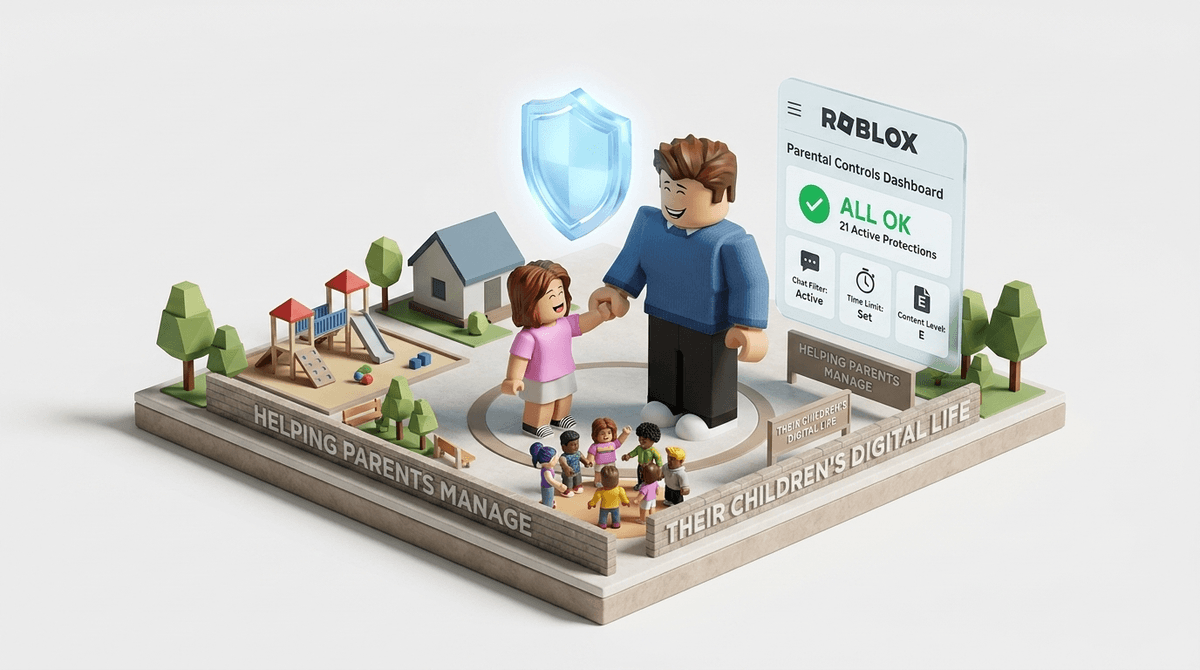
TL;DR: Roblox just overhauled its safety system for 2026. You can now link your account to your child’s to manage everything remotely, set monthly spending limits that actually stick, and filter games by "Content Maturity" labels instead of just vague age ranges. If you do nothing else, set up the Remote Parental Controls and toggle the Communication settings to "Off" or "Friends Only" for kids under 12.
Roblox Minecraft Fortnite Check out our full guide on Roblox Parental Controls
If you’ve walked past your kid lately and heard a cacophony of "Oof!" sounds, seen a character that looks like a sentient block of cheese, or heard them complaining about "preppy" avatars, you are living the Roblox life.
For the uninitiated: Roblox isn't a single game. It’s a platform—essentially a digital mall or an app store—where millions of user-generated games (called "experiences") live. Some are brilliant, like Bee Swarm Simulator, and some are absolute "brain rot" like the endless Skibidi Toilet knockoffs.
In late 2024 and early 2025, Roblox rolled out the biggest safety updates in its history. They finally realized that asking a parent to physically take their kid's iPad away to change a setting was a recipe for a meltdown. Here is the breakdown of what you need to know to keep the "Ohio" vibes out of your living room.
This is the "Holy Grail" update. Previously, if you wanted to change safety settings, you had to log into your child’s account on their device. Now, you can link your own Roblox account to theirs.
Once linked, you can see their friends list, set spending limits, and manage their "Content Maturity" levels from your own phone. It’s a game-changer for intentional parenting because it moves the "gatekeeper" role to your device, not theirs.
Pro-tip: When you set this up, don't do it in secret. Sit down with them and say, "Hey, I'm linking our accounts so I can help you manage your Robux and make sure you're not getting weird messages." Transparency builds more trust than a secret digital leash ever will.
Roblox has moved away from simple "Age 9+" or "Age 13+" tags. They now use Content Maturity Labels. This is crucial because a "9+" game could still have "Mild" violence or "Crude Humor."
- Minimal: Think Adopt Me!. It’s generally safe for everyone. Low violence, no blood, no scary stuff.
- Mild: May contain some "slapstick" violence or very mild gore.
- Moderate: This is where things get dicey for younger kids. You’ll see more realistic blood, "crude humor" (think fart jokes or slightly edgy language), and more intense themes.
- Restricted (17+): This is a hard "no" for most families. It requires ID verification and can include strong violence, suggestive themes, and simulated gambling.
By default, I recommend setting kids under 10 to Minimal or Mild. If they want to play a Moderate game, make them come to you and explain why. Usually, it's because a specific YouTuber they watch is playing it.
Roblox is essentially an unregulated economy for kids. Whether they are buying "skins" to look "cool" (or "preppy") or buying "game passes" to get an edge in Blox Fruits, the pressure to spend is real.
The new 2025 settings allow you to set a Monthly Spending Limit. Once they hit it, they’re done. No more "accidental" $100 charges because they wanted a "Legendary Pet."
The Screenwise Take: Roblox is actually a decent place to teach "Digital Entrepreneurship," but only if you're involved. If they want more Robux, have them earn it through chores or—better yet—challenge them to learn how to use Roblox Studio to make their own items to sell.
The biggest risk on Roblox isn't the games; it's the other people. As of 2026, Roblox has made some big moves here:
- Users under 13 can no longer send direct messages to people outside of the games they are currently in, unless the parent allows it.
- Chat Filters: Roblox’s "hash" system (where it turns bad words into ####) is okay, but it’s not perfect. Kids find "workarounds" using emojis or weird spelling.
My recommendation: Set chat to "Friends Only" or "Off" for anyone under 12. If they are playing with school friends, "Friends Only" is fine, but remind them that "friends" in Roblox should be people they actually know in real life.
Ages 5-8
- Settings: Content label set to Minimal. Chat OFF. Spending limit $0.
- The Reality: At this age, they just want to run around and look at colorful things. They don't need to talk to anyone. They are also the most susceptible to "scams" (e.g., "Give me your pet and I'll double it!").
- Watch out for: Skibidi Toilet clones that might feature jump scares or weirdly aggressive imagery.
Ages 9-12
- Settings: Content label set to Mild. Chat Friends Only. Monthly spending limit (maybe $5-$10).
- The Reality: This is the peak Roblox age. This is where "Digital Status" starts to matter. They will want to play "Moderate" games like Doors (a horror game).
- The Conversation: Talk to them about "Griefing" (players being jerks) and how to block/report. Show them that you know how to block someone so they feel empowered to do it too.
Ages 13+
- Settings: Content label set to Moderate. Chat Friends Only (or Open if you trust their judgment).
- The Reality: They are likely using Discord to talk to friends while they play, which bypasses all Roblox safety filters anyway.
- The Focus: Focus on privacy. Make sure they aren't sharing their location, real name, or school info in the chat.
If you want your kid to actually listen, avoid the "Video games are rotting your brain" lecture. Instead, use their language—ironically.
- "Hey, I updated the safety settings so we don't have any 'sus' people messaging you."
- "I put a limit on the Robux so we don't end up in a 'poverty' era this month."
- "Show me your favorite 'experience'—is it actually good or just brain rot?"
When you show interest in what they are playing, they are much more likely to come to you when something weird happens. If they think you’ll just ban the game the second they mention a "creepy player," they’ll just stop telling you things.
Roblox is a massive, chaotic, creative, and sometimes predatory ecosystem. It is not a "set it and forget it" app. However, with the 2025 Remote Parental Controls, the platform has finally given us the tools to be "Screenwise" without having to hover over their shoulder every five minutes.
Next Steps:
- Open Roblox on your phone and create an account for yourself.
- Go to Settings > Parental Controls and link your child's account.
- Set a Monthly Spend Limit.
- Toggle Communication to "Friends Only."
- Ask them to show you their favorite game for 10 minutes tonight.
Check out our guide on the best educational games within Roblox