

TL;DR
If your kid just asked for a ring light and a "collab," don't panic. In 2026, wanting to be a YouTuber is the new "I want to be an astronaut." Here’s the quick sit-rep:
- The Age Gate: YouTube is technically 13+, and AI age-verification is getting stricter.
- The Starter Pack: Start with a private "Family Channel" or use Zigazoo for a safer, moderated social experience.
- The Skills: Focus on the "Creator" part (editing, lighting, scripting) rather than the "Influencer" part (likes, views, fame).
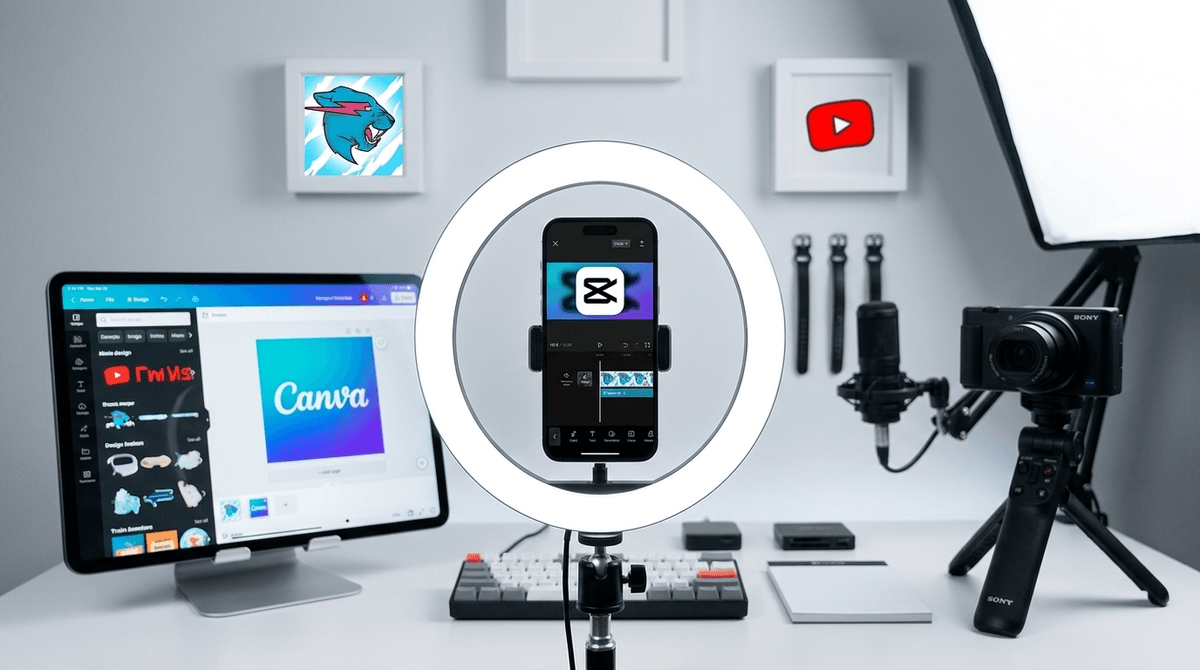
- Top Tools: Use CapCut for editing and Canva for thumbnails.
Get a family media contract for new creators
It usually starts after they’ve spent a rainy Saturday watching MrBeast cure blindness or Ryan's World unbox a literal mountain of plastic. They look at you with those big, hopeful eyes and say, "I want to start a channel."
Your first instinct might be a hard "no," envisioning your child’s face becoming a meme or, worse, them reading a comment section that makes a dive bar bathroom look classy. But here’s the thing: for kids today, YouTube isn't just a site; it’s their town square, their TV, and their primary creative outlet.
According to recent Screenwise community data, about 35% of 5th graders have attempted to upload a video to a public or private platform. By 8th grade, that number jumps to over 60%. They are already doing it; the question is whether they’re doing it with a map or just wandering into the woods.
We love to complain about "brain rot" content like Skibidi Toilet, but the drive to create is actually pretty healthy.
- Agency: In a world where kids are highly scheduled, a channel is a space where they are the boss.
- Technical Skills: Learning to use CapCut or Adobe Premiere Rush is a legitimate 21st-century skill.
- Community: They want to be part of the conversation. If everyone at school is talking about a Roblox update, they want to share their "take."
In the "old days" (like, 2023), you could just lie about a birth year. In 2026, YouTube and its parent company, Google, have integrated much more aggressive AI facial age estimation and ID verification. If your 10-year-old tries to set up an account, there’s a high chance they’ll get flagged.
The Workaround (The Right Way): Don't let them have their own "independent" account. Set up a Supervised Account through Google Family Link. This allows you to choose content settings (Explore, Explore More, or Most of YouTube) and keeps their data slightly more protected under COPPA (Children's Online Privacy Protection Act) rules.
Learn more about the difference between YouTube and YouTube Kids
If you aren't ready for the "Big League" of public YouTube, there are amazing "sandbox" versions where they can practice the craft without the global exposure.
Think of this as "TikTok with training wheels." It’s a video-first social media app specifically for kids. The best part? Every single video is human-moderated before it goes live. It’s a great place to see if your kid actually enjoys making content or if they just like the idea of it.
If your kid wants to make "gaming videos," have them start here. They can create their own games and share them with a massive, mostly wholesome community. It teaches the logic of content creation without the pressure of "showing your face."
This is the gold standard for mobile editing. It’s owned by ByteDance (the TikTok people), so the privacy isn't "Fort Knox" level, but as a creative tool, it’s unmatched. It’s intuitive enough for a 9-year-old but powerful enough for a pro.
A huge part of YouTube is "The Click." Canva is a fantastic, safe way for kids to learn graphic design while making thumbnails and channel art.
Let’s talk about the stuff that keeps us up at night.
1. The Face Factor Does your kid need to be on camera? Many successful YouTubers are "faceless." They do voiceovers over Minecraft gameplay or use avatars.
- Pro-tip: Suggest they start as a faceless channel. If they can stay consistent for 3 months, then you can discuss a "face reveal."
2. The Comments Section The YouTube comments section is a dark place. If you allow a channel, Comments must be turned OFF. Period. There is zero benefit to a 10-year-old reading feedback from "SkibidiFan2015" or literal bots.
3. Privacy Leaks Kids are terrible at "background safety." They’ll film a "Room Tour" and accidentally show their school calendar, their house number out the window, or their full name on a trophy.
- The Rule: You are the Final Editor. Nothing gets uploaded until you’ve done a "background check" on the video frames.
Check out our guide on how to talk to kids about online predators
You’ll hear parents say, "My kid is learning to be an entrepreneur!" Sometimes, that's true. They are learning about "the grind," audience retention, and branding.
But be careful—YouTube is designed to make creators addicted to the "Studio" app. Checking views every ten minutes is the same dopamine loop as gambling. If your child's mood is dictated by whether their latest Shorts video got 100 views or 1,000, it’s time to pull back.
Also, the "gear" trap is real. They don't need a $1,000 Sony camera. A used iPhone and a window for natural light are plenty. If they want better gear, make them "earn" it by hitting a consistency goal (e.g., "Post one edited video a week for two months").
Instead of being the "No Police," try these questions to see where their head is at:
- "What kind of videos do you want to make? Educational, gaming, or comedy?"
- "What’s your favorite channel, and why do you think it’s successful?" (Help them see the work behind the scenes of MrBeast).
- "How would you handle it if someone said something mean about your video?"
- "What are three things we should never show on camera?" (Home, school, last name).
Get conversation starters about digital fame
In 2026, being a "YouTuber" is a creative hobby that can turn into a career, but for most kids, it’s just the modern version of putting on a play in the backyard.
The Screenwise recommendation:
- Ages 5-9: Stick to Zigazoo or making videos that stay on the family iPad and are only sent to Grandma.
- Ages 10-12: Supervised YouTube accounts with private videos. They get the experience of uploading and organizing, but only people with the link (family/friends) can see.
- Ages 13+: Public channels are okay if they’ve demonstrated "digital citizenship" and you have a shared login.
Parenting in the creator economy is about moving from Gatekeeper to Guide. You don't have to love the content, but if you support the process, you’re turning "screen time" into "skill time."
- Audit their feed: Sit down and watch their favorite YouTuber with them. Is it Markiplier or something more chaotic?
- Set the "Sandbox": Download CapCut and let them try to edit a 30-second clip of the dog.
- Establish the "Veto": Make it clear that you have the "Delete" button on your phone and you aren't afraid to use it if safety rules are broken.