Canva

Canva

app

Everyone 10+, 2017, Art & Design

WISE
92%

WISE Score

4.9

App Store

The design app that makes school projects look like a professional agency did them—and teaches your kid how to prompt an AI without breaking it.

Screenwise Verdict

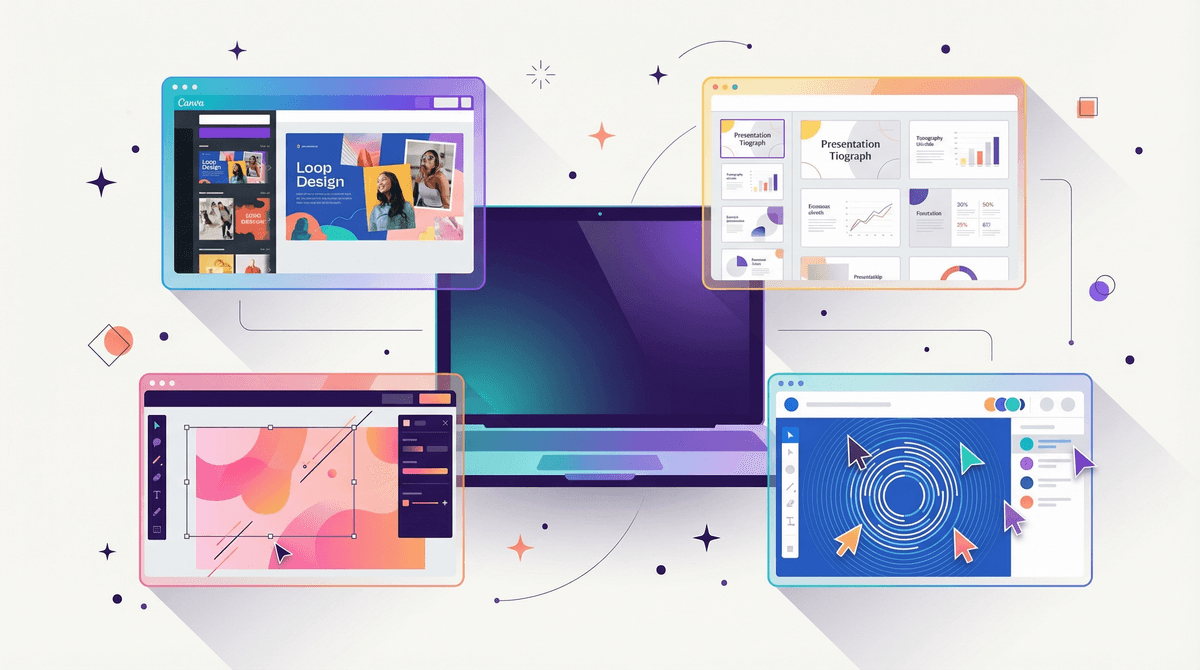
Canva is the rare app that actually earns its screen time. It’s moved way beyond being a 'fancy PowerPoint' and is now a full-blown creative suite. If your kid is going to be on a screen, having them build something here is about as productive as it gets.

In 2026, the AI features are the main event. While 'Canva Shield' does a decent job of keeping things PG, the real value is in teaching your kid to be the 'human in the loop.' It’s a tool for creators, not a feed for consumers, which makes it a massive win in our book.
Age Fit

Best for ages 10 and up. Younger kids (7-9) can have a blast with the stickers and basic layouts, but they'll need help navigating the AI tools and the sheer volume of options.

WISE Breakdown
Wholesome
88

It's a creative powerhouse that rewards effort and cooperation. The only ding is the 'aesthetic' obsession it can trigger, where kids spend three hours on a font instead of the actual content.

Imaginative
96

Total sandbox for visual thinkers. Between the templates and the AI-powered 'Magic Media,' it lowers the barrier to entry for kids to realize their weirdest creative ideas.

Safe
82

Canva Shield provides solid AI guardrails, and the Education version is COPPA/FERPA compliant. The main risk is the open collaboration features if kids are using personal accounts without supervision.

Enriching
94

This isn't busywork. It teaches visual literacy, layout, and how to use AI as a tool rather than a crutch—skills that are basically mandatory by 2026.

Parent Info
✓

Why It Might Be Great

  • Visual literacy is the new baseline. Canva helps kids understand how to communicate ideas through layout and design, not just text.
  • AI prompting skills are built-in. Using 'Magic Media' to generate images teaches them how to iterate on prompts to get specific results.
  • Zero-talent entry. It levels the playing field for kids who have great ideas but struggle with fine motor skills or traditional drawing.
  • Real-world utility. They aren't just playing a game; they're building posters, presentations, and videos they can actually use in life.
⚠

What to Watch For

  • The 'Aesthetic' Trap. Kids can easily burn two hours choosing a color palette for a science project while the actual science remains unwritten.
  • AI Hallucinations. The 'Magic Write' tool can confidently state things that are flat-out wrong. Remind them that the AI is a creative partner, not an encyclopedia.
  • Public Sharing. If they aren't on a school-managed account, it's easy to accidentally publish a project to the web or invite the wrong people to a collab.

Conversation Starters

  • "Why did you pick that specific font for this project? Does it actually make the info easier to read?"
  • "When you asked the AI to make that image, what words did you use to get it to look like that?"
  • "Does having all these templates make you feel more creative, or does it feel like you're just filling in the blanks?"
  • "If you were designing this for someone who couldn't see colors well, what would you change?"

Ask Anything

Get a personalized guide on any topic

Related Guides