Tinkercad

Tinkercad

app

4+, 2019, Education, Productivity

WISE
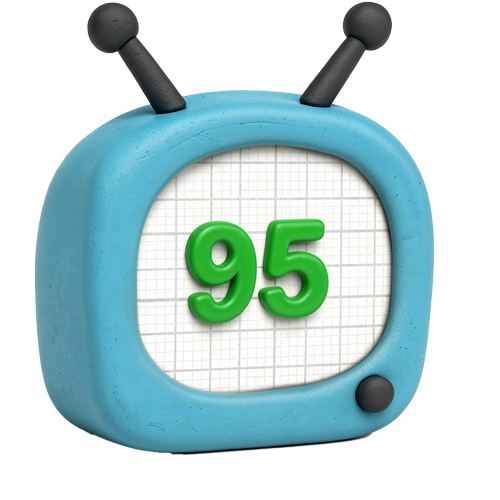
95%

WISE Score

4.6

App Store

Free 3D design, circuit simulation, and coding app that turns your iPad into an engineering lab—no ads, no nonsense, just pure maker magic.

Screenwise Verdict

This is the app you wish existed when you were a kid. Tinkercad is free, ad-free, privacy-respecting, and genuinely educational—a rare trifecta that makes it feel almost too good to be true. It's not flashy or gamified, which means it won't hook every kid, but for the ones who love building, making, or figuring out how things work, it's absolute gold.

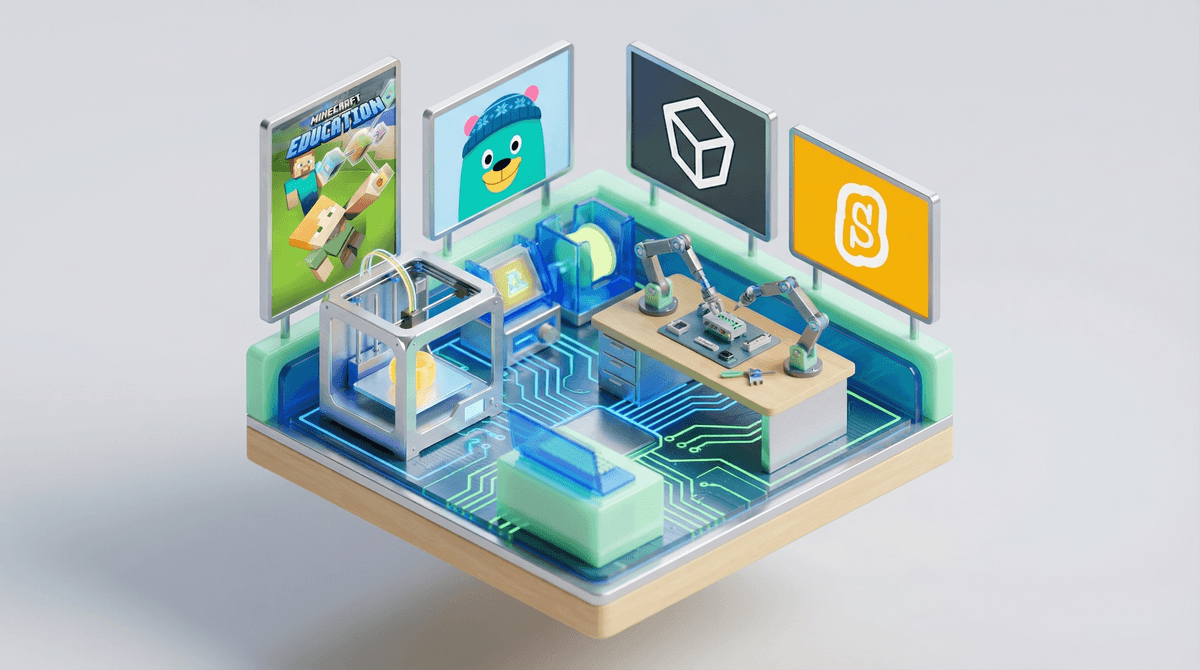
The 3D design tools are intuitive enough for beginners but powerful enough to create real projects. The circuit simulator means kids can experiment with Arduino and micro:bit without buying hardware (though they can export and build physical versions later). The block-based coding introduces programming concepts without intimidation. And the AR viewer? Chef's kiss for showing off designs.

The only real limitation is that it requires internet and some patience—this isn't instant gratification entertainment. Younger kids will need guidance, and some will bounce off if they're not already inclined toward maker activities. But for families raising future engineers, designers, or just curious tinkerers, this is a no-brainer install. It's the kind of tool that could genuinely spark a lifelong interest in STEM, and it costs exactly zero dollars. Download it.

Age Fit

Officially rated 4+ but realistically best for ages 7-14. Younger kids can play with basic 3D shapes, but the real power (circuits, coding, complex designs) shines for upper elementary and middle schoolers. High schoolers interested in engineering will still find it useful as a free prototyping tool.

WISE Breakdown
Wholesome
92

Ad-free, kidSAFE certified, and built with 'privacy first' principles. No social features, no chat, no user-generated content that could expose kids to inappropriate material. The app focuses purely on building, designing, and learning—emotionally healthy and constructive. Autodesk's Children's Privacy Statement is COPPA-compliant and explicitly states personal information is not sold or rented to third parties.

Imaginative
96

This is creativity rocket fuel. Kids can design 3D models from scratch, simulate circuits with Arduino and micro:bit, code using visual blocks, and even view their creations in AR. The platform invites endless tinkering, problem-solving, and iteration. It's the digital equivalent of LEGOs meets engineering lab—open-ended, exploratory, and genuinely empowering for young makers.

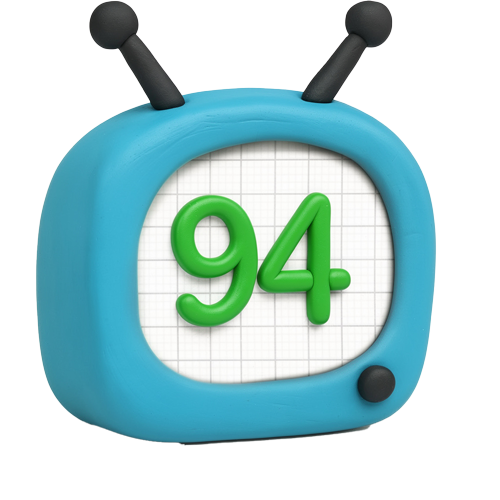
Safe
94

No ads, no in-app purchases, no social features, no chat. Common Sense Privacy gave it a 78% Pass rating. KidSAFE certified. Requires parental approval for child accounts under 13. The only minor concern is that it requires constant internet connection, but there's no exposure to toxic content, predatory monetization, or compulsive loops. This is about as safe as educational apps get.

Enriching
97

Teaches foundational STEM skills—3D design, electronics, coding—in a hands-on, project-based way. Kids build confidence, persistence, and problem-solving abilities. The classroom integration tools let teachers assign projects and monitor progress. This isn't edutainment fluff; it's real engineering and design literacy that translates to future careers and hobbies. Plus, you can export files and 3D print them—tangible real-world connection.

Parent Info

Why It Might Be Great

  • Teaches real STEM skills (3D CAD, electronics, block coding) that translate to actual careers and hobbies
  • Completely free with zero ads, no in-app purchases, and strong privacy protections—rare unicorn in the app world
  • Kids can design something on the couch and then 3D print it or simulate circuits without needing physical components
  • Classroom integration tools make it easy for teachers (or organized parents) to assign projects and track progress
  • AR viewer lets kids place their designs in the real world, which is genuinely cool and motivating

What to Watch For

  • Requires constant internet connection—no offline tinkering on long car rides
  • Younger kids (under 8) will need adult guidance to navigate the interface and understand concepts like circuit simulation
  • The circuit and coding features are more appropriate for upper elementary/middle school—don't expect a 5-year-old to wire an Arduino
  • Parental approval process for under-13 accounts adds a setup step, but it's worth it for the privacy protections

Conversation Starters

  • "What's the coolest thing you've designed so far? Can we 3D print it?"
  • "How does the circuit simulator work? Can you show me how you'd make an LED blink?"
  • "If you could design anything to solve a problem in our house, what would you make?"
  • "What's harder—designing something from scratch or following a tutorial? Why?"
  • "Do you think you'd want to be an engineer or designer when you grow up? What kind?"

Ask Anything

Get a personalized guide on any topic

Related Guides