

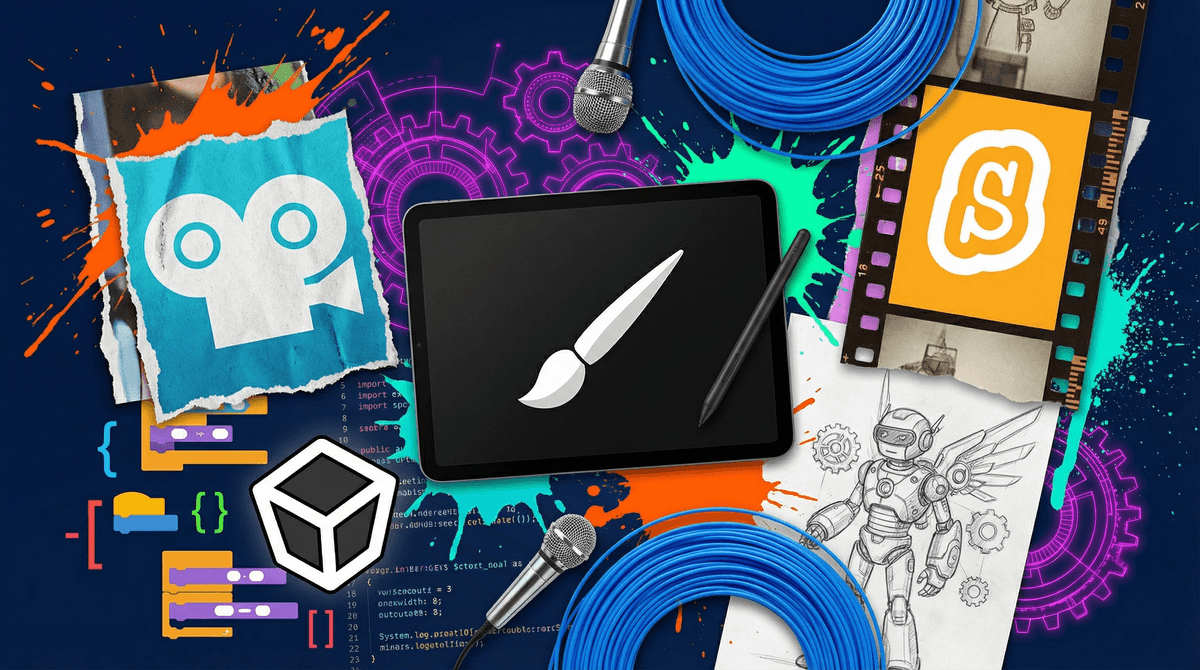
Look, we all know the tween years are when screens start to feel less like "educational tools" and more like "the place my kid lives now." Between Roblox, YouTube, and whatever new app they're begging for this week, it can feel like screen time is just... consumption.
But here's the thing: not all screen time is created equal. There's a massive difference between passively scrolling TikTok and actually making something with technology. Creative tech projects are about flipping the script—turning your tween from a consumer into a creator, using the same devices they're already glued to.
We're talking coding their own games, making digital art, building websites, creating podcasts, designing 3D models, editing videos—basically anything that involves a screen but results in something they've actually built. And honestly? This is where the magic happens. This is where "I'm bored" turns into "Mom, look what I made!"
The tween years (roughly 9-13) are this weird sweet spot. They're old enough to handle real tools and concepts, but young enough to still get genuinely excited about learning new things. Their brains are primed for creative problem-solving, and they haven't yet developed the self-consciousness that makes teens afraid to try and fail.
Plus, let's be real: the jobs they'll have in 10-15 years probably don't exist yet. But the skills they'll need? Creative thinking, problem-solving, digital literacy, and the ability to learn new tools quickly—those are evergreen. A kid who learns to code isn't just learning syntax; they're learning how to break down problems, debug when things go wrong, and persist through frustration. That's life stuff.
And here's the bonus: when kids are making things, screen time stops feeling like a battle. There's actual pride in "I built this" versus "I watched 47 YouTube videos about people playing Minecraft."
Ages 9-10: The Gateway Projects
Start with visual, immediate-feedback projects that don't require reading walls of text:
Scratch - This is the gold standard for a reason. It's a block-based coding platform from MIT where kids can make games, animations, and interactive stories. No typing code—just dragging colorful blocks. Check out Scratch and you'll see why it's used in schools everywhere.
Tinkercad - Free 3D design tool that's surprisingly powerful. Kids can design anything from custom keychains to entire houses, and if you have access to a 3D printer (libraries often do!), they can actually print their creations.
Book Creator - Perfect for the storytelling kid. They can make digital books with text, images, audio, and video. Less "tech" heavy, more creative expression with digital tools.
Stop-motion animation - Using free apps like Stop Motion Studio, a phone/tablet, and literally any objects in your house. The learning curve is gentle, but the creative possibilities are endless.
Ages 11-12: Building Real Skills
Python with Codecademy or Khan Academy - If they liked Scratch, this is the next level. Python is a real programming language that's still beginner-friendly. Khan Academy's course is free and genuinely good.
Canva - Yes, it's a design tool, but teaching a tween how to make actually good-looking graphics, presentations, or social media content is a legitimate skill. Plus it's free for students.
Video editing - iMovie (Mac/iOS) or CapCut (free, cross-platform) for making actual videos. Not just screen recordings of Roblox, but edited content with transitions, music, titles. This is how YouTube creators start.
Minecraft Education Edition - Look, they're already playing Minecraft. The Education Edition adds actual lessons in coding, chemistry, and building challenges. It's sneaky learning.
Website building - Google Sites or Wix. Let them build a website about literally anything they care about. Their favorite book series, their pet hamster, a fake business. The act of organizing information and designing a user experience is incredibly valuable.
Ages 13+: Real-World Creation
Game development - Roblox Studio (yes, really—kids can actually code and publish games in Roblox), Unity with tutorials, or Godot (free game engine).
Digital art and animation - Procreate (iPad, paid but worth it), Krita (free), or even Blender for 3D animation (steep learning curve but incredibly powerful).
Arduino/Raspberry Pi projects - Physical computing. Making LEDs blink, building robots, creating smart home devices. This bridges digital and physical worlds.
Podcast creation - Audacity (free) for recording and editing. Let them interview friends, review books, or explain their obsessions. Learn about kid-friendly podcasts for inspiration.
Start with their interests, not yours. If they love drawing, start with digital art tools. If they're obsessed with YouTube, start with video editing. If they like games, start with game creation. The tech is just the vehicle.
Embrace the tutorial culture. YouTube is full of step-by-step tutorials for literally every creative tech project imaginable. Search "[project name] tutorial for beginners" and you'll find hours of free instruction. This is what kids are already doing to learn Fortnite strategies—channel that energy.
Set up a "creation station." A dedicated space (even just a corner of their room) with their device, headphones, maybe a cheap drawing tablet or microphone. Making it a place helps signal "this is where I make things."
Join them for the first project. Not to hover, but to genuinely learn alongside them. Watch the first tutorial together. Struggle through the first attempt. Model that learning new things is hard and that's normal.
Celebrate the crappy first attempts. Their first Scratch game will probably be broken and weird. Their first video will have awkward cuts and too-loud music. That's the whole point. Creation is messy. Praise the effort and the learning, not the polished result.
This will involve frustration. Coding doesn't work, designs look wrong, videos corrupt. That frustration tolerance? That's literally the skill they're building. Don't rescue too quickly.
Free is totally fine. You don't need expensive software or equipment to start. Scratch, Tinkercad, Python tutorials, video editing apps—most of the best beginner tools are completely free.
They'll probably abandon projects. That's fine. The goal isn't finishing; it's learning. A kid who starts five Scratch games and finishes none still learned more than a kid who watched five hours of YouTube.
This is still screen time. Yes, it's higher-quality screen time, but their eyes are still on screens. Take breaks, encourage physical activity, don't let "but I'm coding!" become an excuse to skip dinner.
Community matters. Online communities (with supervision) like Scratch's sharing platform, Discord servers for young creators, or local library coding clubs can provide motivation and feedback. Learn about Discord safety if you're going that route.
Creative tech projects aren't about turning every kid into a software engineer. They're about giving tweens the tools to be makers in a digital world that's constantly trying to turn them into passive consumers.
Will they stick with it? Maybe. Will they discover a lifelong passion? Possibly. Will they at least learn that screens can be tools for creation, not just consumption? Absolutely.
And honestly, even if all you get is one weird Scratch game about a dancing banana and a Tinkercad keychain that says "FART," you've still won. They made something. That counts.
This week: Ask your tween what they'd want to make if they could make anything digital. Listen to the answer.
This month: Pick ONE project from the list above based on their interests. Watch one tutorial together. Make one thing, no matter how simple.
This year: Build a portfolio (even just a folder on the computer) of things they've created. Let them see their own progress.
The best time to start was last year. The second best time is right now—before they're too cool to try something new with you.