

TL;DR
If you’re looking at your bank statement and wondering why you’re paying $180 a month for "TV" that mostly consists of your kids watching a toilet with a head in it, you’re not alone. Here is the quick 2026 cheat sheet:
- Best for Under 8s: Disney+ is still the gold standard for safety, but Apple TV+ is the sleeper hit for high-quality, "non-brain-rot" content.
- Best for Tweens/Teens: Netflix wins on volume, but you have to be aggressive with the maturity filters.
- The Budget Move: Cancel everything except one "prestige" service and rotate them monthly.
- The Danger Zone: YouTube remains the hardest to police, even with YouTube Kids.
Get a streaming audit based on your kids' ages
We’ve officially hit the "Peak Subscription" wall. In 2026, every major service has cracked down on password sharing, hiked their prices by at least 20% since last year, and shoved ads into the "basic" tiers. For intentional parents, this isn't just a budget issue—it's a digital wellness issue.
When we have ten different apps, our kids suffer from "choice paralysis," which usually leads them straight to the most mind-numbing, algorithmic content available because it’s the easiest to consume. We're talking about that "brain rot" content—those high-energy, low-substance videos that leave kids overstimulated and cranky.
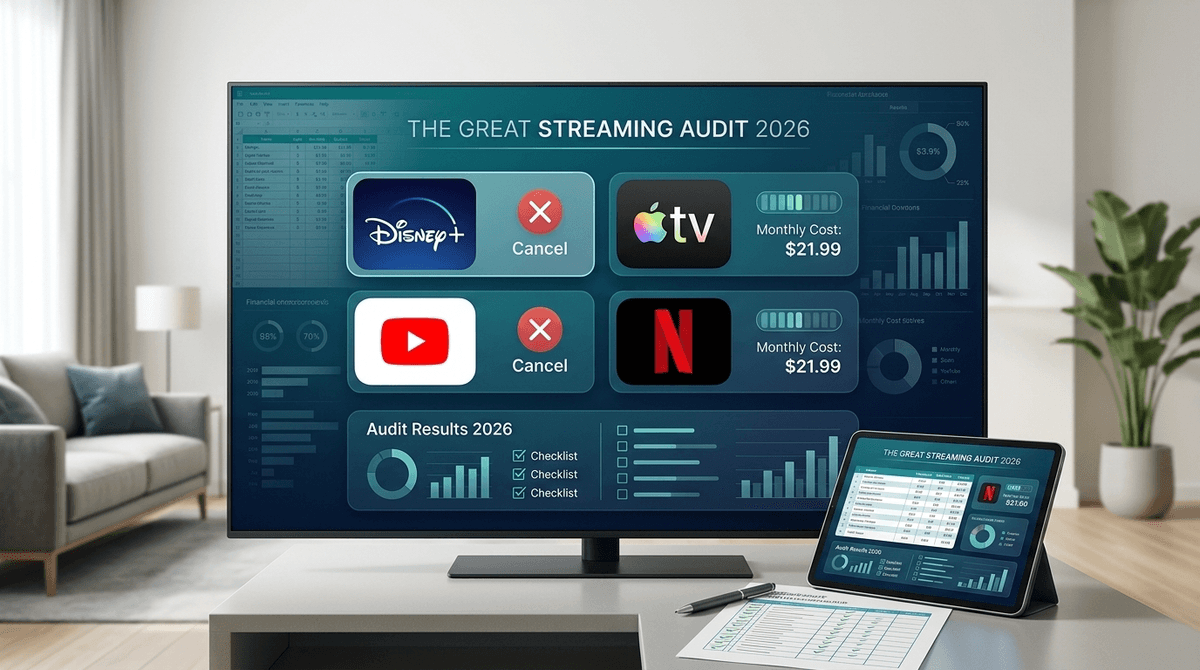
Checking your family’s digital habits in context with your community shows that most families are currently overpaying for at least three services they don't actually use. It’s time for a Great Streaming Audit.
You’ve probably heard your kids say something is "Ohio" (meaning weird or cringey) or mention Skibidi Toilet. While these are mostly harmless memes, they represent a shift toward short-form, chaotic content that is designed to hijack dopamine loops.
Streaming services like Netflix and YouTube use algorithms that prioritize "watch time" over "quality time." If you don't set boundaries, the "Autoplay" feature will take your kid from a decent nature documentary to a screaming toy-unboxing video in under six minutes.
The Vibe: The "Safe" Choice. The Cost: High, but they’ve bundled in Hulu and ESPN+ to make it feel like a "must-have." The Verdict: Essential for families with kids under 10. Bluey remains the greatest parenting tool ever created, and the addition of the Percy Jackson series has made it relevant for the middle school crowd again. Parental Controls: Excellent. You can set maturity ratings for each profile, and the "Junior Mode" is actually restrictive enough to be useful.
The Vibe: The "Everything" Store. The Cost: The most expensive, especially if you want 4K and no ads. The Verdict: Netflix is the king of "mid" content. For every masterpiece like The Dragon Prince, there are fifty shows that are essentially just noise. It’s great for tweens who want to watch what their friends are talking about, like Stranger Things or Wednesday. Parental Controls: Robust. You can lock profiles with a PIN and even block specific titles. If you never want your kid to see CoComelon again, you can literally banish it from their profile.
The Vibe: The "Quality" Choice. The Cost: Surprisingly affordable compared to the others. The Verdict: This is where the intentional parent wins. Apple doesn't have a huge library, but almost everything they have is good. Frog and Toad and Snoopy in Space are calm, educational, and won't make you want to pull your hair out. Parental Controls: Tied to the Apple ID and Screen Time settings, which is great if you’re already in the Apple ecosystem.
The Vibe: The Wild West. The Cost: Pricey, but it removes ads and includes YouTube Music. The Verdict: This is the one service that most parents have a love-hate relationship with. It’s the home of MrBeast, which kids obsess over, but also the home of endless "brain rot" Shorts. Safety Note: YouTube Kids is better than the main site, but it still lets some weird stuff through the cracks. If you’re going to allow YouTube, Premium is almost a necessity to avoid the predatory advertising targeted at kids.
Learn more about the pros and cons of YouTube vs YouTube Kids
- Preschool (Ages 2-5): Stick to PBS Kids and Disney+. Avoid YouTube entirely if you can. The pacing of shows on Apple TV+ like Stillwater is much better for developing brains.
- Elementary (Ages 6-10): This is the peak Minecraft and Roblox era. They’ll want YouTube to watch tutorials. Use the "Approved Content Only" setting on YouTube Kids.
- Middle School (Ages 11-13): They’ll want Netflix for social currency. This is the time to have the "why we don't watch certain shows" talk rather than just relying on filters.
Kids often don't understand that these services cost real money—they think the TV is just a magic box of infinite content. 2026 is a great year to teach some digital literacy and financial responsibility.
- The "One In, One Out" Rule: Tell the kids they can choose one "extra" service (like Paramount+ for SpongeBob), but it means cancelling another one for the month.
- The Quality Conversation: Explain why you prefer they watch The Wild Robot over a 10-minute clip of someone screaming at a video game. Use terms they know: "That show is kind of 'mid,' let's find something 'stacked' with a better story."
- Ad Literacy: If you’re on the ad-supported tiers, talk about why those commercials are there. "They’re trying to get you to want that toy so you’ll ask me for it. Is that toy actually cool, or is the commercial just loud?"
Check out our guide on teaching kids about digital advertising
- Audit Your PINs: If your kid is tech-savvy, they’ve probably figured out your Netflix PIN by watching your finger movements. Change it.
- Turn Off Autoplay: This is the single most effective way to stop a "screen binge." When the show ends, the screen should go black. It forces a conscious decision to watch more.
- Check the "Watch History": Every few weeks, take a peek at what’s been playing. If you see a lot of weirdly titled YouTube videos, it’s time to tighten the restrictions.
In 2026, streaming services are designed to be "sticky"—they want to drain your wallet and your kids' attention span. You don't need all of them.
Pick one for the classics (Disney+), one for the hits (Netflix), and maybe one for quality (Apple TV+). Everything else is probably just noise.
- Log into your bank app and list every streaming charge. You’ll be surprised.
- Sit down with your kids and ask them which one service they would keep if they had to choose.
- Set up profile PINs on every app tonight. It takes five minutes and saves a lot of headaches later.
Get a step-by-step guide to setting up Netflix parental controls
Check out our list of the best "non-brain-rot" shows for 2026