

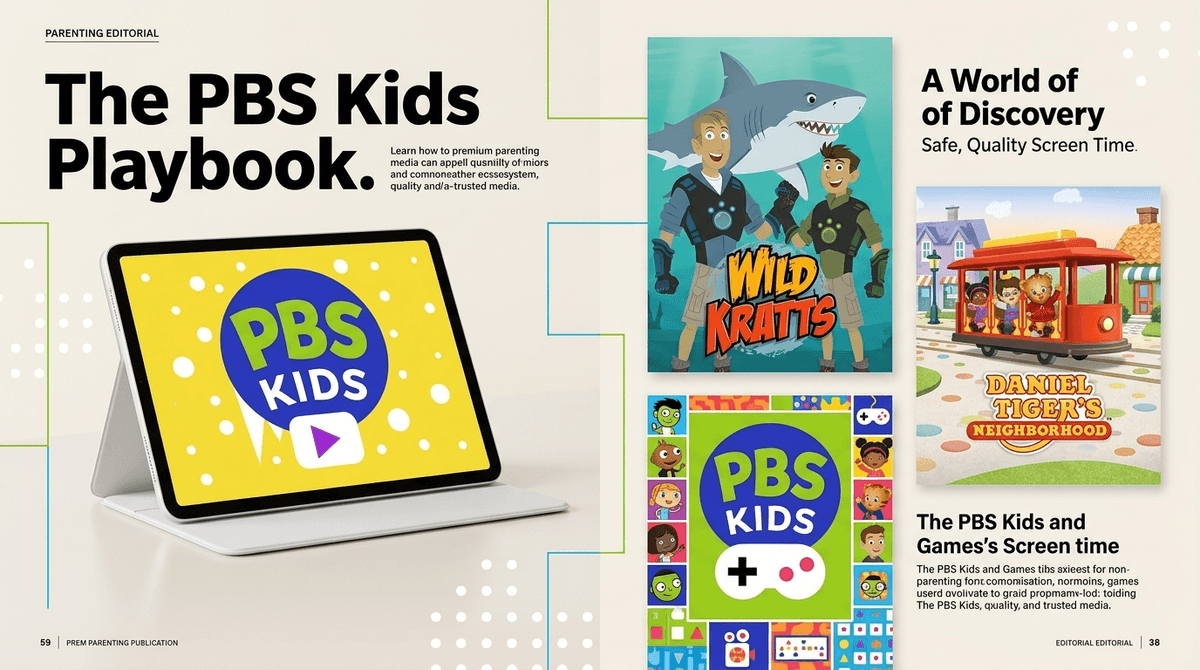
TL;DR: If you’re tired of the overstimulating "brain rot" found on the wilder corners of YouTube, PBS Kids remains the undisputed heavyweight champion of toddler media. It’s free, ad-free, and actually designed by people who understand child development.
Top Recommendations:
- The "Must-Have" App: PBS KIDS Video app
- Best for Interactive Learning: PBS KIDS Games app
- The Gold Standard Show: Daniel Tiger’s Neighborhood
- Best for STEM: Wild Kratts
- Best for Early Coding: PBS KIDS ScratchJr app
Look, we’ve all been there. You’re trying to get dinner on the table, your toddler is currently trying to climb your leg like a mountain goat, and you just need fifteen minutes of peace. The temptation to hand over a phone and let the YouTube algorithm take the wheel is real. But then you look over five minutes later and they’re watching a neon-colored "Skibidi Toilet" parody or some bizarre unboxing video that makes them act like they’ve just had three espresso shots.
In 2026, the digital landscape for toddlers is louder and more predatory than ever. That’s why we need to talk about why the PBS Kids website and its suite of apps are still the best tools in your parenting toolkit. They aren't just "not bad"—they are actually, genuinely good.
When people talk about "brain rot," they’re usually referring to high-arousal, low-substance content designed to keep kids in a dopamine-loop. PBS Kids is the literal opposite. Every show and game is built on a curriculum—whether it’s social-emotional learning, literacy, or computational thinking.
Unlike YouTube Kids, which is essentially a giant vending machine of content with varying degrees of quality, PBS Kids is curated. You don’t have to worry about a "bad" episode of Sesame Street popping up.
Plus, there are no ads. No one is trying to sell your three-year-old a plastic toy that will be broken by Tuesday. No one is tracking their data to build a consumer profile before they’re out of diapers. It’s a walled garden that actually feels safe.
Learn more about the difference between passive and active screen time
You don't need every app on the store. Here is the "Starter Pack" for intentional parents.
This is the heavy hitter. It offers a live stream of the PBS Kids channel and a massive library of on-demand episodes.
- Why it works: It has a "Grownups" button (that requires a little math to enter) where you can see what your child is learning from each show.
- The Vibe: It’s like Netflix, but every single choice is a "win" for their brain.
If your toddler is starting to poke at your phone, this is where they should land. It hosts hundreds of games based on their favorite shows.
- Why it works: The games are designed for tiny hands. There are no "game over" screens that lead to meltdowns, and the difficulty scales gently.
- Pro-tip: You can download games for offline use, which is a lifesaver for long car rides or flights.
This is one of the best-designed "educational" apps out there. It encourages kids to "think like a scientist" by playing with shadows, weather, and physics.
- Why it works: It actually includes "co-play" prompts for parents, suggesting things you can do in the real world to reinforce what they just did on the screen.
For the older toddler or preschooler (ages 4-5), this is a brilliant intro to coding. They can snap together blocks of code to make characters from Wild Kratts or Molly of Denali move and talk.
Not all PBS shows are created equal for every age. Here’s how to navigate the lineup:
Ages 2-4. This is the undisputed GOAT of toddler TV. It’s the spiritual successor to Mister Rogers. Each episode has a "strategy song" for things like sharing, going to the potty, or dealing with big feelings.
- Parent Hack: You will find yourself singing these songs to your child (and yourself) during tantrums. It works.
Ages 4-7. One of the newer additions, this show focuses on "computational thinking"—which is just a fancy way of saying "problem-solving." Lyla breaks big problems down into small steps. It’s fantastic for building persistence.
Ages 4-8. If your kid is obsessed with animals, this is the one. The Kratt brothers teach biology and zoology through "Creature Power Suits." It’s high energy but genuinely educational.
Ages 4-8. This show is amazing for teaching "informational text" skills. Molly uses maps, books, and the internet to solve problems in her Alaskan village. It also features authentic Indigenous culture, which is a breath of fresh air.
Check out our full guide on the best educational shows of 2025
The American Academy of Pediatrics (AAP) has long suggested no screens under 18-24 months (except video chatting) and one hour of "high-quality" programming for ages 2 to 5.
But let’s be real: parenting is a marathon, and sometimes you need the "digital babysitter." If you’re going to use a screen, the quality matters more than the clock.
- 18-24 Months: This is the "co-viewing" phase. If they are watching Sesame Street, talk about it. "Look, Elmo has a red ball! Do you have a red ball?" This prevents the "zombie stare."
- Ages 3-5: This is the "interactive" phase. This is where the PBS KIDS Games app shines. Interactive media is often better for brain development than passive watching because it requires the child to make choices.
Is there a downside? Only one: The Transition.
Because PBS Kids content is so engaging, some kids (especially the "deep feelers") have a hard time turning it off. This isn't because the app is "addictive" in a predatory way; it's just because they're having fun.
How to handle the "Turn-Off" Tantrum:
- Give the "Two-Minute Warning": Don't just snatch the tablet.
- Use "Bridge Activities": "When Daniel Tiger is done, we’re going to go build a block tower just like he did!"
- Check the "WISE Score": Use Screenwise to see how other parents in your community are balancing PBS Kids time with outdoor play.
You don't need to feel guilty about screen time if you're choosing the right screens. In a sea of Roblox scams and Minecraft clones, PBS Kids is a lighthouse. It’s the one corner of the internet that still feels like it was built with your child’s best interest at heart.
If you haven't updated your apps lately, go grab the PBS KIDS Video app and the PBS KIDS Games app. They are free, they are safe, and they might actually teach your kid how to handle their emotions better than most adults.
Next Steps:
- Download the Video and Games apps.
- Set a "Screen Time" limit on the device itself (iOS and Android both have great built-in timers).
- Sit down and watch one episode of Daniel Tiger’s Neighborhood with your kid. You'll quickly see why it's the gold standard.