

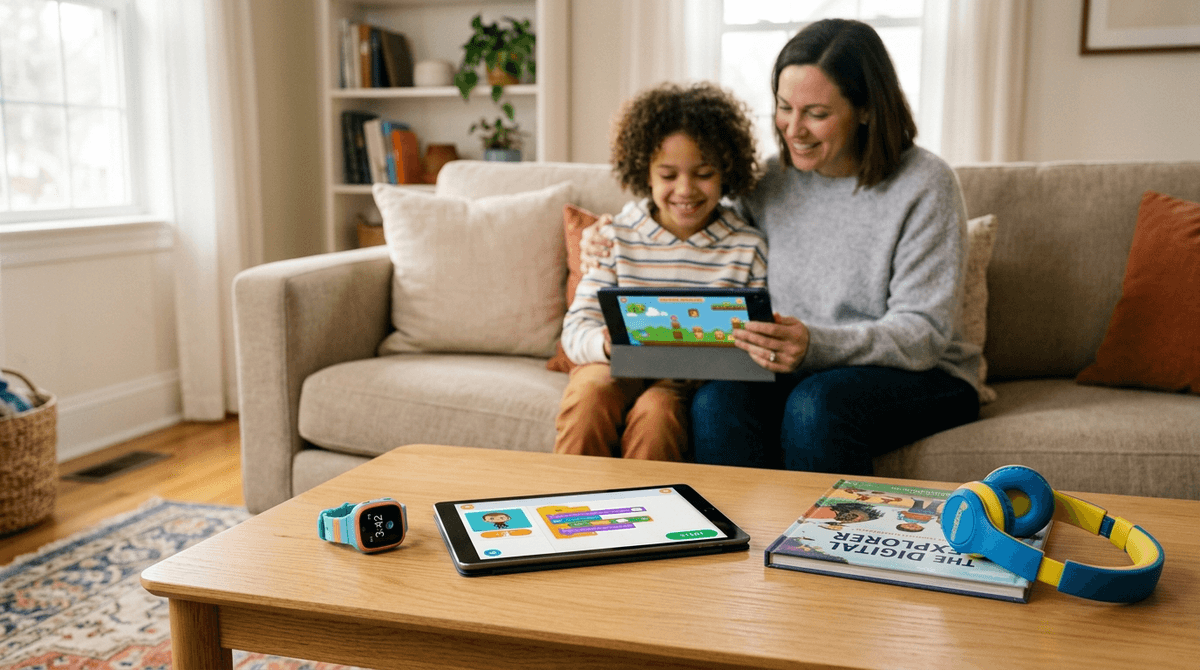
TL;DR: The Elementary Essentials
If you’re in a rush between soccer practice and the grocery store, here are the top recommendations for the K-5 crowd that balance fun with actual substance:
- Best First "Device": Gabb Watch or Apple Watch SE (GPS and calling without the browser/social media rabbit hole).
- Top Creative Game: Minecraft (The digital version of LEGOs, still the gold standard for spatial reasoning).
- Best "Not Brain Rot" Show: Hilda (Netflix) – beautiful animation, emotional intelligence, and zero screaming YouTubers.
- Essential Coding Tool: Scratch – where they move from consuming tech to creating it.
- The "AI Bestie" to Watch: ChatGPT – kids are using it for homework help and "boredom busting," but it needs a co-pilot.
Check out our full guide on the best first phones for kids
Elementary school is the "Wild West" of digital parenting. You start Kindergarten with a strictly controlled iPad that only has PBS Kids on it, and by 5th grade, your kid is asking for a smartphone because "everyone else in the 5th-grade hall has one."
This is the era of the soft launch. We aren't giving them the keys to the entire internet yet, but we are starting to let them pull the car out of the driveway. We’re moving from "digital protection" (keeping things away) to "digital wellness" (teaching them how to use things safely).
If your kid is calling everything "Ohio" (meaning weird or cringey) or singing about Skibidi Toilet, don't panic. It’s just the modern version of "The Song That Never Ends." It’s surrealist humor for the Gen Alpha set. The real work isn't policing the slang; it's managing the hardware and the habits.
By 3rd or 4th grade, the "where are you?" anxiety kicks in. Maybe they’re walking home from the bus stop or staying late for drama club. This is where the smartwatch comes in. It’s the ultimate digital wellness tool for this age because it provides the utility of a phone (calling mom) without the toxicity of a phone (unregulated access to TikTok or the open web).
This is a favorite in the Screenwise community for a reason. It’s a locked-down ecosystem. No internet, no social media, just calling, texting, and GPS. It’s the "training wheels" of communication.
If you’re an iPhone family, using "Family Setup" on an Apple Watch is a pro move. You can set "Schooltime" hours where the watch is basically just a clock, and you can control exactly who they can message. It feels "grown-up" to the kid but keeps you in the driver's seat.

We need to talk about AI because your 4th grader already is. Whether they are using ChatGPT to write a story about a flying cat or interacting with "My AI" on Snapchat (which, honestly, they shouldn't even be on yet), kids are treating AI like a person.
The risk here isn't just "cheating on homework." The risk is emotional anthropomorphism. Kids are developing "friendships" with bots that are programmed to be infinitely patient and agreeable. That’s not how real human relationships work. If we don't guide them, they might find human interaction—with its messy disagreements and boundaries—too difficult compared to their "AI bestie."
If you have a child between the ages of 6 and 12, you are likely a reluctant resident of Roblox.
Let’s be real: Roblox is a mixed bag. On one hand, it’s an incredible platform where kids can learn the basics of game design and even economy. On the other hand, it’s a high-pressure marketplace designed to make your kid feel "poor" if they don't have the latest skin or "Robux."
- The Pro: It’s social. For many kids, this is their "mall"—the place they hang out with friends after school.
- The Con: The moderation is... okay, but not perfect. And the "dark patterns" (design tricks to get kids to spend money) are everywhere.
The Screenwise Take: Don't just ban it. Use it as a lesson in "digital literacy." Sit with them. Ask them why they want that specific item. Explain how Robux translates to real hours of your work.
Not all screen time is created equal. If they’re going to be on a device, let’s steer them toward content that actually feeds their brain instead of just turning it into mush.
If you want a bridge between screen time and reading, this is it. It’s a masterpiece about technology and nature. Read the book together before watching the movie. It’s a great way to talk about what it means to be "programmed" vs. having a heart.
Developed by MIT, this is the gold standard for elementary coding. It uses "blocks" to teach logic. If your kid loves Roblox, tell them they can make their own games on Scratch. It shifts them from a consumer to a creator.
Seriously, if you are tired of the neon-colored, high-decibel screaming of most kids' shows, put on Hilda. It’s whimsical, adventurous, and respects the child's intelligence. It’s the "Curb Your Enthusiasm" of kids' shows in terms of quality, but, you know, for kids.
For the car ride to school. It’s a podcast that makes science genuinely hilarious. It’s a great way to prove that "digital" doesn't always have to mean "staring at a screen."
Famous actors reading children's books. It’s high-quality, calm, and educational. Perfect for that "I need 20 minutes to cook dinner" window.
Grades K-2: The Guided Discovery Phase
- Focus: Co-viewing. Sit with them.
- Apps: Endless Alphabet, Toca Boca World.
- Boundary: No screens in bedrooms. Period. This is the age where "one more video" becomes a meltdown. Use a physical timer they can see.
Grades 3-5: The Independence Phase
- Focus: Digital Citizenship.
- Hardware: Consider a smartwatch before a phone.
- The Talk: Start talking about the "Digital Footprint." Remind them that anything they type in Minecraft or Roblox is permanent and can be seen by others.
In 2026, the biggest risk to your elementary-aged kid isn't a "creepy stranger" (though that’s a valid concern to monitor in Roblox chats). The bigger risks are:
- Over-stimulation: Apps like YouTube Shorts or TikTok (which they shouldn't have) use variable reward schedules that are literally addictive. It makes "real life" feel boring.
- Commercialization: Kids at this age can't always distinguish between a "content creator" and a "salesperson." When MrBeast promotes a product, they see a friend giving a recommendation, not a multi-million dollar marketing engine.
Digital wellness in elementary school isn't about being the "Screen Police." It’s about being a mentor.
If we just ban everything, they’ll hit middle school with zero "digital muscle" and get overwhelmed the second they get a phone. If we give them free rein, their brains will be fried by the YouTube Kids algorithm.
The sweet spot? High-quality content, clear boundaries (no phones at the table, no screens in the bedroom), and a lot of conversations about why we use tech the way we do.
- Audit the "Brain Rot": Watch 10 minutes of what your kid is watching on YouTube. If it’s just loud noises and fast cuts, suggest a "swap" for Hilda or Bluey.
- Set a "Tech-Free" Zone: Pick one area of the house (like the dining room) where no devices are allowed—including yours.
- Take the Screenwise Survey: If you haven't yet, walk through our family habits survey to see how your tech use compares to other parents in your community.