The bridge to independence
The Apple Watch app is the control center for what has become the definitive training wheels device. While the app itself is just a collection of menus and toggles, it represents a massive shift in how we introduce kids to connectivity. For years, the choice was binary: give them a "dumb" flip phone that they’d lose in a week because it isn't "cool," or hand over an iPhone and pray they don't find the dark corners of the internet.
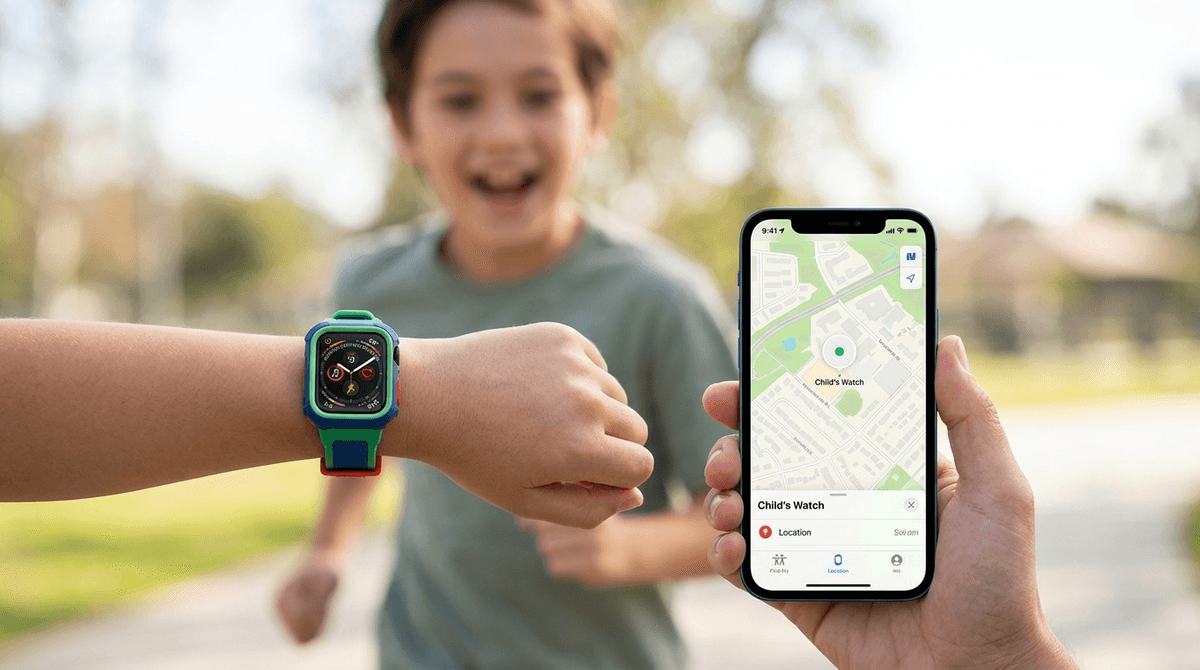
The "Apple Watch For Your Kids" setup (formerly Family Setup) changed that calculus. By using the app on your own iPhone to manage a watch for a child who doesn't have a phone, you're essentially creating a walled garden on their wrist. They get a dedicated phone number, the ability to text you when practice ends early, and a GPS tracker that they’re actually incentivized to wear. If you're weighing this against a traditional smartphone, our Apple Watch guide for parents breaks down why this middle-ground approach usually wins for the under-12 crowd.
Why "Schooltime" is the killer feature
The biggest friction point with any wearable is the potential for it to be a constant distraction. No teacher wants a wrist buzzing with texts during a spelling test. This is where the app’s "Schooltime" feature becomes essential. You can remotely schedule blocks of time where the watch face simplifies to a basic yellow clock, silencing all notifications and locking out apps.
It turns the device into a tool for safety and logistics rather than a toy. It’s a much cleaner solution than the "phone in the cubby" rule because the kid still has the device for the walk home, but they aren't tempted to check their activity rings or message friends during class. For parents of younger kids, especially those looking at an Apple Watch for 3rd grade, this feature is often the deciding factor that makes the tech feel appropriate for the classroom.
The gamification of movement
Beyond the safety and communication features, the app manages the Activity rings, which is where the "fun" actually lives for the kid. While we might find the "stand reminders" annoying, kids often find the gamification of steps and movement genuinely motivating.
The app allows you to adjust these goals so they’re realistic for a child’s schedule. Seeing those rings close or earning a digital trophy for a week-long streak provides a hit of dopamine that is tied to physical activity rather than passive consumption. It's one of the few instances where "screen time" (if you can call a watch face a screen) actually encourages them to get off the couch.
The hidden costs and habits
It isn't all seamless. You have to be ready for the subscription creep. Most carriers charge around $10 a month for the cellular plan required to make the watch independent of your phone. You also need to be intentional about the "haptic habit." The watch uses vibrations to get attention, and it’s easy for a kid to become Pavlovian about every wrist buzz.
Use the app to aggressively prune notifications. If it isn't a text from a parent or a calendar alert, it probably doesn't need to vibrate. If you don't curate that experience early, you're just training them to be tethered to a digital tether before they’ve even hit puberty. Keep it minimal and the watch remains a tool; let it clutter up, and it becomes a nuisance.