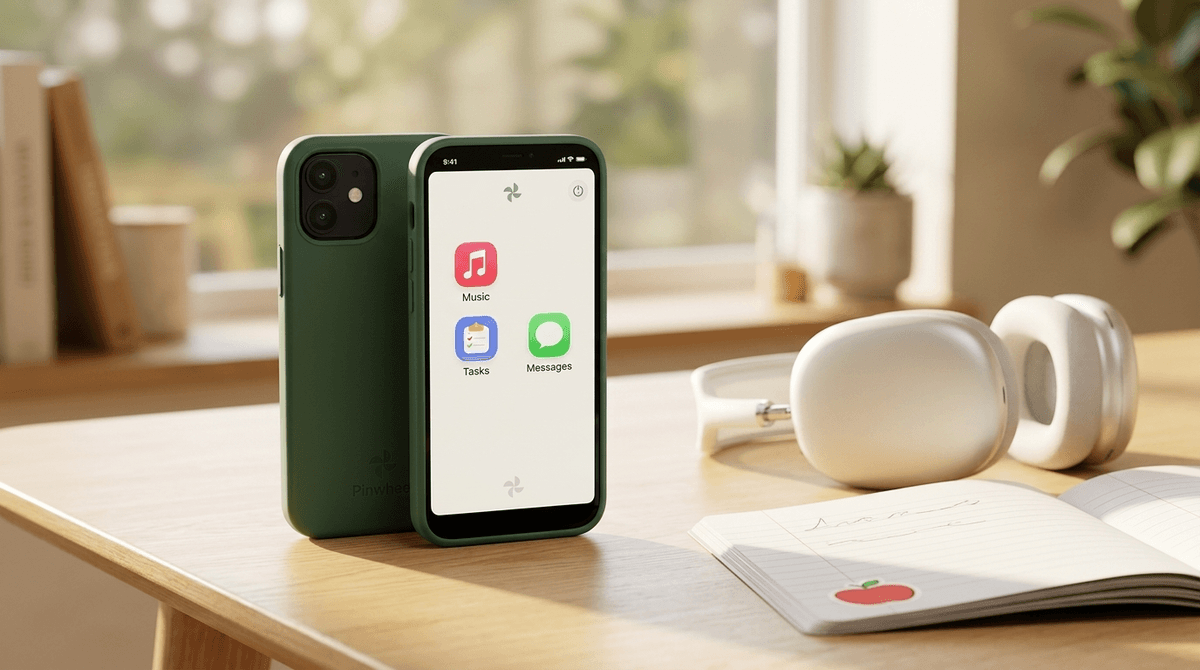
Pinwheel is the gold standard for 'bridge' devices. It solves the 'I need to call my kid' problem without creating a 'my kid is now addicted to TikTok' problem.
It’s not just a phone with some parental controls slapped on; it’s a custom OS built from the ground up to be safe. You get the utility of a smartphone—GPS, music, texting—without the dark corners of the web. Just be prepared for the monthly subscription fee, which is essentially the cost of having a professional team vet every single app for you.
Age Fit
Perfect for the 8-to-14 crowd who needs a phone for logistics but isn't ready for the unfiltered internet. It can stretch to 18 for teens who genuinely want a distraction-free device.
WISE Breakdown
Wholesome
85
Designed specifically to foster healthy communication and independence without the toxic side effects of social media or algorithmic feeds. It models a balanced approach to tech.
Imaginative
60
While it provides access to creative tools like music and photography, the device itself is a utility for safety rather than an open-ended creative toy.
Safe
95
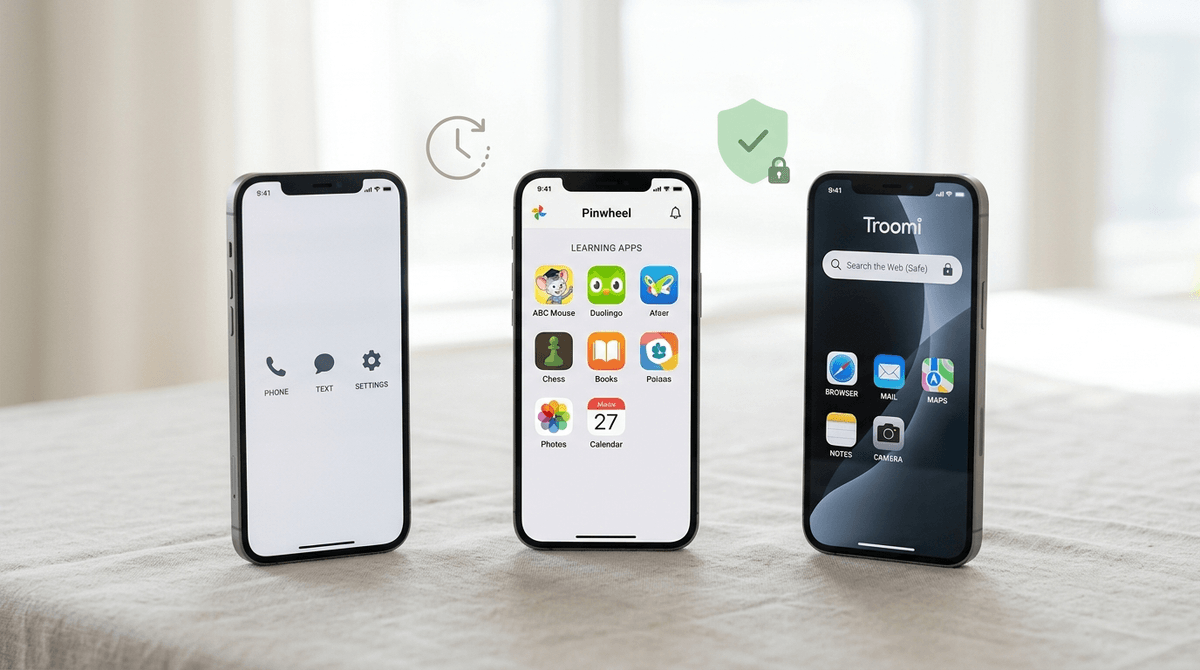
The 'walled garden' approach is the core feature. No open browser, no social media, and a curated app library make this one of the safest digital entry points available.
Enriching
80
Excellent for teaching digital literacy and responsibility. It provides the 'training wheels' necessary for kids to learn how to manage a device before graduating to an unrestricted one.
Parent Info
✓
Why It Might Be Great
Zero social media or open web browsing means no doom-scrolling or algorithm traps for developing brains.
The curated app library includes the 'good' stuff like Spotify, Duolingo, and Fitbit without the junk or hidden trackers.
Remote management is actually intuitive; you can lock it down or open it up from your own phone without a degree in IT.
It looks like a standard smartphone, so your kid won't feel like they're carrying a 'baby' toy in front of their friends.
⚠
What to Watch For
There is a monthly subscription fee for the Pinwheel OS on top of your standard cellular plan.
If your kid is used to an unrestricted iPad, the curated app list might feel like a cage at first—expect some initial pushback.
Conversation Starters
"What are three apps you actually need for school or your hobbies?"
"If you had a phone, what's a 'fair' time for it to go into the charging station at night?"
"Why do you think some apps are allowed on here and others (like TikTok) are not?"
"How should we handle it if someone you don't know tries to text you?"