Nintendo Switch

Nintendo Switch

Website

WISE
94%

WISE Score

The essential toolkit for keeping your kid’s gaming habit fun, balanced, and—most importantly—under your control.

Screenwise Verdict

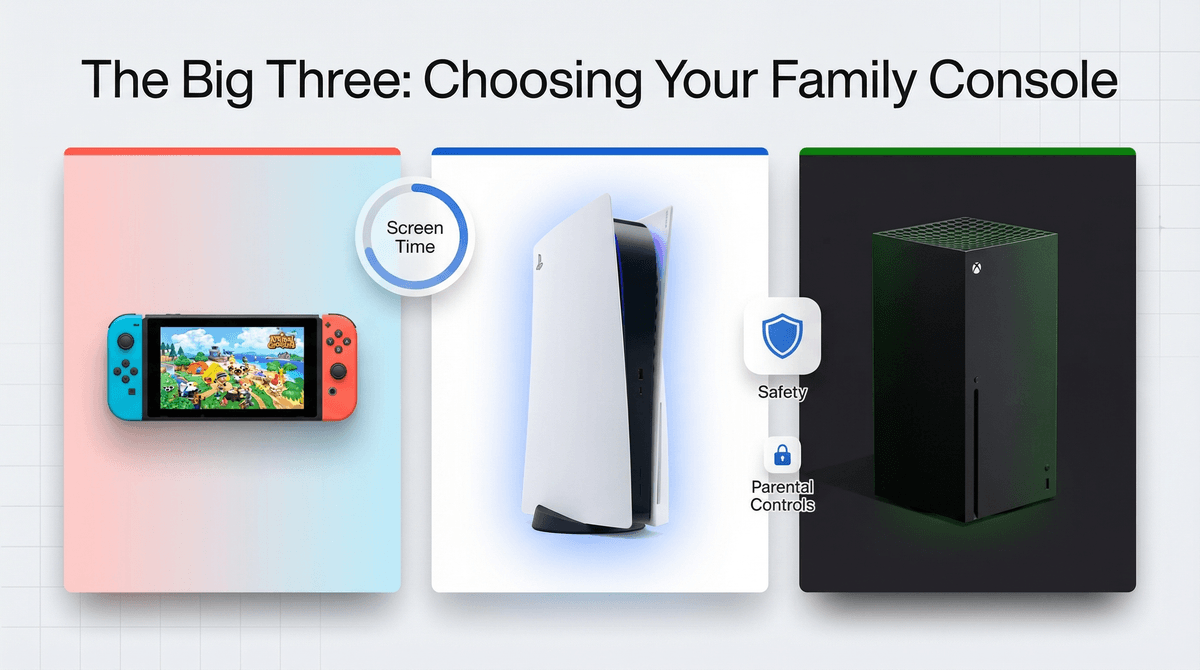
If your house has a Nintendo console, using the Play Nintendo for Parents site and the companion app is a no-brainer. It is the most effective way to manage screen time without having to hover over the couch or engage in a daily 'five more minutes' negotiation.

Nintendo has consistently outperformed Sony and Microsoft in making their safety tools intuitive. While other platforms feel like they're trying to hide the controls, Nintendo puts them front and center. The move here is to set the guardrails early, disclose them to your kid, and use the app's data to have actual conversations about how they're spending their time.

Age Fit

This is a tool for parents (18+) to manage an ecosystem that serves kids from ages 5 to 99.

WISE Breakdown
Wholesome
95

Nintendo's entire brand is built on family-friendly experiences. Their parent-facing resources focus on balance, cooperation, and age-appropriate content without the edge found in other ecosystems.

Imaginative
82

While the website is a utility tool, it does an excellent job of highlighting games that encourage building, problem-solving, and creative exploration rather than just mindless loops.

Safe
98

The gold standard for safety. Between the free parental controls app and the strict approval process for chat features on the Switch 2, Nintendo provides more granular control than any other console maker.

Enriching
90

Provides genuine digital literacy for parents, explaining ESRB ratings and how to establish healthy gaming habits instead of just offering a 'kill switch' for the console.

Parent Info

Why It Might Be Great

  • Best-in-class parental app that lets you set time limits and monitor play history from your phone.
  • Clear ESRB breakdowns that explain not just the rating, but why a game earned it.
  • Wholesome ecosystem that prioritizes couch co-op and family-friendly franchises like Mario and Zelda.
  • Granular social controls that allow you to block or approve individual friends and chat sessions.

What to Watch For

  • The Nintendo Switch Parental Controls app is a separate download; the on-console settings are much more annoying to navigate.
  • The Switch 2 requires manual approval for every single video chat session for kids under 15—it's safe, but it means you'll be the 'gatekeeper' for every call.
  • Digital purchases can be made easily if you don't set a required PIN for the eShop.

Conversation Starters

  • "How do we decide when a gaming session is 'done' for the day?"
  • "Why do you think some games have age ratings and others don't?"
  • "What's your favorite game to play together as a family?"
  • "If you could design a game for us to play together, what would it be like?"

Ask Anything

Get a personalized guide on any topic