

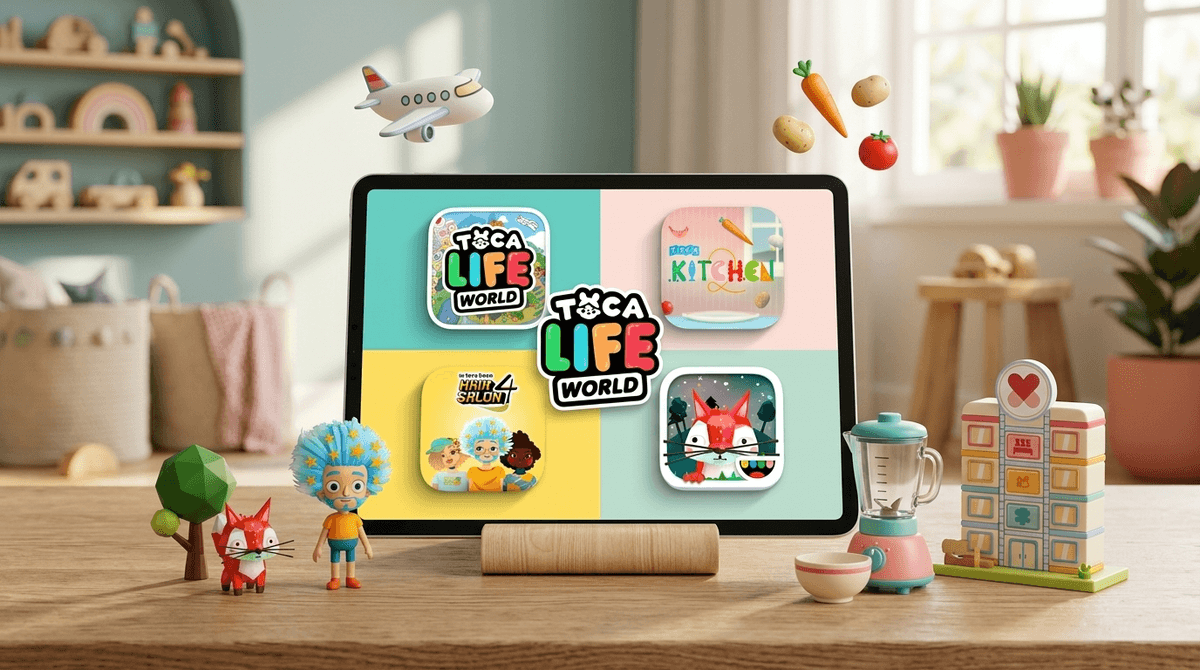
TL;DR: Toca Boca apps are the antidote to the over-stimulating, dopamine-loop-driven "educational" apps that dominate the App Store. By treating the screen as a digital toy box rather than a game with winners and losers, they foster genuine creativity, empathy, and storytelling. If you want screen time that feels like playing with a dollhouse or a set of LEGOs rather than a slot machine, this is the gold standard.
Top Recommendations:
- Toca Life World – The ultimate digital dollhouse "hub."
- Toca Kitchen 2 – Pure, messy culinary experimentation.
- Toca Hair Salon 4 – Creative self-expression with zero "wrong" moves.
- Toca Nature – A peaceful, slow-paced world-building experience.
If you’ve spent any time in the "Kids" section of the App Store, you’ve seen the Toca Boca icon: a smiling, rainbow-colored face. Based in Sweden, Toca Boca has been around since the early days of the iPad, and they’ve stayed remarkably consistent in their mission: "The Power of Play."
Unlike ABCmouse or Duolingo ABC, which are designed to teach specific academic skills through drills, Toca Boca apps are "open-ended." There are no high scores, no timers, no "Game Over" screens, and no boss battles. They are digital environments where kids are the directors, the chefs, and the architects.
In our Screenwise community data, we see that roughly 65% of parents with children ages 3-6 have at least one Toca Boca app installed. It is the most common "first app" for a reason.
Most mobile games—even the ones marketed as "educational"—are built on dopamine loops. You complete a task, you get a star, a firework goes off, and you’re pushed to the next level. This is why kids often have meltdowns when it’s time to turn off Subway Surfers or Roblox. The brain is being wired for a constant "hit" of achievement.
Toca Boca operates differently. Because there is no "winning," there is no "losing." A child can spend forty-five minutes in Toca Kitchen 2 simply trying to see what happens if they deep-fry a strawberry and feed it to a monster. When it’s time to put the tablet away, the transition is usually smoother because they aren't being interrupted in the middle of a high-stakes challenge. It’s more like being told to stop playing with blocks than being told to quit a sport in the final two minutes of the game.
See the difference between open-ended and gamified apps for preschoolers
This is the "mega-app" that connects all the previous Toca Life apps (City, Vacation, Hospital, etc.) into one massive universe.
- Why it’s great: It’s a massive dollhouse. Kids can move characters between locations, dress them up, and give them items to hold. It’s a perfect stage for "pretend play."
- The Screenwise Take: This is where you’ll see your kid’s personality shine. They might act out a trip to the doctor or a chaotic dinner party. It’s storytelling in its purest digital form.
There are no recipes to follow. There are no "points" for making a good meal.
- Why it’s great: It encourages experimentation. If a kid wants to blend a fish and a mushroom into a smoothie, the app lets them. The "characters" eating the food react with humor—they might cough at too much hot sauce or look delighted by a weird combo.
- The Screenwise Take: This is a fantastic sensory-style app for kids who might be "picky eaters" in real life, as it lets them explore food combinations without the pressure of actually tasting them.
This is arguably the best creative app for the preschool set.
- Why it’s great: You can cut hair, grow it back instantly with a "magic potion," dye it every color of the rainbow, and apply face paint.
- The Screenwise Take: It’s about agency. In a world where preschoolers are told what to wear and when to eat, having total control over someone’s (admittedly digital) appearance is incredibly empowering.
Preschoolers are currently living in a weird digital era. Even at age four, they might be hearing older siblings talk about Skibidi Toilet or seeing weird "Ohio" memes on YouTube Kids. These trends are often high-energy, loud, and frankly, a bit "brain rot" adjacent.
Toca Boca is the "slow media" alternative. Kids love it because it respects their intelligence. It doesn't scream at them. It doesn't use bright, flashing "CASINO-STYLE" graphics to keep them engaged. It relies on the child's own imagination to provide the fun. If the child doesn't move the character, the character doesn't do anything. That's a huge shift in the power dynamic between the screen and the child.
While Toca Boca is the "gold standard," it’s not a "set it and forget it" tool. Here is how to handle it by age:
- Ages 2-3: Stick to the simpler standalone apps like Toca Kitchen 2. Toca Life World might be a bit too complex with its many menus and locations.
- Ages 4-6: This is the sweet spot. They will want to build houses in Toca Life World and will likely start asking for "packs" (more on that below).
- Ages 7+: Many kids still love Toca at this age, often using the built-in screen recording features to make their own "movies" or "stories," which is a great pivot into digital content creation.
We promised no-BS, so here it is: Toca Life World is free to download, but it is built on an expansion model. The base game comes with a few locations and characters, but the "Shop" is always visible.
The shop is filled with tempting new locations (like a neon apartment or a winter resort) and furniture packs. For a preschooler, that "Shop" button is a siren song.
The Screenwise Advice:
- Password Protect Everything: Ensure your App Store settings require a password for every single purchase.
- The "Birthday/Holiday" Rule: Treat Toca packs like physical LEGO sets. They aren't "in-game currency" like Robux; they are digital toys. If they want the "Hospital" pack, maybe that's a reward for a big milestone or a birthday gift.
- Talk About the "Grown-Up" Button: Toca apps usually have a "For Parents" section that requires you to hold a button or solve a math problem. Explain to your child that this is the "money side" of the toy and it's for parents only.
Check out our guide on managing in-app purchases without the drama
If you are looking for an app that will teach your kid to read by Tuesday, Toca Boca isn't it. However, if you value Social-Emotional Learning (SEL), it’s a goldmine.
When a child plays Toca Life World, they are practicing:
- Empathy: "The baby is hungry, I should put them in the high chair."
- Executive Functioning: "First I have to go to the store to buy the ingredients, then I can go home and cook the dinner."
- Storytelling: Creating a narrative arc for their characters.
In my book, that is far more "educational" for a four-year-old than tapping a letter 'A' until a sparky animation happens.
Toca Boca apps are the rare digital products that actually feel like they were designed by people who like and respect children. They aren't trying to harvest data or keep your kid's eyeballs glued to the screen for six hours a day. They are tools for play.
If you’re feeling guilty about screen time, switching from "passive" consumption (like mindless YouTube scrolling) to "active" play with Toca Boca is a massive win for your child's digital wellness.
- Download Toca Kitchen 2 first. It’s a one-time purchase (or often free) and has no in-app shop, making it the perfect low-stress entry point.
- Sit and play for 10 minutes. Ask your child to "make you a sandwich" in the app. You’ll quickly see how their brain is working.
- Set a timer. Even "gold standard" apps can be hard to leave. Use a neutral timer (like a kitchen timer) so it is the "bad guy" when time is up, not you.