

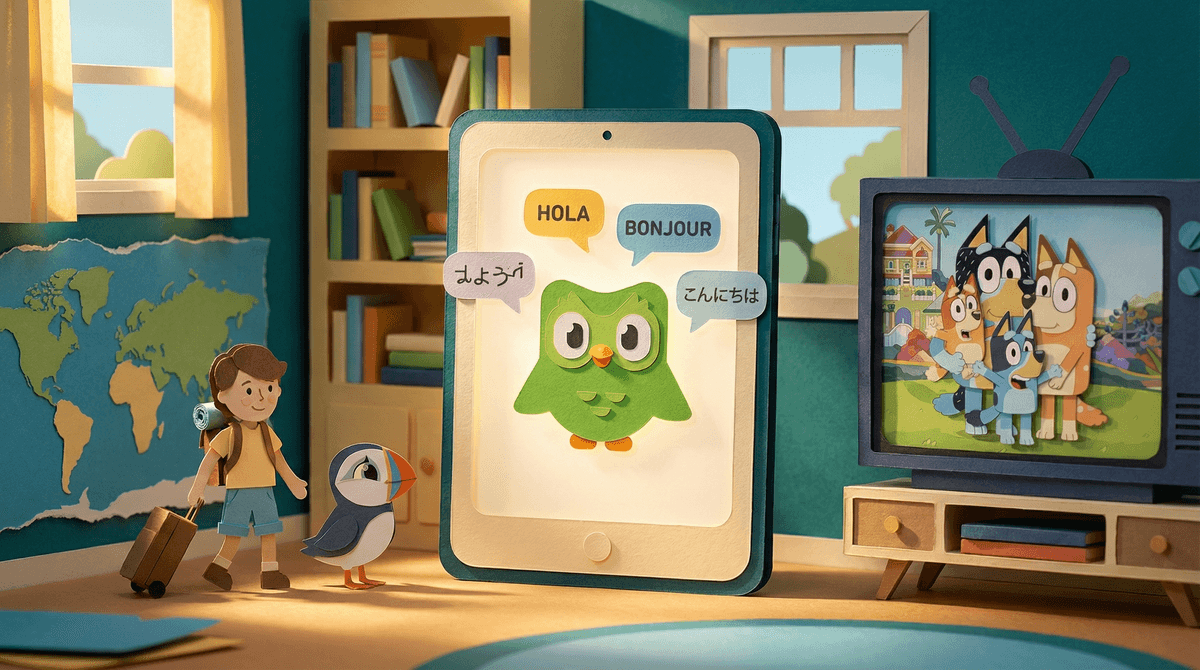
Using screens to support bilingual development means strategically choosing apps, shows, games, and other digital content in your target language—not as a replacement for human conversation, but as a supplement. It's leveraging the fact that kids are going to have screen time anyway, so why not make some of it serve double duty?
The promise is real: immersive content in another language, native speakers modeling pronunciation, engaging stories that make vocabulary stick. But here's the thing—tech alone won't make your kid bilingual. It's a tool, not a tutor. And like any tool, it works best when you know exactly what you're trying to build.
If you're raising kids in a multilingual household, you already know the struggle. Maybe you speak Spanish at home but your kid responds in English. Maybe you're trying to maintain Mandarin as a heritage language but they'd rather watch YouTube in English. Maybe you're teaching them French but they have zero peers to practice with.
The stakes feel high because language is about more than vocabulary—it's about cultural connection, family relationships, cognitive benefits, and future opportunities. And in 2026, screens are everywhere. Your kid will spend thousands of hours with digital content. The question isn't whether they'll use screens, it's whether those screens will support or undermine your language goals.
The good news? When used strategically, tech can actually help. The bad news? Most families default to whatever's easiest (English content from the U.S.), which means missing a huge opportunity.
Start with Shows and Movies (But Be Picky)
Passive watching isn't ideal for language acquisition, but high-quality shows in your target language beat random YouTube any day. The key is repetition, clear context, and age-appropriate content.
For younger kids (ages 2-7):
- Bluey has dubbed versions in multiple languages with excellent voice acting
- Peppa Pig is available in dozens of languages and the simple vocabulary is perfect for beginners
- Puffin Rock has a gentle pace that makes it easier to follow in a second language
- Look for your country's equivalent of PBS Kids or BBC—many countries have excellent public broadcasting for children
For older kids (ages 8-14):
- Avatar: The Last Airbender has quality dubs in many languages
- Anime can be great for Japanese learners, but read this guide about age-appropriate anime first
- International Netflix originals from your target country (Spanish shows from Spain, Korean dramas, French series)
Pro tip: Use subtitles strategically. For heritage language learners, try audio in the target language with subtitles in the target language (not English). Yes, they'll need to be able to read in that language, but it reinforces the connection between spoken and written words.
Apps That Actually Teach (Not Just Gamify Flashcards)
Most language apps are glorified flashcard games that feel productive but don't build real fluency. That said, some are genuinely useful as supplements:
Duolingo gets roasted by linguists, but for kids who need a daily language touchpoint with zero parental involvement, it's better than nothing . The gamification works. Just don't expect fluency.
Gus on the Go (ages 3-7) is solid for vocabulary building with native speaker audio and cultural context.
Studycat apps (formerly Fun Spanish, Fun French, etc.) are well-designed for younger learners with actual pedagogical structure, not just random games.
Beelinguapp (ages 8+) shows text in two languages side-by-side while a native speaker reads aloud—great for reading practice.
For heritage language learners, look for apps from your target country, not American apps teaching that language. The cultural context matters.
YouTube: Proceed with Caution
YouTube is a goldmine of native content and also a minefield of garbage. The algorithm doesn't care about your language goals—it cares about watch time.
The strategy: Curate specific channels, use them like TV shows (not free browsing), and consider YouTube Kids with heavy restrictions.
Good channels vary by language, but look for:
- Educational content from your target country's public broadcasters
- Specific creators who make kid content in that language (not just dubbed American content)
- Music and song channels—repetitive lyrics are language learning gold
Warning: Don't just throw your kid on YouTube in Spanish and hope for the best. The rabbit hole is real, and they'll end up watching Skibidi Toilet in Portuguese before you know it.
Video Games Can Help (Really)
Games with text-heavy interfaces or story-driven content can be surprisingly good for reading practice in another language. Many games let you change the language settings.
Minecraft can be played in 100+ languages and has tons of text (signs, books, chat). Reading instructions in another language to build a redstone contraption? That's real language use.
Pokémon games have relatively simple text and kids are motivated to understand it. Many kids have learned to read in their heritage language specifically to play Pokémon.
Animal Crossing is text-heavy, low-stakes, and available in many languages.
The catch: This only works if your kid already has basic proficiency. A true beginner will just switch it back to English.
Baby videos in other languages for kids under 2 don't do anything. The American Academy of Pediatrics is clear: screens don't teach babies language. They need human interaction.
Passive background audio while they play with toys isn't immersion, it's just noise. Kids tune it out.
Translation apps as a crutch teach kids to avoid actually learning. If they can just point their phone at text, why bother remembering vocabulary?
Forcing content they hate in the target language will backfire. A kid who resents screen time in Spanish isn't learning Spanish—they're learning to resent Spanish.
Here's what actually works for families successfully raising bilingual kids with tech:
1. The 80/20 rule: 80% of language development comes from human interaction (you, family, tutors, playdates, travel). Tech is the 20% that reinforces and exposes.
2. Make it the default, not a special thing: If screen time is happening anyway, make the target language the default. Want to watch TV? It's in Spanish. Want to play Roblox? Great, but we're joining Spanish-language servers.
3. Co-viewing when possible: Watch shows together and talk about them in the target language. This turns passive watching into active learning.
4. Connect digital to real: If they're into a show in Mandarin, find books or toys related to that show. If they're playing a game in French, talk about the game at dinner in French.
5. Leverage their interests: Don't force educational content if they're into gaming. Find gaming content in the target language. Follow Minecraft YouTubers from Mexico. Join Roblox communities in Korean. Meet them where they are.
Ages 2-5: Minimize screens overall, but when you do use them, short episodes of high-quality shows in your target language. Sing-along videos and music. No apps claiming to teach languages to toddlers—they don't work.
Ages 6-9: This is prime time for building a screen routine in your target language. Shows, some educational apps, music. Start introducing games with language settings. Co-viewing is crucial here.
Ages 10-14: They'll want English content because that's what their friends watch. The battle is real. Compromise: Some screen time in target language, some in English. Focus on content from the target culture that's actually cool (music, gaming creators, sports). Heritage language maintenance gets harder here—tech can help but won't solve it alone.
Ages 15+: If they're not proficient by now, tech won't fix it. But if they are, they can use tech to deepen fluency—following news, social media, content creators, online communities in the target language.
Tech can absolutely support bilingual development, but only if you're strategic about it. It's not a magic solution, and it's definitely not a replacement for human conversation. But used well, it can provide exposure, reinforce vocabulary, make language learning feel less like work, and connect kids to the culture behind the language.
The families who succeed are the ones who treat tech as one tool in a bigger toolkit—alongside speaking the language at home, connecting with native speakers, reading books, traveling when possible, and creating a family culture where the heritage language matters.
Start small: Pick one show in your target language and make it the default. Change the language settings on one game. Find one YouTube channel worth watching. See what sticks. Then build from there.
And remember: perfection isn't the goal. Connection is. If your kid can talk to their grandparents, understand their heritage, and navigate the culture, you've won—even if their grammar isn't perfect and they learned half their vocabulary from Bluey dubbed in Spanish.