

Let's be real: when we say "computer games for kids," we're usually talking about everything from actual PC games to iPad apps to console games they play on the TV. The lines are blurry now, and honestly? That's fine. What matters more than the device is understanding what makes a game worth your kid's time versus what's just designed to keep them clicking.
Here's the thing parents often miss: not all games are created equal, even the "educational" ones. Some games genuinely teach problem-solving, creativity, and persistence. Others are dressed up as learning tools but are really just digital worksheets with cartoon characters. And then there's a whole category that's basically designed to extract money from your wallet while teaching your kid nothing except how to beg for V-Bucks.
The good news? There are genuinely excellent computer games out there that can teach your kids real skills—spatial reasoning, logic, reading, even coding and entrepreneurship. The trick is knowing what to look for.
Kids are drawn to computer games for the same reason adults are: they're engaging, they provide immediate feedback, and they create a sense of accomplishment. Unlike homework or chores, games are designed to keep you in that "just one more level" flow state.
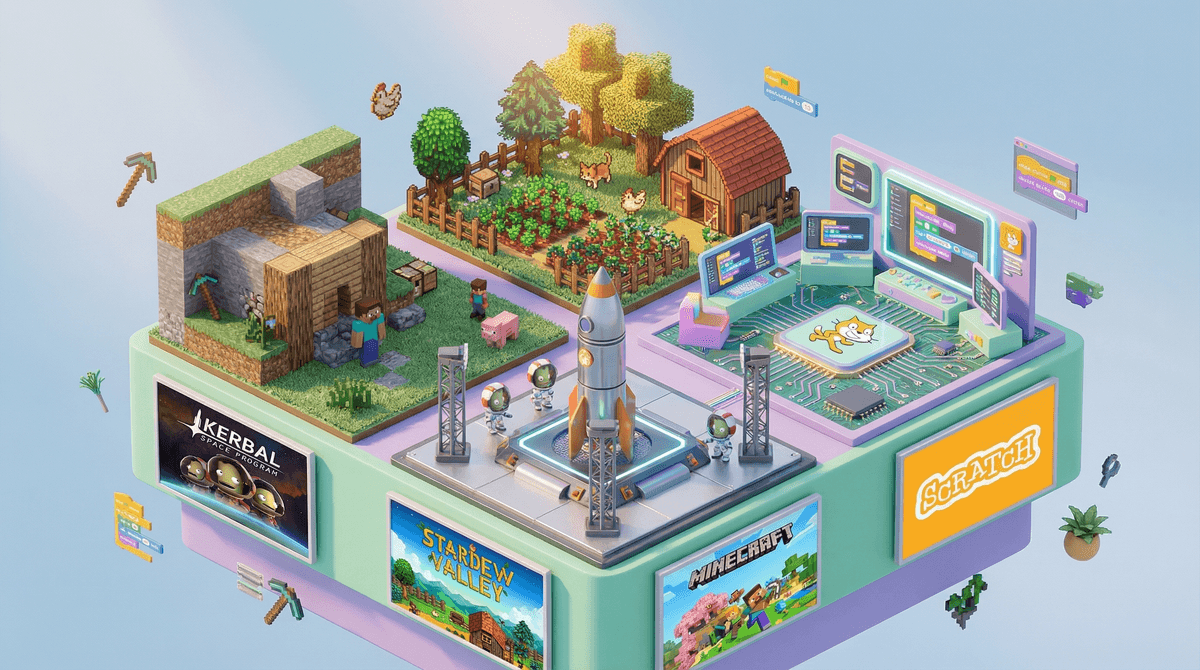
But here's what's worth understanding: the best games for kids tap into intrinsic motivation, not just dopamine hits. Games like Minecraft let kids build, create, and problem-solve. Kerbal Space Program teaches actual physics through trial and error. Stardew Valley involves planning, resource management, and even reading comprehension.
The games that should worry you? The ones that are essentially slot machines with cartoon graphics, designed to keep kids playing (and paying) without any meaningful progression or skill-building.
Here's a framework that's actually useful:
Look for games that:
- Have a clear end state or natural stopping point (not infinite scroll/play)
- Require actual thinking or creativity, not just reflexes or clicking
- Let kids create something or solve problems in multiple ways
- Don't constantly nag for money or attention
- Can be played offline (so they're not tied to servers and microtransactions)
Red flags:
- Loot boxes, gacha mechanics, or any gambling-adjacent systems
- Constant ads or purchase prompts
- Social features that expose kids to strangers without robust moderation
- Games that feel more like work than play (looking at you, most "educational" apps)
Ages 4-7: Simple mechanics, clear goals At this age, look for games with intuitive controls and short play sessions. Toca Boca apps are solid for open-ended play. PBS Kids Games actually teaches early literacy and math without feeling like homework.
Ages 8-12: Building complexity and creativity This is the sweet spot for games like Minecraft, Roblox (with serious parental controls—here's how to set those up), and Scratch for coding. Portal 2 is genuinely brilliant for spatial reasoning and logic puzzles, though it's better for the older end of this range.
Ages 13+: Strategic thinking and deeper narratives Teens can handle more complex games with mature themes. Civilization VI teaches history and strategy. Stardew Valley is cozy but involves real planning. Celeste has a beautiful story about mental health alongside challenging platforming.
Yeah, we need to talk about the elephants in the room. Roblox and Fortnite dominate kids' gaming time, and parents are constantly asking: are these actually okay?
The nuanced answer: Both can be fine with the right guardrails, but both have significant concerns.
Roblox genuinely can teach game design and even entrepreneurship—some kids are learning to code and making real money. But it's also a largely unmoderated social space where kids can encounter inappropriate content and predatory behavior. You need to lock down the parental controls and monitor what games they're playing within Roblox.
Fortnite is less concerning from a safety standpoint (better moderation, less open social features), but it's a time vampire designed to keep kids playing through FOMO and battle passes. The building mechanics do require actual skill, though, and the game has natural stopping points if you enforce them.
The "educational game" trap: Most games marketed as educational are just drilling basic skills with a game veneer. If your kid would rather do actual worksheets, that tells you something. Real learning games feel like games first.
Screen time quality matters more than quantity: An hour playing a creative building game or solving puzzles is fundamentally different from an hour watching YouTube shorts or playing an idle clicker game. Not all screen time is created equal .
.
Co-play is underrated: Playing games with your kids—even just watching and asking questions—transforms the experience. You'll understand what they're actually doing, and they'll develop more critical thinking about their play.
Free-to-play usually isn't: Games that are free to download often make their money through in-app purchases, which means they're designed to make your kid want to spend. Paying $20 upfront for a complete game is often cheaper and healthier than a "free" game that constantly nags for money.
Computer games for kids aren't inherently good or bad—they're tools that can be used well or poorly. The best games genuinely build skills, encourage creativity, and respect your kid's time and your family's money. The worst ones are designed to extract both while teaching nothing.
Your job isn't to ban all games or feel guilty about screen time. It's to be intentional about which games your kids play and how they play them. That means doing a bit of homework upfront, setting clear boundaries, and actually paying attention to what your kids are doing on screens.
Start here:
- Make a list of the games your kids currently play most often
- Look up each one to understand what they're actually doing (we can help with that)
- Set up parental controls on any social or multiplayer games
- Try playing one game with your kid this week—ask them to teach you
Want to go deeper? Check out alternatives to the most popular games or learn more about specific games your kids are asking about.
The goal isn't perfection. It's making informed choices that work for your family. And sometimes that means saying yes to Minecraft and no to that sketchy free-to-play game with cartoon characters that definitely wants your credit card.