CodeSpark Academy

CodeSpark Academy

app

Everyone, 2014, Educational

WISE
93%

WISE Score

4.6

App Store

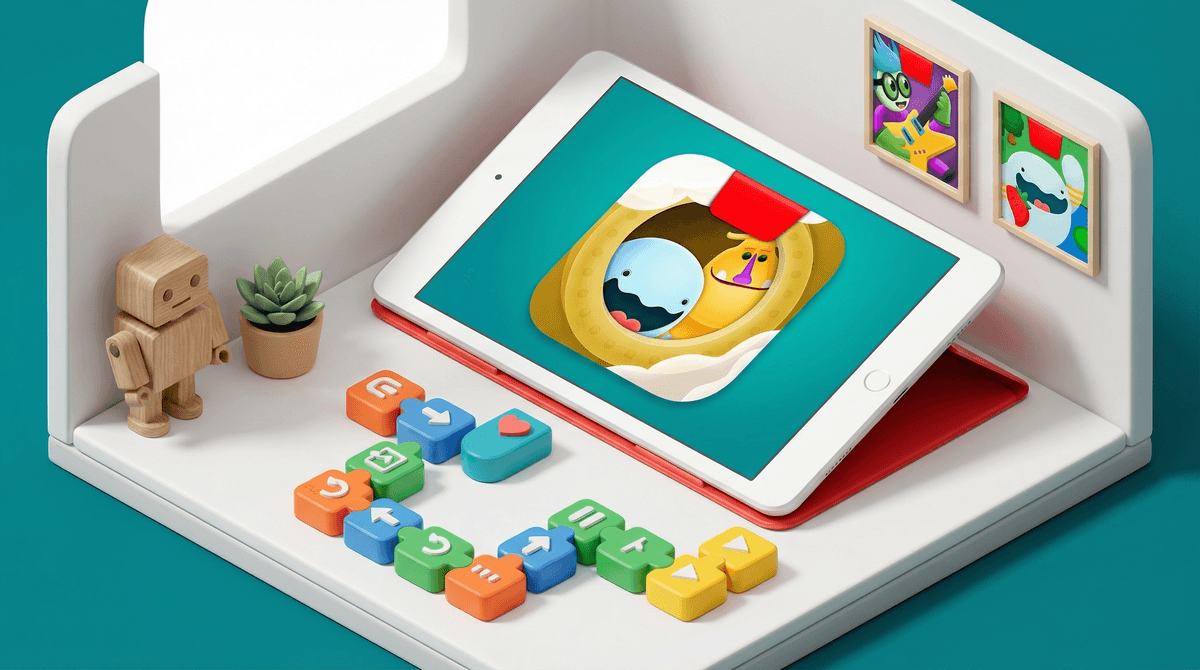
The 'no reading required' coding app that actually makes logic feel like a video game instead of a homework assignment.

Screenwise Verdict

CodeSpark Academy is the gold standard for early coding. It manages to strip away the intimidating syntax of programming and replaces it with intuitive, wordless blocks that kids just get. It’s one of the few apps where the 'educational' label isn't just marketing fluff.

If you're looking for a way to turn screen time into something productive without it feeling like 'School: The App,' this is it. It’s polished, safe, and genuinely clever. Just be prepared to help out when the puzzles get tricky—debugging is a life skill, but it can be a frustrating one for a six-year-old.

Age Fit

Best for ages 4 to 9. While the app says 3, most toddlers will just tap randomly. The sweet spot is 5-7, where the logic really starts to click. By 10, they'll likely want to move on to Scratch or more complex builders.

WISE Breakdown
Wholesome
92

The tone is bright, encouraging, and entirely focused on problem-solving. It uses the 'Foos'—cute, blocky characters—to model cooperation and persistence without any of the snark or high-octane chaos found in typical 'kid' apps.

Imaginative
88

While it starts with fixed puzzles, the 'Create' mode is surprisingly robust. Kids aren't just consumers; they're designing levels and stories, which is a major step up from basic logic games.

Safe
95

No ads, no sneaky micro-transactions, and a strictly moderated community for sharing creations. The subscription model is the price of admission for a truly walled garden.

Enriching
96

It successfully teaches complex computer science concepts—loops, variables, and conditionals—to kids who can't even read yet. It’s a masterclass in intuitive UI design for cognitive development.

Parent Info
✓

Why It Might Be Great

  • Zero reading needed which means your four-year-old can actually learn sequencing and loops before they can finish a Dr. Seuss book.
  • Creative sandbox tools allow kids to build their own games and publish them for other kids to play, providing a safe 'intro to the internet' vibe.
  • Research-backed curriculum developed with input from MIT and Princeton, so the 'play' is actually moving the needle on computational thinking.
  • Subscription sanity means once you pay, there are no 'gems' to buy or annoying ads popping up every thirty seconds.
⚠

What to Watch For

  • The complexity wall hits around level 20 for some kids; they might need you to sit with them to explain why a loop isn't closing correctly.
  • Multiplayer features like the water balloon fight are fun but can lead to the 'just one more round' loop that makes it hard to put the tablet down.
  • The subscription cost is real—it's not a one-and-done purchase, so check if your kid is actually using it before the annual renewal hits.

Conversation Starters

  • "How did you figure out how to get the Foo past that obstacle?"
  • "If you were going to build your own level, what's the hardest part you'd make players solve?"
  • "Why do you think the code needs to be in a specific order for it to work?"
  • "Can you show me how to use a 'loop' to make the character do something over and over?"

Deep Dive

Why it works

Most 'coding' apps for kids are either too simple (basically just 'move the arrow') or too hard (requiring reading comprehension that outpaces the child's logic). CodeSpark hits the middle ground by using a wordless interface. It uses visual cues and trial-and-error to teach the fundamentals of computer science. When a kid realizes they can use a 'loop' block instead of dragging five individual 'walk' blocks, you can practically see the lightbulb go on.

The 'Create' Factor

What keeps this from being a boring puzzle game is the community and creation aspect. Kids can design their own levels using the same logic they learned in the puzzles. They can then share these with the codeSpark community. Every user-generated level is moderated, so you don't have to worry about the typical 'Wild West' issues of platforms like Roblox. It gives kids a sense of agency—they aren't just playing a game; they are the architects.

Subscription vs. Value

Yes, it’s a subscription. In a world of 'free' apps that harvest data or bombard kids with ads, paying for CodeSpark is a deliberate choice for privacy and safety. It’s a clean environment. If your kid is into Minecraft or building sets, the transition to CodeSpark is seamless. If they finish all the puzzles, the monthly challenges and game-maker tools provide enough longevity to justify the cost for a year or two before they graduate to more advanced tools like Scratch.

What Parents Ask

Ask Anything

Get a personalized guide on any topic