

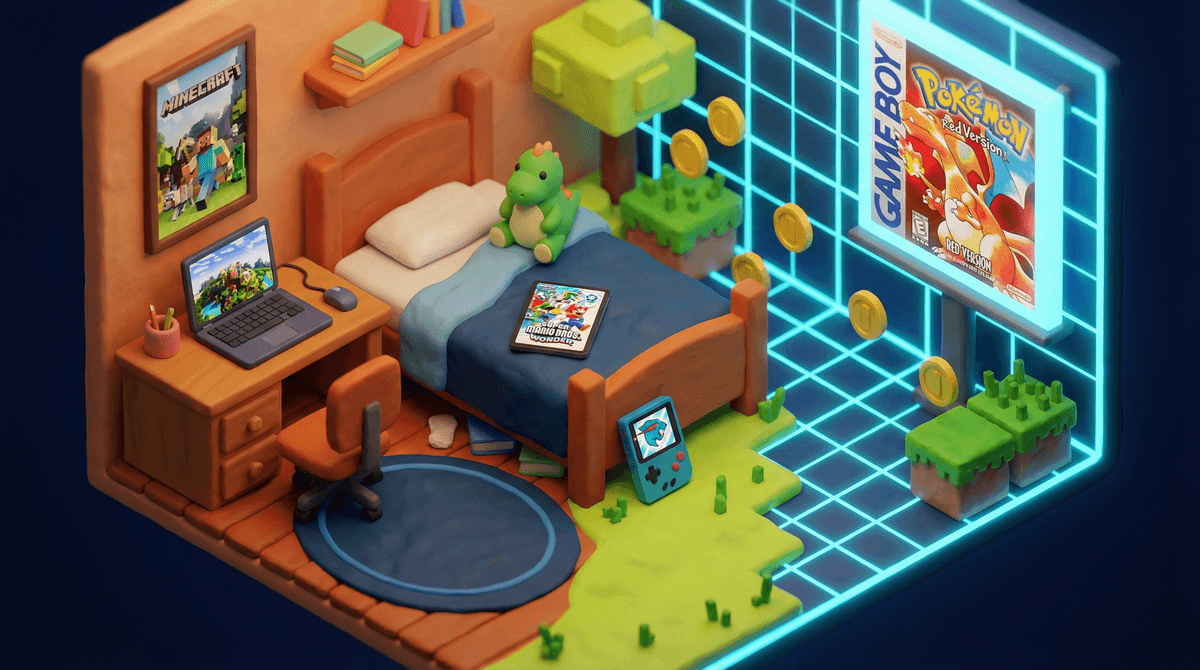
The 8-Year-Old Boy’s Guide to Growing Up Digital
Eight is a fascinating in-between: not a little kid, not a tween. Your son is confident, curious, and starting to crave independence — especially with screens. He’s learning fast, noticing what friends are allowed to do, and asking bigger questions about games, creators, and devices.
Your job isn’t to shield him from technology — it’s to help him build judgment, self-control, and curiosity in the digital world.
Eight-year-old boys are at a crossroads. They’re old enough to get how games work, form real friendships online, and develop their own interests — but they still take things literally and believe what they see on the internet. Yes, that kid on YouTube probably did not find a secret portal in Minecraft.
This is also when peer pressure heats up:
For most 8-year-old boys, the digital world revolves around gaming, YouTube, and connecting with friends. They’re starting to understand social dynamics — and FOMO lands harder than it did at six.
- Their brains are ready for more complex problem-solving and strategy. That’s why platforms like Roblox and Minecraft suddenly “click.”
- They can follow multi-step processes, understand cause and effect, and work toward goals over time.
- But they’re still concrete thinkers. Sarcasm and nuance are tough; click-bait thumbnails feel real.
- The social piece is huge. Many boys bond through shared games. He might be playing Rocket League with his best friend — while each sits at home.
Your 8-year-old is likely:
Your role: Be his teammate. Talk about what he’s seeing and doing, and connect your family’s values to his growing independence.
Where He’s At Developmentally
- Beginning to think logically and problem-solve.
- Deepening friendships; learning fairness and teamwork.
- Building empathy and emotional awareness.
- Ready to follow rules when he understands the why.
- Learning well from mistakes when guidance is calm and consistent.
What He Can Handle Digitally
- Remembering simple safety rules.
- Playing multiplayer with guidance and limits.
- Following time boundaries (with reminders).
- Exploring creativity via simple digital tools.
- Recognizing that online actions affect real people.
This is the moment to practice digital independence with guardrails.
First Devices — What to Expect
You’ll start hearing:
- “Can I get my own tablet or phone?”
- “My friends have watches that text!”
- “Why do I have to use the family iPad?”
Parent strategies:
- There’s no universal “right age.” Focus on readiness and your family’s needs.
- Shared/family devices are best for building trust.
- If connection/safety is key, consider starter options like Gabb or Pinwheel.
- Keep predictable routines (no devices in bedrooms, tech-off at meals).
- Explain why your rules may differ from other families.
Gaming (the big one)
Common titles and platforms:
- Minecraft
- Roblox
- Fortnite (T for Teen — know your stance)
- Sports games like FC 24 and NBA 2K
- Mario Kart and Super Smash Bros
YouTube (the second screen)
Frequent picks:
- Gaming creators like Preston, Aphmau, DanTDM
- Challenge videos like MrBeast
- More on the difference between platforms: YouTube vs. YouTube Kids
Social connection (rising)
- App options such as Messenger Kids
- Voice chat in games (needs rules)
- Requests for Discord because “that’s where friends are”
- “Gaming identity” takes root. Being “good at games” can feel central. That can fuel resistance to limits and anxiety around performance.
- Spillover into older content. One minute a Minecraft tutorial; next minute someone cursing through Grand Theft Auto. Toxic trash-talk and age-inappropriate themes can show up fast.
- “Everyone else gets to.” Sometimes there is a social cost to being the only kid who can’t join a Roblox server. Name it, and navigate it together.
- Strangers in open systems. Games like Roblox and Fortnite can connect kids with unknown players. Teach safety without fear.
What to Expect
- Strong interest in creative/competitive play: Minecraft, Roblox, sometimes Fortnite.
- Curiosity about older/scarier games like Five Nights at Freddy’s.
- Watching streamers (DanTDM, MrBeast) and wanting to imitate them.
- Requests to friend classmates and use chat.
- Pressure to buy currencies (learn why Robux is effectively real money
 ).
).
Parent strategies:
- Co-play to see the draw and the risks.
- Limit chat to known friends via family settings.
- Don’t store card info; agree to spending rules up front.
- Create shared time limits and predictable transitions.
- When you say “no,” explain why and offer alternatives — see “Minecraft and Roblox are Platforms, Not Video Games”.
What to Expect
Parent strategies:
- Transition slowly from YouTube Kids with co-watching.
- Use kid/teen profiles and content filters.
- Talk openly about sponsorships and ads (how YouTubers get paid).
- Ask: “Is this trying to teach, entertain, or sell something?”
What to Expect
- Interest in building, coding, and making videos.
- School projects using Google Docs and Google Slides.
- Early excitement to share work.
Parent strategies:
1) Digital Safety Basics
Challenges: clicking pop-ups, oversharing personal info, password sharing, chatting with unknown players.
Solutions:
- Keep rules simple: “Never share, never click, always ask.”
- Practice spotting fake/scammy content.
- Role-play “what to do if…” scenarios.
- Make privacy a recurring conversation, not a one-time lecture.
2) Social & Gaming Boundaries
Challenges: “Everyone else plays it,” online disagreements, tilt/rage over losses, feeling left out.
Solutions:
- Listen first and name the feeling (FOMO is real).
- Explain your decisions calmly; avoid shame or fear tactics.
- Offer substitutes that fit the same need (competition, creativity, teamwork).
- Model breaks and resets.
3) Screen Time & Transitions
Challenges: stopping mid-match, nagging for “one more round,” late-night watching, boredom defaults.
Solutions:
- Visual schedules and timers; predictable windows.
- Pair screens with responsibilities (“after homework,” “post-practice”).
- Praise smooth transitions to reinforce self-control.
- Offer compelling offline options he can “level up” in.
- Co-play is your secret weapon. Sit down and try Minecraft together.
- Set guardrails, not prisons. Time-based limits (e.g., 60–90 minutes on school days) beat endless whack-a-mole.
- Build media literacy. Ask: “Do you think that’s real?” “How do they make money?” “Why does the game push that purchase?”
- Aim for balance, not elimination. If gaming crowds out sleep, school, or exercise, that’s the signal to recalibrate.
- Stay in the loop. Know the games on his device and the YouTube channels he follows; check in regularly — things change fast.
Games:
Shows/Movies:
- Avatar: The Last Airbender
- The Bad Guys (movie)
- Turning Red (movie)
(on Netflix / Disney+, depending on availability)
Eight is a sweet spot. You still have significant influence, and he’s ready for a bit more autonomy. The habits you set now — curiosity, conversation, boundaries, respect — will carry him into the tween years.
You won’t get it perfect. Some days he’ll see something you wish he hadn’t, or spend three hours on Roblox when the timer failed. That’s normal. You’re showing up with intention — and that matters.
Start here:
- Ask your son about his favorite game or YouTube channel — and just listen.
- Revisit your screen-time routines; make them visible and predictable.
- Check parental controls — confirm they do what you think they do.
- Curious what’s trending for boys this age?
Learn more about the games your son is probably asking about.
Go deeper with Screenwise: