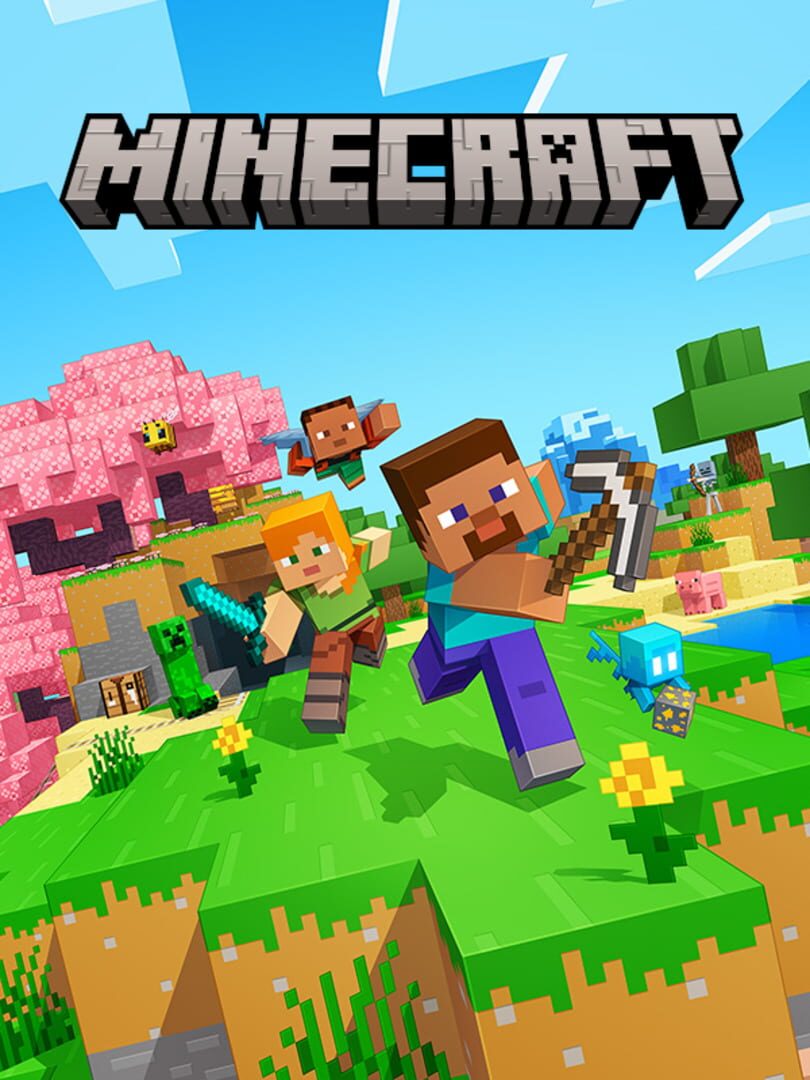
If your kid already spends their weekends terraforming digital mountains, you’ve probably wondered if they’re actually gaining skills or just zoning out. Minecraft Education is the answer to that specific anxiety. It takes the sandbox mechanics that made the original a global phenomenon and adds a layer of "wait, I’m actually learning this?" that traditional apps rarely nail.
The "Lab" Factor
The biggest differentiator here isn't just the lack of Creepers blowing up your house. It’s the specialized tools. In the standard game, you mix water and lava to get obsidian. In the Education Edition, you use an Element Constructor to build atoms by adjusting protons, neutrons, and electrons.
This moves the needle from "vague creativity" to "hard science." We’ve seen kids who usually dread the periodic table spend hours in these chemistry labs in Minecraft and Roblox because they can actually see the results of their experiments without the risk of a real-world explosion. It’s the ultimate version of "show, don't tell." If you've been skeptical about whether Minecraft building is more than just blocks, the chemistry and physics modules are the smoking gun that proves it is.
Coding Without the Boredom
Most "educational" games feel like digital flashcards with a thin coat of paint. They’re boring, and kids smell the "homework" a mile away. Minecraft Education avoids this by integrating the Code Builder.
Instead of just typing lines of syntax, kids use an in-game "Agent"—a little robot buddy—to do the heavy lifting. Want to build a 50-story skyscraper in ten seconds? You have to write the script to make the Agent do it. It bridges the gap between block-based logic and actual programming. If you’re looking at coding apps for kids, this is a top-tier starting point because the reward for a successful script isn't a gold star—it's a massive structure they can actually walk around in.
The "IGDB 70" Reality
The IGDB score of 70 might look mid compared to blockbuster titles, but you have to read between the lines. That score reflects that this is a tool, not a cinematic adventure. It doesn't have a sweeping plot or cutting-edge graphics. It’s a literal sandbox.
If you drop a kid into Education Edition without a prompt or a lesson plan, they might get bored or just try to play it like the regular version. It shines brightest when there’s a goal—like exploring a 1:1 reconstruction of the International Space Station or solving a math puzzle to unlock a door. It belongs in the category of educational games that kids actually enjoy, but it still requires that initial spark of "here's what we're doing today."
How to Handle the Access Barrier
The biggest friction point is that you can't just buy this on a whim like a skin pack. It’s designed for schools. However, if your kid has a school-issued Microsoft 365 account, there’s a high chance they already have access. If you’re a homeschooler, you can grab a subscription directly from Mojang, which is worth the effort if you want a controlled, ad-free environment where the focus is strictly on creation rather than consumption.
It’s the rare piece of software that respects the player's intelligence. It doesn't nag them with notifications or try to sell them virtual currency. It just hands them the tools of a scientist, an architect, or a coder and says, "Show me what you can do."