Moving past the "toy" phase
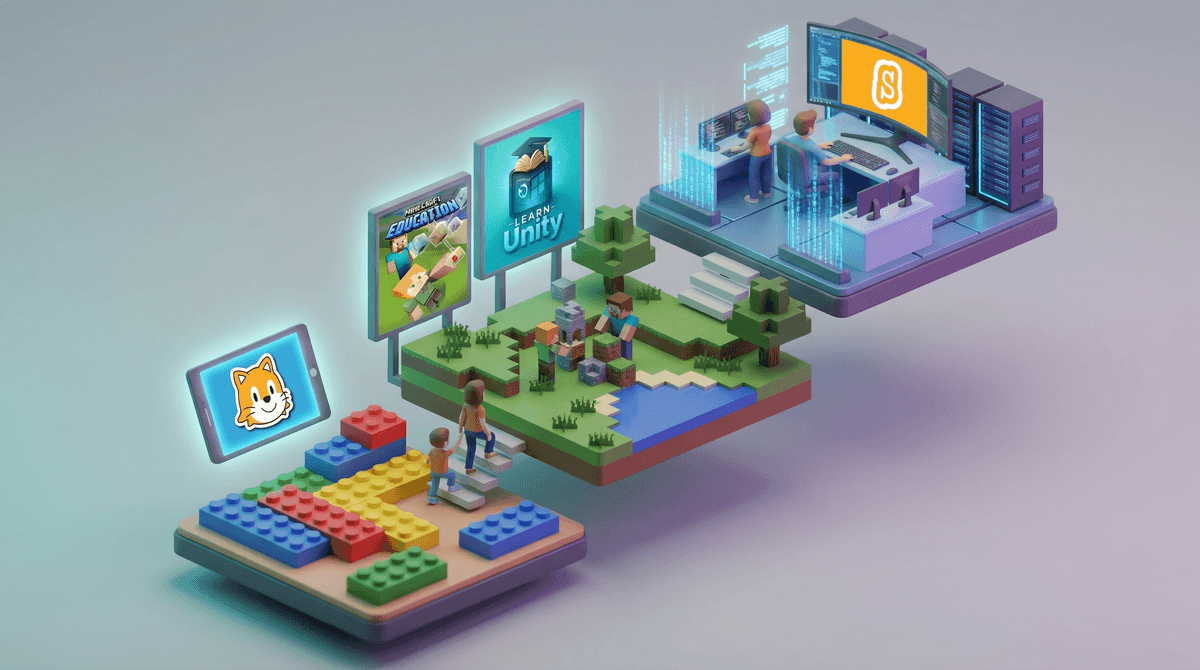
If your kid has spent years dragging blocks around in Scratch, they’ve likely hit a ceiling where the logic is there but the output feels like a walled garden. Replit is the off-ramp from those "coding toys" into the world of actual software development. It’s the difference between playing with a flight simulator and sitting in a cockpit.
The most jarring change for a kid moving from block-based tools to Replit is the shift to text and the immediate reality of deployment. When they build something here, it isn't just a project saved to a profile—it’s a live website or app with a URL they can text to a friend. That feedback loop is what makes this feel like a professional tool rather than a school assignment.
The AI Agent is the new tutor
The Replit Agent is the standout feature that makes this accessible in 2026. For a beginner, the "blank page" problem is the fastest way to quit. Instead of staring at a cursor, a kid can tell the Agent, "Make a simple workout tracker that saves my reps," and watch the code write itself.
The real magic isn't just that it builds the app; it’s that the code is editable. This allows for a "reverse-engineering" style of learning. Instead of memorizing syntax first, kids can tweak what the AI built—changing colors, adding buttons, or modifying logic. If you’re trying to figure out how to choose coding apps that won't just sit unused on a tablet, look for this kind of "low floor, high ceiling" design. It keeps the frustration low enough to prevent a rage-quit while keeping the potential high enough to stay interesting for years.
Coding on a phone shouldn't work, but it does
The idea of writing Python on a six-inch screen sounds like a productivity nightmare, but Replit’s mobile interface is surprisingly snappy. They’ve optimized the keyboard and the terminal so it doesn't feel like you're fighting the hardware.
This portability changes the "screen time" dynamic. Instead of needing a dedicated desk and a laptop, a kid can poke at a project on the bus or while waiting for practice to start. It turns passive consumption time into active creation time. If your kid is already deep into STEM education apps and tools, Replit is the natural next step once they’ve outgrown the guided puzzles of more basic platforms.
The "multiplayer" friction
Replit calls its collaboration "multiplayer," which sounds fun but is where the most parental oversight is needed. It’s essentially Google Docs for code. While it’s great for friends working on a game together, the community is massive—over 33 million creators.
Kids can "remix" (clone) almost anything they see. This is a goldmine for learning, but it also means they are one click away from seeing whatever a stranger decided to build. It isn't a social media feed in the traditional sense, but it is an open ecosystem. If you’re navigating the ultimate guide to coding apps for kids, you'll find that Replit sits in that "prosumer" category where the safety guardrails are thinner because the tool is designed for adults.
Where to start
Don't just hand them the app and walk away. Suggest they start with the 100 Days of Python course. It’s the most cited "on-ramp" for a reason—the lessons are short, the projects actually do something useful, and it builds the habit of daily creation. Once they finish the first week, they’ll know if they actually want to be a developer or if they just liked the idea of it.