Osmo

Osmo

app

4+, 2018, Games, Education

WISE
91%

WISE Score

3.8

App Store

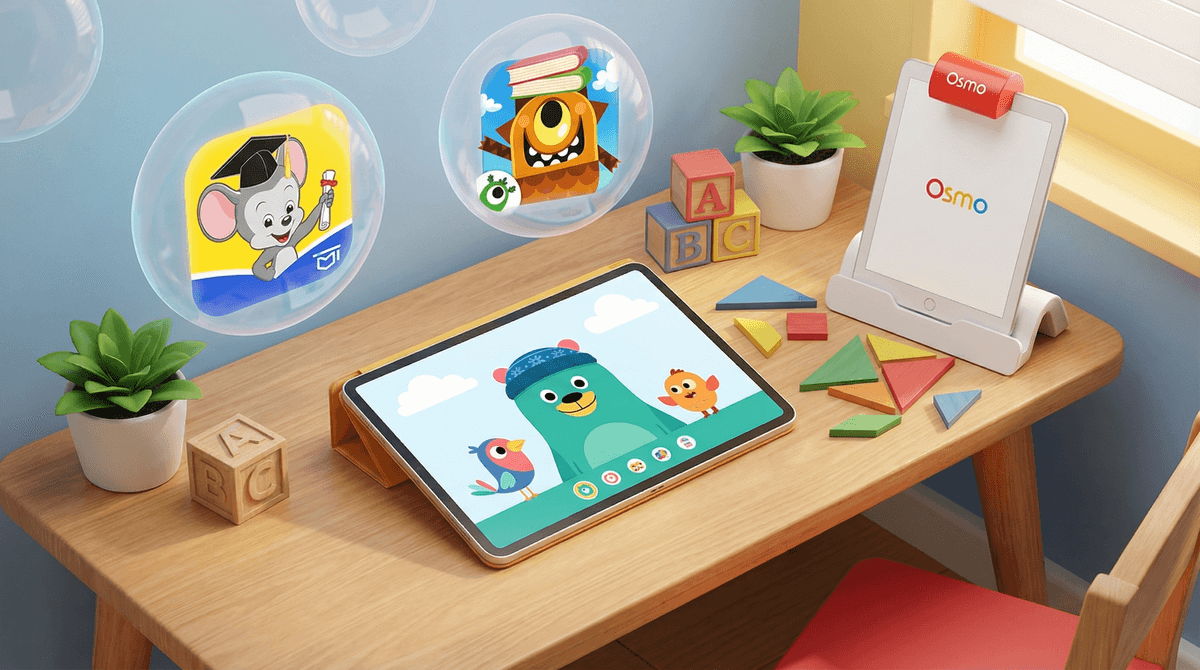
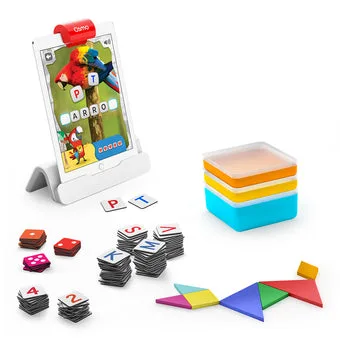
Augmented-reality learning that turns your iPad into a hands-on play surface—tiles, blocks, and drawings come to life for ages 3-12.

Screenwise Verdict

Osmo is one of the rare edtech products that actually delivers on its promise. The augmented-reality setup—physical pieces recognized by the iPad camera—feels genuinely magical to kids, and the games are thoughtfully designed to build real skills in reading, math, coding, and art. Parents love that it's ad-free, purchase-free, and comes with a companion app that tracks usage and suggests offline activities.

The downsides are practical: you need a compatible tablet, the initial setup can be annoying, and the upfront cost is real (though the quality justifies it). Older kids will outgrow the core games unless you keep buying expansions. But for families with preschool-through-early-elementary kids who want screen time that's genuinely educational and hands-on, Osmo is a standout.

Age Fit

Best for ages 3-12, with the Little Genius kit perfect for preschoolers (3-5) and the Genius kit for early elementary (5+). Older kids (10+) will need expansion packs to stay challenged, and teens will have moved on entirely.

WISE Breakdown
Wholesome
92

Osmo promotes hands-on, collaborative learning with a calm, positive tone. The augmented-reality games encourage problem-solving, creativity, and focus without chaotic pacing or competitive stress. The companion Parent app provides clear usage tracking and offline activity ideas, helping families maintain healthy screen-time boundaries. Parents consistently praise the system for keeping kids engaged in constructive, skill-building play.

Imaginative
88

The blend of physical manipulatives and digital feedback is genuinely clever—kids arrange real tiles, blocks, or drawings in front of the iPad, and the camera recognizes them to drive interactive games. This multisensory approach invites creative expression (drawing, storytelling) and open-ended problem-solving (coding sequences, building words). While the games are structured around specific learning goals, they leave room for experimentation and discovery.

Safe
95

No ads, no in-app purchases within the games themselves, and no social features or chat. The system is entirely offline once installed, with physical pieces that can't expose kids to inappropriate content. The Parent app gives clear visibility into usage and milestones. The only minor friction is the initial technical setup, which some parents found challenging, but this is a usability issue rather than a safety concern.

Enriching
90

Osmo delivers focused, curriculum-aligned practice in reading, math, coding, art, and science for ages 3-12. The tactile, game-like format keeps kids engaged while building foundational skills. Parent reviews highlight strong educational value and the ability to meet kids at their level with age-specific kits. The main limitation is that older elementary kids may outgrow the core games unless families invest in additional expansion packs.

Parent Info
✓

Why It Might Be Great

  • Clever blend of physical manipulatives and digital feedback keeps kids engaged without pure screen time
  • Curriculum-aligned games for reading, math, coding, art, and science—actual skill-building, not edutainment fluff
  • No ads, no in-app purchases, no social features—just focused learning
  • Parent app provides clear usage data, milestones, and offline activity ideas to extend the learning
  • Age-specific kits (Little Genius for 3-5, Genius for 5+) grow with your child
⚠

What to Watch For

  • Requires a compatible iPad or Kindle Fire—you're buying the games and base, not the tablet
  • Initial setup can be fiddly for less tech-savvy families (though once it's running, it's smooth)
  • Older elementary kids (10+) may outgrow the core games unless you invest in expansion packs
  • Not cheap—starter kits run $58+, and additional modules add up

Conversation Starters

  • ""What word did you build with the tiles? Can you think of another word that rhymes with it?""
  • ""Show me what you drew—how did the app turn it into a character?""
  • ""Which Osmo game is your favorite right now, and what makes it fun for you?""
  • ""What stickers did you collect today? What do you want to unlock next?""

Ask Anything

Get a personalized guide on any topic