Lightbot

Lightbot

app

4+, 2013, Games, Puzzle

WISE
91%

WISE Score

4.5

App Store

Guide a little robot to light up tiles using basic commands, loops, and procedures in a zero-fluff coding logic puzzle.

Screenwise Verdict

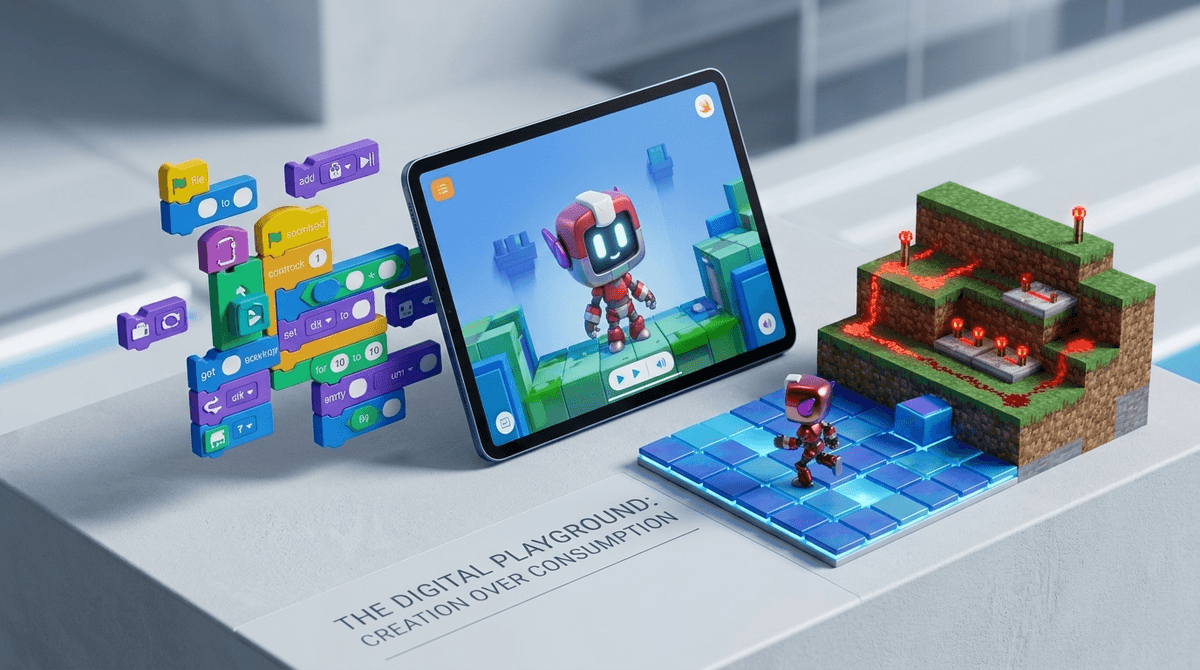
If you want your kid to understand how computers think before they ever type a line of Python, Lightbot remains one of the cleanest tools available. It strips away language syntax and turns programming into spatial puzzles: guide a robot across a grid, light up blue tiles, and conserve your command slots by building loops and procedures.

Because it was built as a paid app, it completely bypasses the modern mobile landscape of ads, subscription prompts, and daily login traps. It is a focused, quiet challenge that respects your kid's attention span while pushing their spatial reasoning and logic to the limit.


Age Fit

Best for ages 8 to 13. Younger kids (ages 4–7) will likely find the later levels brutal and should look at Lightbot Jr. instead.

WISE Breakdown
Wholesome
95

Quiet, non-violent, and completely focused on puzzle logic. Free of chaotic design, noise, or aggressive feedback.

Imaginative
82

Pushes algorithmic thinking and spatial logic, though it is a structured puzzle app rather than an open sandbox creation tool.

Safe
98

Paid app with zero ads, no in-app purchases, no chat/social features, no internet requirements, and separate local save slots.

Enriching
94

Brilliantly translates core computer science fundamentals—procedures, loops, and conditionals—into intuitive visual puzzles.

Parent Info
✓

Why It Might Be Great

  • No coding syntax to fight: Kids learn core concepts like loops, procedures, and conditionals by placing simple visual directional blocks.
  • Zero predatory mechanics: Paid upfront with no in-app purchases, no pop-up ads, and no battle passes.
  • Multiple local profile slots: Great for families or classrooms where multiple kids want to track their own progress on the same iPad.
  • Genuinely tricky late-game puzzles: Starts simple enough for elementary kids, but the later levels will challenge middle schoolers and parents.
⚠

What to Watch For

  • Steep difficulty curve: The jump from basic commands to nested functions happens quickly and can cause frustration without adult guidance.
  • Minimal story or narrative fluff: It's a pure abstract puzzle game, which means kids looking for character narrative or sandbox freedom might bounce off after 15 minutes.

Conversation Starters

  • "How did you figure out that main procedure so you didn't run out of command space?"
  • "Why do you think programmers use loops instead of writing out every single step longhand?"
  • "Where did the robot get stuck, and what step in your code broke?"

Deep Dive

Why an App From 2013 Is Still the Gold Standard for Coding Logic

Most "coding for kids" apps try to hide the learning inside a loud action game or a slow-moving story. Lightbot takes the opposite approach: it presents plain, elegant logic puzzles that feel like a real puzzle game.

Instead of wrestling with syntax errors or typing commands, kids drag arrow icons, jump commands, and light-bulb instructions into a command queue. When the queue runs out of space, the game introduces main procedures (P1, P2) and loops. Suddenly, your 9-year-old is refactoring code to make their sequence fit inside a strict limit—which is functionally identical to optimizing memory allocation in actual computer science.

How to Handle the Difficulty Spike

The biggest friction point in Lightbot is its difficulty ramp. The first few levels feel like a victory lap, but once procedures and conditional tile colors unlock, the mental load increases fast.

If your kid hits a wall, don't just hand them the answer. Sit next to them and ask them to "dry run" their code out loud—walking through what the robot will do step-by-step before pressing play. This debugging habit is the real payoff of the app.

What Parents Ask

Ask Anything

Get a personalized guide on any topic