

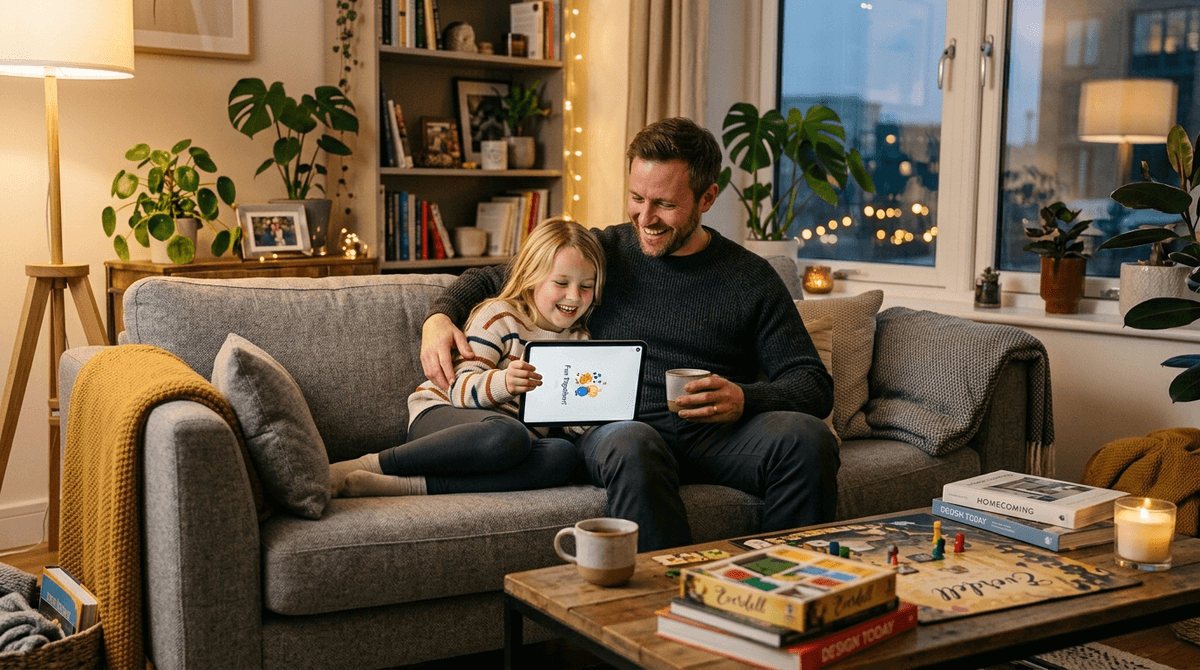
TL;DR: Screen time battles usually happen because the rules are "vibes-based" instead of system-based. To end the shouting, you need a 2025 framework that differentiates between "Digital Junk Food" and "Digital Protein," uses hard-stop automation, and respects the "social" nature of modern gaming.
Quick Links for High-Value Screen Time:
- Creative Play: Minecraft, Toca Life World, Scratch
- Quality Shows: Bluey, Hilda, The Toys That Made Us
- Family Connection: Wingspan, Codenames, Mario Kart 8 Deluxe
If you added up every "five more minutes" negotiation, every "turn it off NOW" scream, and every "just one more level" plea, the average parent spends about 96 hours a year just... shouting about screens. It’s exhausting. It’s the primary friction point in the modern home, and frankly, most of the advice out there is either too restrictive (the "No Screens Until College" crowd) or too permissive (the "iPad as a Pacifier" crowd).
In 2026, we have to deal with the fact that Roblox isn't just a game—it's the neighborhood playground. We have to understand that when a kid says something is "so Ohio," they aren't talking about geography; they’re referencing a meme they saw on YouTube.
Setting boundaries that actually work requires moving away from the "stopwatch" method and moving toward a "value-based" framework.
Most parents try to manage screen time by setting a hard limit—say, 60 minutes. But 60 minutes of Duolingo is very different from 60 minutes of scrolling TikTok or watching Skibidi Toilet compilations.
When we use a generic timer, we treat all digital calories the same. This leads to "The Tug-of-War." Your kid is in the middle of a Fortnite match with three friends. They are communicating, strategizing, and—in their eyes—doing something important. When you shout "Time's up!" from the kitchen, you aren't just ending a game; you're forcing them to "socially ghost" their friends. That’s why they fight back.

Instead of just counting minutes, start categorizing content. This helps your kids understand why some things have stricter limits than others.
1. Digital Protein (The "Good" Stuff)
This is content that requires active engagement, creativity, or learning.
- Creative Sandbox Games: Minecraft or Roblox (specifically when they are building in Studio).
- Coding & Logic: Scratch or Lightbot.
- Educational Tools: Khan Academy Kids or Prodigy Math.
- Strategy: Civilization VI or Chess.com.
2. Digital Junk Food (The "Brain Rot")
This isn't necessarily "evil," but it's passive and designed to keep them clicking.
- Short-form Video: YouTube Shorts or TikTok.
- Hyper-Casual Games: Those "color-sorting" or "infinite runner" games that are 40% ads.
- The "Weird" Side of YouTube: Infinite loops of Skibidi Toilet or unboxing videos.
The Rule: Digital Protein earns you more time. Digital Junk Food is strictly capped.
1. Use "Hard Stops" via Hardware
Stop being the "bad guy" who watches the clock. Use the tech to enforce the tech.
- Apple Screen Time: Set "Downtime" so the iPad literally locks at 7:00 PM.
- Circle Home Plus: A great way to manage every device on the Wi-Fi from one app.
- The "Save Point" Rule: Before you give the 5-minute warning, ask: "How long until you hit a save point or finish this round?" This shows you respect their hobby and prevents the mid-match meltdown.
2. The "Screen-Free Zones" (Non-Negotiables)
Boundaries work best when they are physical, not just temporal.
- The Table: No phones or tablets during meals. This includes parents. (Yes, put your phone away too).
- The Bedroom: Screens stay in the living room or a charging station overnight. This is the #1 way to protect sleep and mental health.
- The Car (Short Trips): Try to keep car rides under 20 minutes screen-free to encourage "boredom," which is where creativity actually starts.
3. Replace, Don't Just Remove
If you take away the screen, you have to provide an alternative, or you're just inviting a fight.
- Instead of Roblox: Try a high-engagement board game like Exploding Kittens or Catan.
- Instead of YouTube: Listen to a high-production podcast like Wow in the World or Brains On!.
- Instead of Fortnite: Try an outdoor activity or a graphic novel series like Wings of Fire.
Check out our guide on the best board games for screen-free nights
Ages 3–6: The "Curated Garden"
At this age, kids shouldn't have "screen time"—they should have "content time." You choose the app, you set the timer, and you stay nearby.
- Top Pick: Bluey on Disney+. It’s the gold standard of kids' TV. It’s funny, it’s not loud/obnoxious, and it actually teaches parents how to play with their kids.
- App Recommendation: Toca Life World. It’s essentially a digital dollhouse. No "winning" or "losing," just creative play.
Ages 7–12: The "Negotiated Contract"
This is the era of Roblox and Minecraft. They want autonomy.
- The Strategy: Set a weekly "budget" of hours. If they use it all on Monday, Tuesday is a dry spell. This teaches them digital regulation.
- Parental Concern: This is when they start seeing "brain rot" memes. Don't ban them—ask them to explain them. "What does it mean to have 'rizz'?" It keeps the conversation open.
Ages 13+: The "Mentorship" Phase
By now, they can bypass most filters if they really want to. The boundary shifts from "I'm locking your phone" to "Let's look at your Screen Time report together."
- The Goal: Helping them recognize when they feel "gross" after a two-hour scroll session.
- Focus on: Privacy, digital footprint, and the impact of social media on mental health.
The hardest part of screen time is the "transition" (the 30 seconds after the screen turns off). This is when the dopamine crash happens.
Pro-tip: Don't ask them to go straight from a high-octane game like Rocket League to doing homework. Give them a "buffer" activity. A snack, a quick walk, or even just 5 minutes of "staring at the wall" helps the brain reset.
Boundaries aren't about being a "tech-hater." They are about protecting the things that matter: sleep, face-to-face connection, and the ability to be bored.
If you're struggling, start small. Pick one screen-free zone (like the dinner table) and stick to it for a week. Don't worry about the "96 hours of shouting" behind you—focus on the silence of a successful boundary tomorrow.
Next Steps:
- Take the Screenwise Family Survey to see how your habits compare to your community.
- Audit your kids' tablets: delete the "junk food" apps and replace them with one "protein" app like Scratch.
- Set a "Downtime" schedule on all devices tonight.
Read our full guide on setting up parental controls on every device