

TL;DR
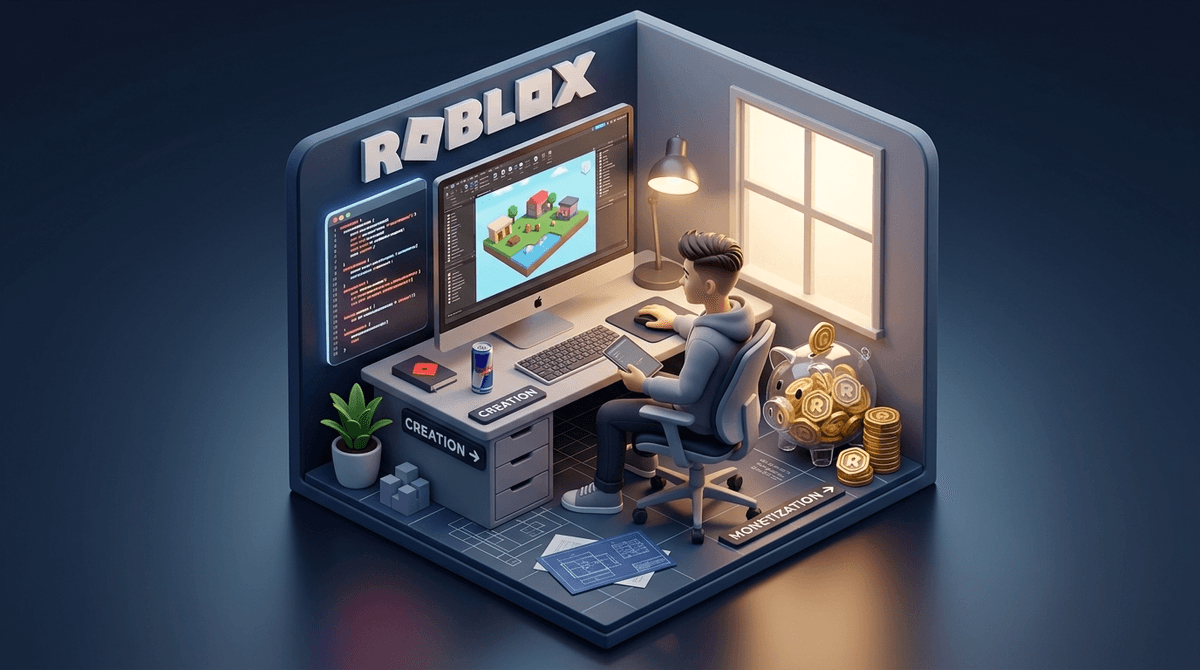
If your kid is asking to spend hours in Roblox Studio, they’ve moved past just playing "Adopt Me!" and are actually dipping their toes into game development, 3D modeling, and coding. It’s a powerful educational tool, but the "Creator Economy" side—turning Robux into real cash—is a complex, often lopsided system that requires some serious parental oversight.
Quick Recommendations:
- For Beginners (Ages 8-11): Start with Scratch to learn logic before hitting the steep learning curve of Roblox.
- For Aspiring Devs (Ages 10+): Use Roblox Studio but treat it as a hobby/learning tool rather than a "job."
- For Learning to Code: Check out Code.org or Khan Academy for foundational computer science skills.
- Safety First: Read our guide on how to set up Roblox parental controls.
If you’ve spent any time in the school pickup line lately, you’ve probably heard the term "Robux" more often than you’ve heard the names of your own neighbors. But there’s a shift happening. Instead of just asking for your credit card to buy a new "skin" or a pet, more kids are saying they want to make their own games.
They’re talking about Roblox Studio, the engine behind the Roblox universe.
It’s the digital equivalent of the classic lemonade stand, but instead of a pitcher of Country Time and a cardboard sign, your kid is dealing with 3D physics, a coding language called Lua, and a global marketplace. It’s exciting, it’s impressive, and—if we’re being honest—it’s a little bit of a headache to navigate as a parent.
The "Creator Economy" sounds like a buzzword from a Silicon Valley keynote, but for our kids, it’s a very real reality. In Roblox, almost every game (or "experience") you see was made by a user, not the company itself.
When a kid builds something in Roblox Studio and publishes it, they can charge other players Robux to access special features, items, or "game passes." Those Robux can eventually be traded back to Roblox for real US dollars through a program called "DevEx" (Developer Exchange).
This creates a massive ecosystem where kids aren't just consumers; they’re small business owners. They are learning UI/UX design, project management, and how to respond to "customer" feedback (which, in the world of 10-year-olds, is usually someone screaming in all caps that the game is "mid").
Let’s be real: we all worry about "brain rot." We see them watching Skibidi Toilet or endless loops of MrBeast and wonder if their attention spans are dissolving in real-time.
Roblox Studio is the antidote to passive consumption.
- True Creativity: It’s like a digital box of infinite Legos. They can build entire worlds from scratch.
- Coding Literacy: To make anything "do" something—like a door opening or a lava pit killing a player—they have to write code in Lua. This is a legitimate programming language used in the real world.
- Entrepreneurship: They learn about supply and demand. If they price a game pass too high, nobody buys it. If the game is buggy, their "player count" drops. These are high-level concepts disguised as a game.
Here is where we need to be the "no-BS" friend. There has been a lot of valid criticism regarding how Roblox handles its young creators.
While the dream is to become a millionaire like the creators of Adopt Me!, the reality is that Roblox takes a massive cut of the earnings—often around 70% when you factor in all the fees. Furthermore, the "DevEx" threshold is high. Your kid needs to earn 30,000 "earned" Robux before they can even think about seeing a dime of real money.
It’s also a competitive, unregulated market. Kids can spend hundreds of hours on a game only for it to be "copied" by a more experienced developer or buried by the algorithm.
See information about the controversy surrounding Roblox developer pay
Ages 8-10: The "Builder" Phase
At this age, they should mostly be playing with the "Part" tools—moving blocks around, changing colors, and maybe using "Free Models" from the toolbox. Warning: The "Toolbox" in Roblox Studio is full of items created by other users. Some of these contain "malicious scripts" that can break their game or show inappropriate content. Teach them to only use highly-rated items.
Ages 11-13: The "Scripter" Phase
This is when they start getting curious about Lua. This is a great time to supplement their interest with external resources like Scratch or Code.org to make sure they understand the "why" behind the code.
Ages 14+: The "Developer" Phase
High schoolers can actually get quite proficient. At this stage, they might start collaborating with others. This is where you need to talk about "digital contracts" and making sure they aren't being "hired" by some random person on Discord to do free labor.
If your kid is interested in building, here is how Roblox stacks up against the competition:
-
- The Vibe: Survival and creative building.
- The Pro: Much safer, "closed" environment.
- The Con: Harder to "publish" something that the whole world can play easily compared to Roblox.
-
- The Vibe: Purely educational coding.
- The Pro: Zero monetization, zero "predatory" vibes. It's the gold standard for learning logic.
- The Con: It doesn't have the "clout" of Roblox. You can't make "money" here.
-
- The Vibe: High-end graphics, professional tools.
- The Pro: Uses Unreal Engine tools—very professional.
- The Con: Higher age rating and more focus on combat-style games.
While Roblox Studio is a separate download from the Roblox player app, they are connected.
- Discord is the "Office": Most serious Roblox developers hang out on Discord. If your kid says they are "joining a dev team," they are almost certainly going to be asked to join a Discord server. This is where most of the grooming and bullying risks live. Screenwise advice: If they aren't old enough for Discord (13+), they aren't old enough to be on a "dev team."
- The Pressure to Spend: To make a game popular, kids often feel they need to spend Robux on "Sponsoring" or "Advertising" their game. This can become a gambling-adjacent loop where they keep throwing money at an ad campaign hoping their game "goes viral."
- Copyright Infringement: Kids love making games based on Skibidi Toilet or Pokemon. Roblox will eventually delete these for copyright violations, which can be devastating for a kid who spent months building it.
Instead of just saying "get off the computer," try to engage with the work they are doing. It changes the dynamic from "policing screen time" to "mentoring a hobby."
- "Can you show me the scripts you wrote today? How does this block of code make the player jump higher?" (Focuses on the skill).
- "I saw you spent 500 Robux on an ad for your game. What’s the 'Return on Investment' look like? Is it actually bringing in new players?" (Focuses on the business logic).
- "What happens if someone says something mean in the comments of your game?" (Focuses on emotional resilience).
Check out our guide on talking to kids about digital spending
Roblox Studio is one of the most robust, accessible, and potentially rewarding creative tools available to kids today. It is miles ahead of mindlessly scrolling TikTok.
However, the "Creator Economy" is designed by a multi-billion dollar corporation to benefit the corporation first. As long as you treat it as Digital Woodshop Class—a place to learn skills and have fun—it’s a win. The moment it starts feeling like a "job" where your kid is stressed about "revenue" and "conversions," it’s time to step in and remind them that they’re still just a kid with a digital lemonade stand.
- Download Roblox Studio on a PC or Mac (it doesn't work on iPads!) and have them walk you through a "Baseplate" project.
- Set a "Marketing Budget" if they want to advertise. Treat it like an allowance—once the Robux are gone, they're gone.
- Encourage balance. If they are getting frustrated with a bug in their Roblox code, suggest a break with a physical boardgame or a book like The Wild Robot by Peter Brown to reset their brain.