

TL;DR
If you’re tired of the YouTube "Up Next" algorithm leading your preschooler from a counting video to a weird, neon-colored "unboxing" fever dream, the PBS Kids Video app is your new best friend. It’s 100% free, has zero ads, and is curated by people who actually understand child development.
Top Picks for your PBS Toolkit:
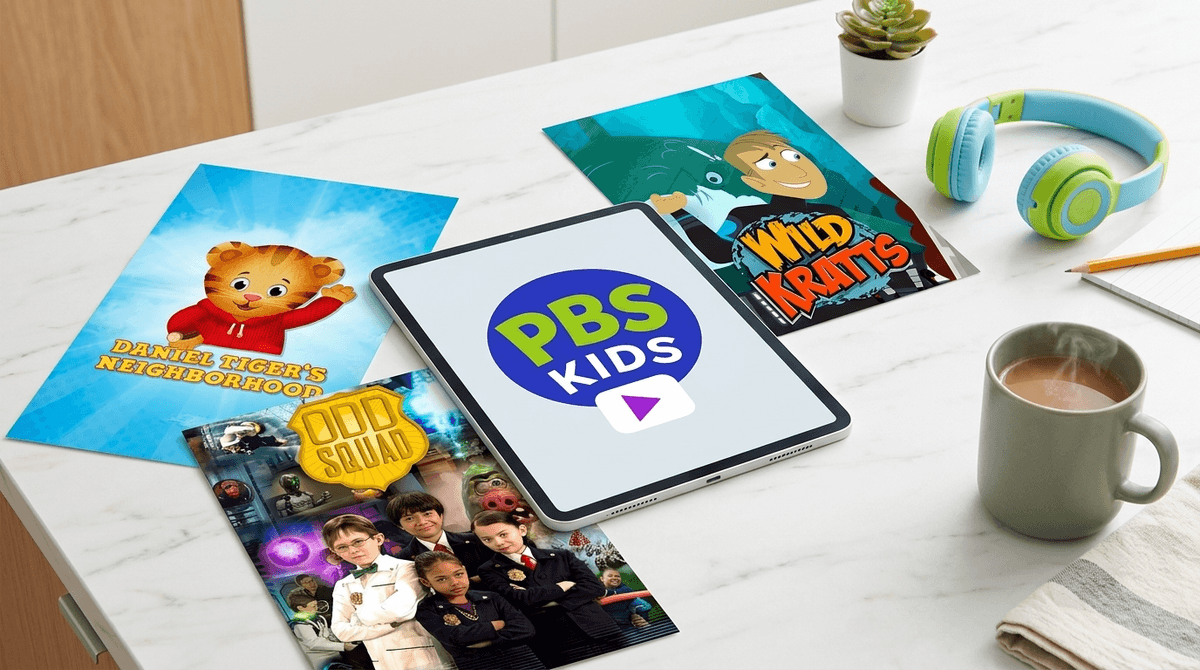
- For Emotional Intelligence: Daniel Tiger’s Neighborhood
- For Science & Nature: Wild Kratts
- For Critical Thinking: Alma’s Way
- For Math & Problem Solving: Odd Squad
- For Computational Thinking: Lyla in the Loop
Think of the PBS Kids Video app as a walled garden in a digital world that's mostly a wild, overgrown jungle. It’s a streaming service available on phones, tablets, and smart TVs that gives your kids access to thousands of clips and full episodes from PBS series.
Unlike Netflix or Disney+, there is no monthly fee. Unlike YouTube Kids, there are no "influencers" trying to sell your kid a plastic toy that will be under the couch by Tuesday. It’s just high-quality, educational content that won't make you feel like you're rotting your child's brain while you try to get twenty minutes of focused work done (or, let's be real, just drink a coffee while it's still hot).
We’ve all seen it: the "zombie stare." It happens when kids fall down a rabbit hole of low-effort, high-stimulation content. You know the stuff—loud sound effects, constant jump cuts, and characters screaming "WHATS UP GUYS" at a frequency only dogs should hear.
The PBS Kids Video app is the intentional parent's antidote to that. The pacing is deliberate. The color palettes aren't designed to overstimulate. Most importantly, the content is grounded in a curriculum. When a kid watches Work It Out Wombats!, they aren't just watching cute animals; they're learning the basics of computer science and sequencing.
Get an explanation of the difference between passive and active screen time
If you’re new to the PBS ecosystem, here’s a breakdown of the heavy hitters that actually offer value beyond just "keeping them quiet."
Ages 2-5 This is the gold standard for social-emotional learning. It’s the direct descendant of Mr. Rogers, and it’s basically a cheat code for parenting. Need your kid to try a new food? There’s a song for that. Having a meltdown about leaving the playground? There’s a strategy for that. It’s one of the few shows where kids actually apply what they learn in real-time.
Ages 4-8 If your kid is obsessed with animals, this is the one. The Kratt brothers combine animation with live-action segments to teach biology and zoology. It’s high-energy enough to keep them engaged but educational enough that they’ll start dropping facts about "creature powers" and Madagascar’s ecosystem at the dinner table.
Ages 5-8 This show is genuinely funny, even for adults. It’s a live-action series about kid agents who solve "odd" problems using math. It’s got a dry, mockumentary vibe that feels a bit like The Office for the elementary set. It’s great for showing kids that math isn't just worksheets—it's a tool for solving mysteries.
Ages 4-8 This is a gem for teaching "informational text" skills. Molly is an Alaska Native girl who uses maps, guidebooks, and websites to solve problems. In a world of "fake news" and digital literacy concerns, teaching kids how to find reliable information is a massive win.
Ages 2-5 The classic. While Sesame Street has a home on Max now, PBS still carries episodes. It remains the most researched children's show in history for a reason—it works.
Check out our full guide on the best educational shows for preschoolers
You might think kids would prefer the chaos of Roblox or the fast-paced edits of MrBeast, but there’s a reason PBS Kids remains a staple.
- Familiarity: The characters are consistent. Kids find comfort in the "neighborhood" of Daniel Tiger or the routine of Arthur.
- Agency: The app is incredibly easy for small hands to navigate. The big, colorful icons for each show allow even non-readers to find their favorite series without needing a parent to intervene every thirty seconds.
- The "Live" Factor: The app features a 24/7 live stream of the PBS Kids channel. Sometimes, kids just want to see "what's on," which removes the "choice paralysis" that often leads to tantrums on other platforms.
The PBS Kids Video app is primarily designed for the 2 to 8-year-old demographic.
- Ages 2-4: Stick to Daniel Tiger’s Neighborhood, Donkey Hodie, and Sesame Street. These shows have slower pacing and focus on foundational social skills.
- Ages 5-8: This is where Wild Kratts, Odd Squad, and Cyberchase come in. They introduce more complex concepts like fractions, environmental science, and logic.
Once a kid hits 9 or 10, they might start to feel they've "outgrown" PBS. That’s okay. At that point, you might look into the PBS Kids website for more interactive games, or transition to more mature (but still safe) documentaries.
In the Screenwise world, we’re usually pretty skeptical. We’re the ones telling you to check the chat settings on Minecraft and to be wary of the "hidden" costs in Free-to-Play games.
But the PBS Kids Video app is a rare "set it and forget it" tool.
- No Data Mining: They aren't selling your kid's viewing habits to advertisers.
- No In-App Purchases: There is literally nothing to buy. Your bank account is safe.
- No User-Generated Content: There are no comments sections, no "friends lists," and no way for a stranger to contact your child.
The only "risk" is the one inherent to all screens: it’s sedentary. But as far as content goes? It’s the closest thing to a "safe" digital space that exists in 2026.
While the app is a sanctuary, there are a couple of logistical things to keep in mind:
- Rotation: Not every episode of every show is available at all times. They rotate content. If your kid is obsessed with one specific episode of Curious George, it might disappear for a few weeks and be replaced by others. This can be a "teachable moment" about flexibility, or a nightmare if you're dealing with a very stubborn toddler.
- The "Parent" Button: There is a grown-ups icon in the corner that gives you the TV schedule and allows you to cast the video to your TV. It’s simple, but useful.
- Internet Required: Unlike some paid apps, you can't easily "download" episodes for offline use on a plane without a specific workaround (though some PBS content is available for download if you have a Prime Video subscription).
Instead of just handing over the iPad, try asking questions that bridge the gap between the screen and the real world.
- "Daniel Tiger learned how to take a deep breath today. Do you think we could try that next time we're frustrated?"
- "The Wild Kratts talked about how chameleons camouflage. Should we go outside and see if we can find anything camouflaged in the garden?"
This turns "screen time" into "learning time" and prevents the brain-fog that comes from passive consumption.
The PBS Kids Video app is a rare win for parents. It’s high-quality, it’s free, and it respects your child's developing brain. In a digital landscape designed to exploit attention spans for profit, PBS Kids is still doing the work of actually educating.
If you’re looking to prune your family’s digital garden, deleting the YouTube app from the "kids' tablet" and replacing it with PBS Kids is the single most effective move you can make today.
- Download the app: It’s available on iOS, Android, Roku, and most Smart TVs.
- Explore the PBS Kids website: If your kid wants to do more than just watch, the website has great browser-based games that tie into the shows.
- Check the WISE score: Head over to the PBS Kids Video app media page to see how our community of intentional parents rates it compared to other streaming services.