

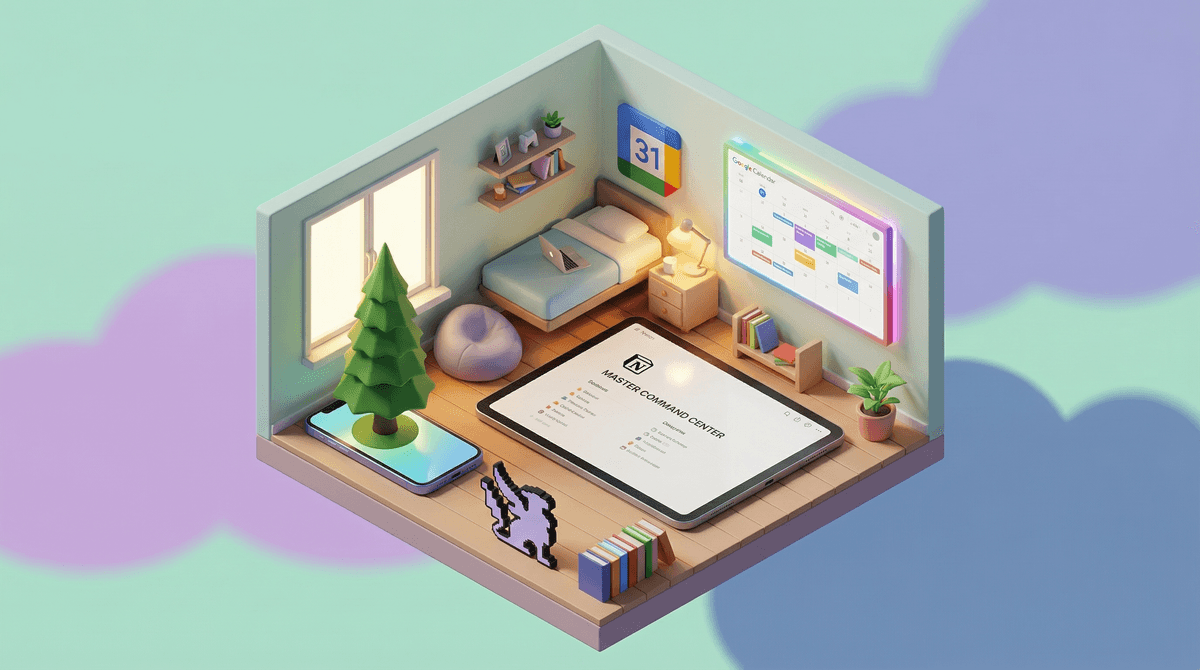
We're talking about digital planners, task managers, habit trackers, and study apps that promise to turn your scattered teen into a productivity machine. Think Notion, Google Calendar, Todoist, Forest, and a dozen other apps that look like they were designed by someone who color-codes their sock drawer.
These apps range from simple to-do lists to elaborate systems with widgets, templates, habit streaks, and enough customization options to make your head spin. Some teens swear by them. Others spend three hours setting up the perfect productivity system and then never open the app again.
Here's the thing: executive function skills don't fully develop until the mid-20s, and teens are genuinely juggling more than many adults. Between school assignments across 6-7 classes, extracurriculars, college prep, social obligations, and part-time jobs, the cognitive load is real.
The question isn't whether teens need organizational support—they absolutely do. The question is whether these apps are actually building the mental scaffolding for long-term executive function, or just becoming another thing to manage (and feel guilty about not using).
For visual processors, apps like Notion or Trello can be game-changing. Seeing everything laid out in columns or boards makes the abstract concrete. One parent told me their daughter finally stopped having panic attacks about forgotten assignments once she could see her whole week at a glance.
For dopamine seekers, gamified apps like Forest (where you grow virtual trees by staying focused) or Habitica (which turns your to-do list into an RPG) can provide the immediate reward feedback that makes task completion feel less like drudgery.
For the overscheduled, shared calendar apps like Google Calendar or Cozi can reduce the mental load of tracking who needs to be where when. This is especially helpful for families coordinating multiple kids' schedules.
The apps that work best tend to have a few things in common:
- Low friction - Opening and using them takes seconds, not minutes
- One clear purpose - They do one thing really well rather than trying to be everything
- Natural integration - They fit into existing workflows rather than requiring a complete system overhaul
But let's be real: a lot of "productivity" in teen culture has become performative. You've seen it—the aesthetic study TikToks, the perfectly color-coded notes that took longer to make than actually studying would have, the elaborate Notion templates that are more art project than functional tool.
This isn't entirely the kids' fault. We've created a culture where being busy is a status symbol and looking organized is sometimes valued more than actually being organized.
Some warning signs that an organization app has become a distraction:
- They spend more time customizing and "optimizing" their system than actually completing tasks
- They're using multiple apps that overlap in function (because they saw someone on TikTok using it)
- The app itself becomes a source of stress rather than relief
- They're constantly searching for the "perfect" app instead of working with what they have
Middle school (ages 11-14): Keep it simple. A basic shared family calendar and maybe one task app with reminders. At this age, they're still building the habit of checking a planner at all. Google Tasks or the built-in Reminders app on their phone is plenty. The goal is building the checking habit, not system complexity.
Early high school (ages 14-16): This is when the workload often spikes and they might benefit from something more robust. Let them experiment with different apps, but check in monthly about whether it's actually helping or just adding noise. Notion and MyHomework are popular here.
Late high school (ages 16-18): They should be driving their own system by now. Your role is more consultant than manager. If they want to try a new productivity method, great. If they prefer a paper planner, also great. The system that works is the one they'll actually use.
Paper isn't dead, and that's okay. Some teens genuinely focus better with a physical planner. The Bullet Journal method has a devoted following for good reason. If your teen prefers paper, don't force digital just because it seems more "modern."
The app won't fix underlying issues. If your teen struggles with organization because of ADHD, anxiety, or learning differences, an app alone won't solve it. It might help as part of a larger support system, but it's not a replacement for proper accommodations or support.
Notification management is critical. The irony of organization apps is they can create notification chaos. A teen who has reminders pinging from three different apps will start ignoring all of them. Help them set up a system where notifications are meaningful, not constant.
School-provided tools matter. Many schools now use platforms like Google Classroom, Canvas, or Schoology. Before adding more apps, make sure they're actually using the tools their teachers are already posting assignments in. Learn more about managing school platforms .
.
Organization apps can be genuinely helpful tools for building executive function—when they're used as tools, not as procrastination vehicles or anxiety generators.
The best approach? Start simple, let your teen experiment, and check in regularly about whether the app is actually making their life easier or just adding another layer of complexity.
And remember: the goal isn't to create a perfectly organized teen (does that even exist?). The goal is to help them develop systems that work for their brain, reduce stress, and actually get stuff done. Sometimes that's a sophisticated Notion dashboard. Sometimes it's a sticky note on their laptop. Both are fine.
- If your teen is drowning: Start with just one shared family calendar and one simple task app. Master the basics first.
- If they're app-hopping: Institute a one-month trial rule—they have to use an app for at least a month before switching.
- If it's not working: Have an honest conversation about whether the app is helping or hurting, and be willing to try something completely different (including going back to paper).
Want to dig deeper into specific apps? Check out our guides on Notion for students, Google Calendar family sharing, or alternatives to digital planners.