Canvas

Canvas

app

Everyone, 2012, Education

WISE
32%

WISE Score

4.7

App Store

The digital backpack your kid can't lose, but will definitely complain about.

Screenwise Verdict

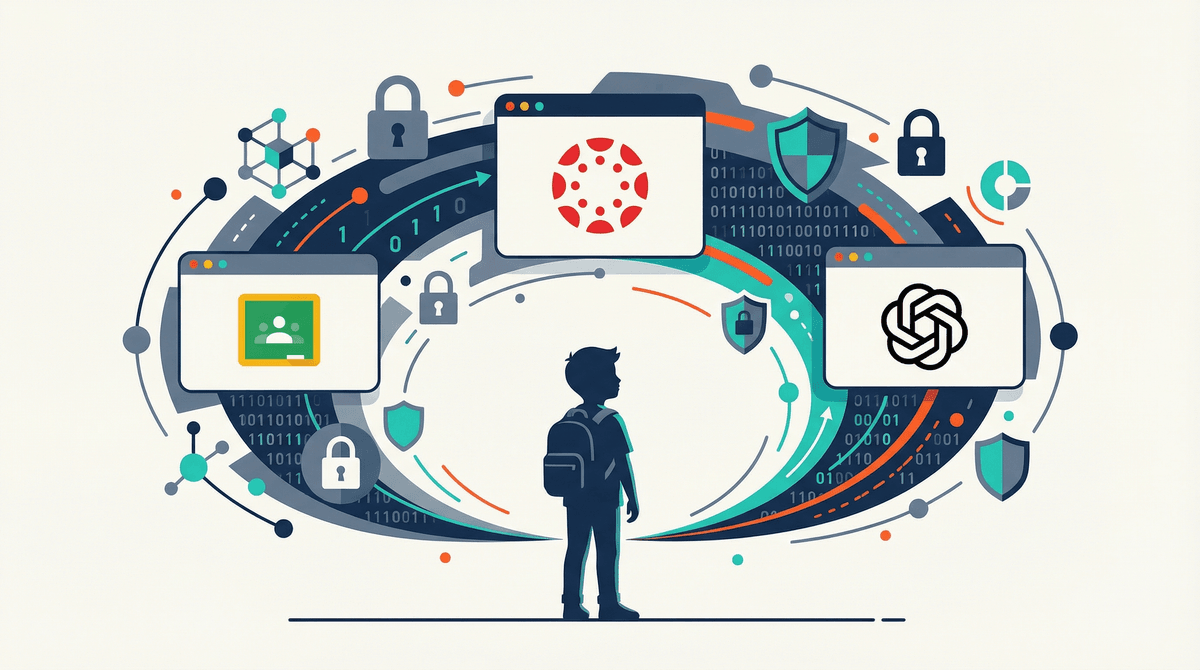
Canvas is the plumbing of modern education. You can’t live without it if your school uses it, but you’ll probably hate the interface, and the recent security mess is a loud reminder that 'institutional grade' doesn't mean unhackable.

It’s not a destination your kid chooses; it’s a job they have to do. Treat it as a utility—set it up, secure the password, and then try to get them off the screen as soon as the work is submitted.


Age Fit

Best for students aged 11 to 99. It's standard issue for middle school, high school, and college, but younger kids will find the clunky interface overwhelming.

WISE Breakdown
Wholesome
50

It's the digital equivalent of a school hallway. It isn't inherently toxic, but it doesn't offer the emotional warmth or character-building of great media. It's a functional utility that kids associate with stress and deadlines.

Imaginative
10

Canvas is a filing cabinet with a login screen. Unless a teacher specifically assigns a creative project, the app itself offers zero opportunities for building, curiosity, or original thought.

Safe
35

Capped due to a major security breach on May 26, 2026. Student names, emails, and messages were accessed, making phishing a high risk. Additionally, behavioral tracking (login times, file views) is constant.

Enriching
40

While it facilitates schoolwork, it often adds unnecessary screen time for tasks that could be done offline. It’s an administrative tool, not a learning catalyst.

Parent Info

Why It Might Be Great

  • Centralized chaos. No more 'I lost the worksheet' excuses; every assignment and deadline is in one digital pile.
  • Real-time grades. You can see that missed math assignment at 4 PM on Tuesday instead of finding out at report card time.
  • Direct line. It's the easiest way to message a teacher without hunting for an email address that doesn't bounce.

What to Watch For

  • The 2026 Breach. A major hack just hit; names and emails are out there. Watch for phishing scams in your inbox claiming to be school support.
  • Behavioral Tracking. The app logs exactly when your kid opens a file and how long they stay. It's a lot of surveillance for a middle schooler.
  • Notification Fatigue. If you don't curate the alerts, your phone will buzz every time a teacher updates a syllabus or breathes.

Conversation Starters

  • "How's the interface treating you today—any bugs making homework harder?"
  • "Did you check the feedback on that last essay, or just the grade?"
  • "Have you seen any weird emails lately asking you to reset your school password?"
  • "How much of your school day is spent just clicking through this app?"

Ask Anything

Get a personalized guide on any topic