Google Classroom

Google Classroom

app

Everyone, 2015, Education

WISE
65%

WISE Score

2.0

App Store

The digital homework folder your kid's school makes them use—functional, safe-ish, and about as exciting as a three-ring binder.

Screenwise Verdict

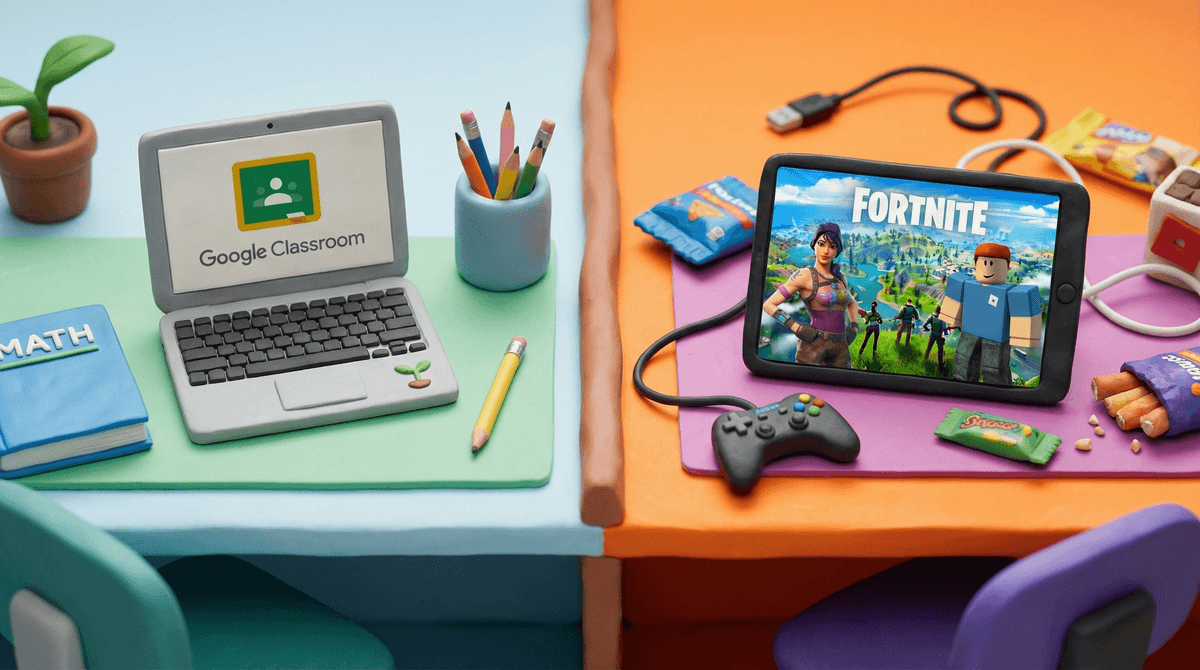
Google Classroom is the digital equivalent of a homework planner and filing system—utterly boring but genuinely useful. It's not trying to be fun or engaging; it's infrastructure.

The good news: it's actually well-designed for what it does, with no ads and solid privacy protections for school accounts. It teaches organizational skills and digital literacy that kids legitimately need. The bad news: it's a homework app, which means kids will hate it on principle, flooding app stores with one-star reviews that have nothing to do with the app's actual quality.

Safety-wise, it's pretty solid within the closed ecosystem of a classroom, but cyberbullying in discussion threads is a real concern that requires teacher vigilance. The app itself can't prevent kids from being jerks to each other in the comments.

Bottom line: You're not choosing this app—your school is. It's fine. It works. Your kid will complain about it constantly, but that's about homework, not the app itself.
Age Fit

This is a school-assigned tool, so age appropriateness is determined by whether your kid's school uses it (typically grades 3-12, sometimes earlier). It's not something kids choose to use for fun—it's institutional software that comes with enrollment.

WISE Breakdown
Wholesome
78

Designed for educational communication between teachers and students with a professional, focused interface. Promotes organization and collaboration in a school context. No toxic social dynamics or chaotic elements, though the app itself is purely functional rather than emotionally nurturing.

Imaginative
35

This is a utilitarian workflow tool—it organizes assignments, facilitates file sharing, and manages classroom communication. Zero creative expression or exploration built into the platform itself. It's a digital filing cabinet and announcement board, not a space for building or creating.

Safe
82

No ads, no content used for advertising purposes per Google Workspace for Education policies. K-12 student data protected by regulations that prevent tracking and data collection. Potential risks include cyberbullying through class comments/discussions and possible contact with strangers if class codes are shared improperly, but these are manageable with proper school oversight. Overall a controlled, institutional environment.

Enriching
68

Teaches digital organization, time management, and online communication skills that are genuinely useful for modern students. The paperless workflow and structured assignment system help develop executive function skills. However, it's a container for education rather than educational content itself—the enrichment comes from what teachers put into it, not from the app.

Parent Info

Why It Might Be Great

  • Teaches real organizational and time-management skills that translate to college and work
  • No ads or data tracking for K-12 students under school accounts—genuinely privacy-respecting
  • Paperless workflow actually does make keeping track of assignments easier than the backpack black hole
  • Parents can be added to monitor what's happening in each class without hovering over their kid's shoulder

What to Watch For

  • Cyberbullying can happen in class discussion threads—check your school's monitoring policies
  • Class codes shared publicly could theoretically allow strangers to join, though schools should be managing this
  • It's only as good as the teacher using it—some educators are organized wizards, others just add digital clutter to the chaos
  • Kids universally hate homework apps and will complain about this constantly (the app is fine, they just hate assignments)

Conversation Starters

  • "Show me how you organize your assignments in Classroom—do you use any tricks to keep track of due dates?"
  • "Has anyone in your class ever said something mean in the discussion section? How did the teacher handle it?"
  • "Do you prefer getting assignments on paper or digitally? What makes it easier or harder for you?"

Ask Anything

Get a personalized guide on any topic