

TL;DR
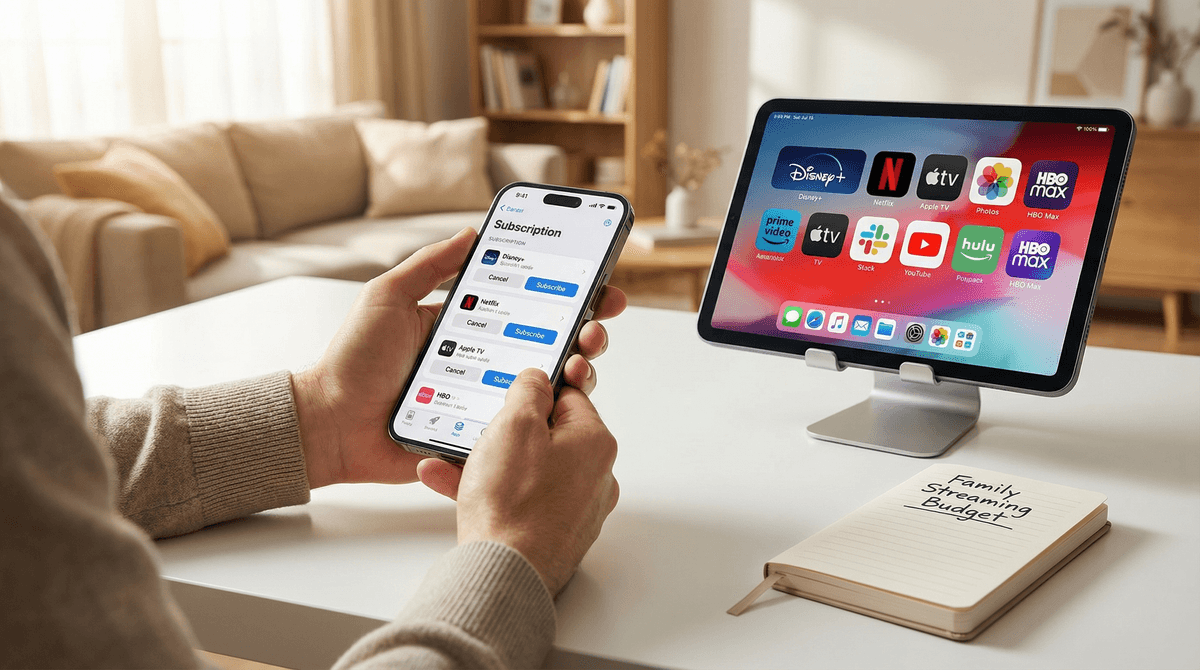
Stop paying "the lazy tax" on apps your kids haven't opened since 2023. The smartest move right now is the Streaming Swap: keep one or two "anchor" services and rotate the others based on specific releases.
Quick links for the current heavy hitters:
- The Gold Standard: Bluey on Disney+
- Quality over Quantity: The Wild Robot (Check Vudu/Fandango or Apple TV+)
- The "Brain Rot" Alternative: PBS Kids (Free and actually good for their heads)
- The Tween Magnet: Stranger Things on Netflix
Remember when Netflix was $8 and had everything? Those days are deader than a Tamagotchi. We’re currently living through "streamflation"—where every network has its own $15/month app, and they’ve all started charging extra to remove ads.
If you aren't looking at your credit card statement, you’re likely spending $60–$100 a month on digital content. For most of us, that's a "lazy tax." Our kids get obsessed with one show—maybe it's Avatar: The Last Airbender or a specific Minecraft creator on YouTube—and we keep paying for five other platforms "just in case."
Managing these subscriptions isn't just about the money; it's about intentionality. When we prune the options, we actually reduce the "choice paralysis" that leads to kids scrolling for 40 minutes instead of actually watching something.
The most effective way to manage the budget without a mutiny is to adopt a Rotation Schedule.
1. Identify Your "Anchors"
Pick one or two services that your family uses daily. For families with toddlers to elementary kids, this is almost always Disney+. For families with teens, it’s usually Netflix or Max.
2. The "Monthly Guest"
Every other service—Paramount+, Peacock, Apple TV+—should be a "guest." Subscribe for one month, watch the specific show everyone is talking about, and cancel immediately. Most apps allow you to cancel the same day you sign up while still keeping access for the full 30 days.
3. Use the Bundles (But Do the Math)
The Disney/Hulu/Max bundle is currently the best "bang for your buck" if you have kids of multiple ages. However, if your kids are strictly into Roblox and YouTube, even a "good deal" bundle is a waste of money.
Check out our guide on the best streaming bundles for families
Not all content is created equal. Some of it is high-value storytelling, and some of it is pure "brain rot"—that over-stimulating, loud, neon-colored junk that leaves kids cranky and "Ohi-fied."
The Verdict: Essential for ages 2-10. Between Bluey (which is basically therapy for parents) and the Marvel / Star Wars catalogs, it's hard to cut this one. If your kids are older, though, and they've moved on to Fortnite, you might find this app gathering digital dust.
The Verdict: The "Quality" Choice. Apple doesn't have the biggest library, but they have the highest "not-garbage" hit rate. Shows like Fraggle Rock: Back to the Rock and Snoopy in Space are fantastic. It’s a great "guest" service to sub to for a month during winter break.
The Verdict: The Chaos Choice. Netflix is a mixed bag. For every masterpiece like Klaus, there are ten weird, low-budget animated shows that feel like they were written by an AI on a fever dream. Use it for Stranger Things or Wednesday, but don't be afraid to let it go during the off-season.
The Verdict: The Safety Choice. If your kids are watching YouTube anyway, the Premium sub is actually a safety feature. It removes the targeted ads that try to sell them toys or MrBeast products every six minutes. It’s pricey, but for many intentional parents, "no ads" is a hill worth dying on.
The Ad-Tier Trap
Most services now offer a cheaper tier with ads. While it saves you $5–$7 a month, ask yourself: What is the cost of the marketing? For younger kids, ads are incredibly effective at creating "the gimmies." If you're trying to reduce consumerism in your house, the ad-free tier is usually worth the extra few bucks.
Password Sharing is Over
In 2025, the "sharing a login with Grandma" era is mostly dead. Netflix and Disney+ have cracked down hard. Don't waste time trying to hack the system; it’s better to just rotate your own subs.
The "Hidden" Freebies
Before you buy another sub, check your local library. The Libby app and Kanopy offer a ton of movies and shows for free with a library card. Also, PBS Kids is consistently the best educational content available, and it costs $0.
Learn more about free educational alternatives to paid streaming
When you decide to cancel a service, your kids might act like you’re deleting their entire social life. Here’s how to frame it:
- Make it a Family Vote: "We’re keeping Disney+ this month, but we can only have one other. Do we want Netflix for the new season of that show, or Paramount+ for the movies?"
- The "Waitlist" Concept: Teach them that shows aren't going away forever; they’re just "on break." This helps build a little bit of delayed gratification in an era of instant "I want it now."
- Focus on Quality: "We noticed that YouTube makes everyone a little cranky, so we’re going to spend more time watching a movie together on Friday nights instead."
Managing subscriptions isn't about being cheap; it's about being the gatekeeper of your home's digital environment. By rotating services, you save money and you curate a better selection of content for your kids.
Next Steps:
- Audit: Look at your bank statement today. If you haven't watched a specific app in 30 days, cancel it.
- Anchor: Pick your family's "must-have" and let the rest be temporary.
- Set a Reminder: Use your phone to set a "Cancel Subscription" alert for 28 days after you sign up for a "guest" service.