

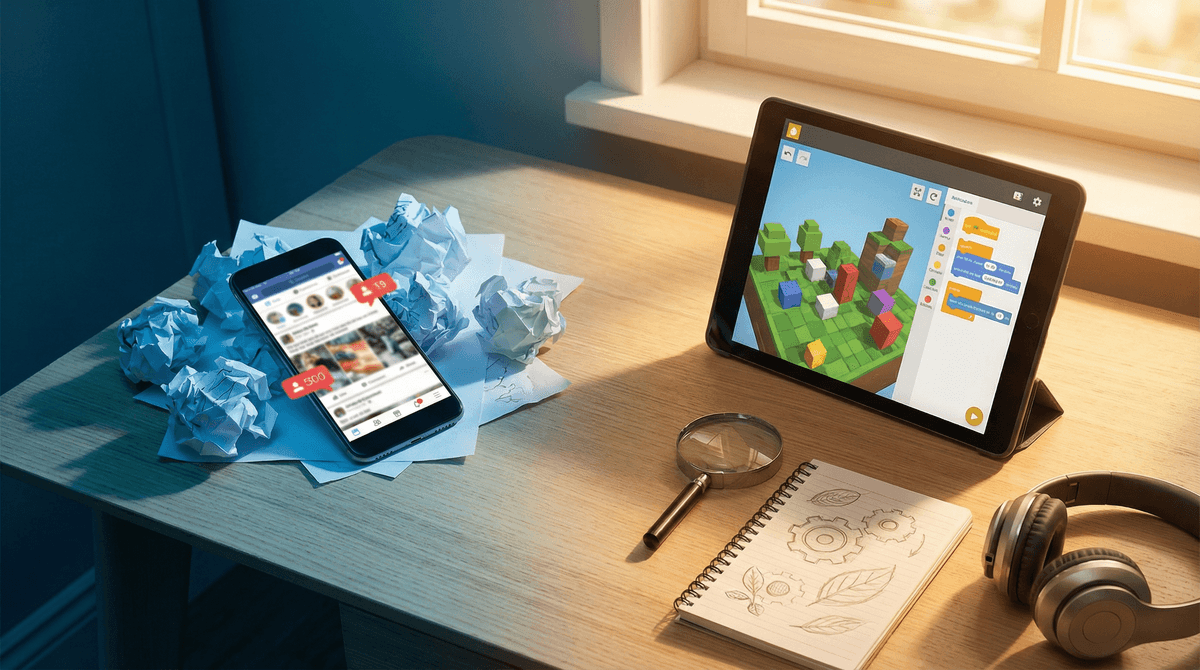
TL;DR: You can stop feeling guilty about the iPad. The goal isn't just to "limit" screen time, but to pivot from passive consumption (doomscrolling) to active discovery. By using tools like Minecraft, Scratch, and even ChatGPT as curiosity engines, kids can move from being "digital zombies" to "digital creators."
Quick Picks for Active Learning:
- Best for Coding: Scratch (Ages 8+)
- Best for Science: Mark Rober on YouTube (Ages 6+)
- Best for Critical Thinking: Kerbal Space Program (Ages 10+)
- Best for Audio Discovery: Wow in the World (Ages 5-12)
We’ve all been there: you look over and your kid is three levels deep into a "Skibidi Toilet" marathon or watching a grown man scream at a neon-colored video game for the forty-seventh minute in a row. It feels like brain rot. It looks like brain rot. And honestly? A lot of it is brain rot.
But there’s a massive difference between a kid who is scrolling TikTok until their eyes glaze over and a kid who is using a screen to figure out how to build a functioning redstone circuit in Minecraft. One is a dead end; the other is a gateway to engineering.
The shift we’re talking about is moving from Consumption to Curation and Creation. It’s about cultivating a "Deep Dive" mentality where the screen is a tool for curiosity, not just a pacifier.
The "screen time" debate is often framed as a binary: screens are bad, outdoors/books are good. But in 2026, that’s just not how the world works. Curiosity is a muscle, and for this generation, the internet is the gym.
If a kid gets obsessed with a topic—say, Greek Mythology—because they played Hades or read Percy Jackson, and then they spend three hours on Wikipedia or YouTube researching whether Zeus was actually that much of a jerk (spoiler: he was), that’s high-level learning. That’s a deep dive. Our job isn’t to pull the plug; it’s to point the firehose of information in a productive direction.
We can't talk about curiosity without talking about AI. While schools are busy worrying about kids using ChatGPT to cheat on essays, intentional parents are using it as the ultimate "Why" machine.
Instead of you having to explain for the tenth time why the ocean is salty (and maybe getting it wrong), kids can use AI to follow their own rabbit holes.
- "Why do cats purr?"
- "Show me a Python script that makes a cat emoji bounce on the screen."
- "Explain black holes like I'm five."

Most parents see Roblox and see a platform designed to drain their bank account via Robux. And look, they aren't totally wrong. But Roblox is also a massive entry point for game design.
If your kid loves Roblox, the move is to get them into the "Studio" side of things. This is where they stop playing the "Obby" and start building it. They have to learn Lua (a coding language), 3D modeling, and even basic economics if they want people to play their game. It’s entrepreneurship with a blocky coat of paint.
This is the gold standard. Whether they are learning about chemistry by combining elements or exploring a 1:1 scale model of Ancient Egypt, Minecraft is the ultimate "curiosity engine." It’s basically digital LEGOs on steroids, and the math required to build complex structures is no joke.
If you're going to give them the remote or the tablet, steer them toward content that actually respects their intelligence.
Mark Rober is the king of "stealth learning." Kids think they’re watching a guy build a glitter bomb to prank package thieves, but they’re actually getting a masterclass in mechanical engineering and the scientific method. It’s high-energy, funny, and 100% curiosity-driven.
This channel is visually stunning and tackles massive questions: "What happens if we detonate all nuclear weapons at once?" or "How does the immune system work?" It’s sophisticated, slightly existential, and perfect for the kid who asks the "big" questions.
For car rides or "quiet time" that doesn't involve a screen, this is the goat. Guy Raz and Mindy Thomas make science hilarious. It’s the kind of content that makes kids say, "Wait, did you know that some frogs can freeze solid and then wake up?"
Developed by MIT, this is the best place for a kid to start coding. It’s block-based, so they don't have to worry about syntax, but the logic is real. They can make animations, games, and interactive stories. It’s pure "active discovery."
Curiosity looks different at every stage. Here’s how to frame the "Deep Dive" based on where your kid is:
- Ages 5-7: Focus on "How things work." Use StoryBots on Netflix or PBS Kids to answer basic questions. This is the stage where you want to co-view as much as possible to help them connect what’s on the screen to the real world.
- Ages 8-12: This is the "Maker" stage. Introduce Minecraft, Scratch, and National Geographic Kids. Start encouraging them to find "how-to" videos for their real-life hobbies (like drawing, soccer, or LEGO building).
- Ages 13+: This is the "Specialist" stage. If they’re into music, show them Ableton or GarageBand. If they’re into history, point them toward long-form video essays or Khan Academy.
The biggest danger of the internet isn't just "bad content"—it's the algorithm. Platforms like YouTube and TikTok are designed to keep you watching, not to help you learn.
How to talk about it: Sit down with your kid and look at their "Recommended" feed. Ask them: "Why do you think the computer wants you to watch this next?" Help them understand that they can be the boss of the algorithm by searching for specific things they love, rather than just eating whatever the feed serves them.
While we want to encourage curiosity, "active discovery" can sometimes lead kids to corners of the web they aren't ready for.
- Search Filters: Use Google SafeSearch and YouTube Kids for younger children.
- AI Supervision: If they are using AI tools, do it together. AI can "hallucinate" (make stuff up) or occasionally touch on mature topics.
- The "Check-In": Make it a rule that if they find something weird or "off" during a deep dive, they can show you without getting in trouble. Curiosity requires a safety net.
The goal of Screenwise isn't to make you a "no-screen" parent; it's to help you be an intentional one.
When your child is using a screen to create, to solve a problem, or to understand a complex topic, that's not "screen time"—that's education. The next time you see them glued to a device, don't just look at the clock. Look at the content. If they're in "zombie mode," it's time to pivot. If they're in "explorer mode," let them keep digging.
- Identify one interest: Ask your kid one thing they’ve been wondering about lately.
- Find a "Deep Dive" tool: Whether it's a YouTube channel or a website, find one high-quality source for that interest.
- Try a "Creation" app: Download Scratch or open up Minecraft and challenge them to build something specific.
Take the Screenwise survey to see how your family's habits compare to your community